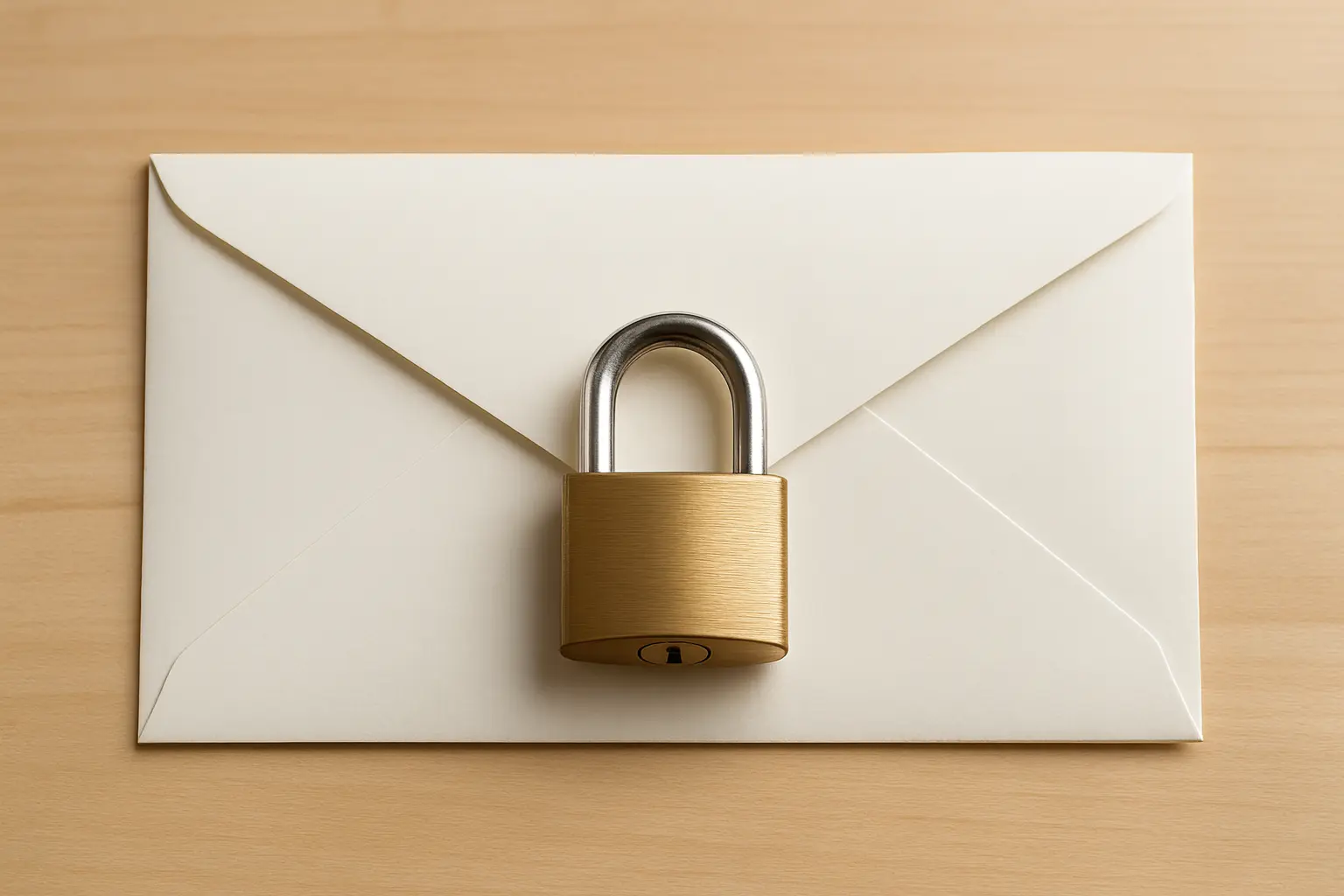
Remote Work Tools for Productive & Secure Teams

Why Remote Teams Need the Right Tools
Remote work increases efficiency and lowers costs, but the wrong systems can cause project delays and compromise sensitive information. A complete digital toolkit ensures secure document transfer, smooth communication, and effective collaboration.
Common Challenges
- Time zone overlap: Real-time meetings become hard to arrange.
- Scattered communication: Messages spread across various platforms due to scattered communication.
- Accountability drop: Lack of proper tracking reduces urgency.
- Isolation: Employees may feel alone and unsupported.
Security Risks
- Duplicate or lost tasks: Poor oversight creates confusion.
- Unprotected messaging: Leads to misaligned work and exposure.
- Sensitive data leaks: Sent via unsecured emails or links.
- Unapproved apps: Staff might use risky, non-vetted tools.
Tip: Use tools that are easy to communicate with, work well with the software you already use, and keep your information safe and secure.
1. Secure File Sharing & Document Transfer
Filemail
Filemail uses end-to-end encryption, password protection, and email verification to keep data safe. Its drag-and-drop interface and mobile app make it easy to share encrypted files or email attachments on any device. You can send files directly to any email account, and recipients get a secure download link for safe access.
Dropbox / Google Drive / OneDrive
These secure cloud storage platforms offer real-time syncing and file access controls. Google Drive integrates email login for easy document sharing and works smoothly with common email clients. These platforms integrate easily with common workplace apps and support strong version control. Teams can collaborate in real time while still controlling who can view or edit sensitive files.
2. Communication Platforms for Remote Teams
Slack
A flexible messaging platform with structured channels and async conversations. Its searchable message history makes it easy to find past discussions, reducing repeated questions or lost information. Slack allows document sharing, tags the intended recipient, and optimizes for mobile access.
Microsoft Teams
Combines chat, video and secure file exchange and includes strong security features. Since it works with Microsoft 365, teams can schedule meetings, edit files together, and manage projects from one platform. It works with Microsoft 365 and Outlook and includes encryption and data protection tools to guard against breaches.
3. Video Conferencing & Virtual Meetings
Zoom
Offers secure HD video, screen sharing, and breakout sessions. Zoom uses email verification, secure meeting links, and encryption protocols for private discussions.
Google Meet
Works directly in your browser—no software required. Tied to Gmail and Calendar, it enables cloud storage access and supports transport layer security (TLS).
4. Task Management & Collaboration
Trello
A visual, user-friendly task board where teams can assign, move, and manage tasks. Its visual layout lets teams see progress at a glance, while Trello helps them organize projects and keep tasks on track.
Asana
Offers dashboards, due dates, and project assignments. Makes it easier to understand how to email documents and safely share files within secure workflows.

5. Password & Credential Management
1Password
Securely stores login credentials and encryption keys. The system protects email login details and restricts access to the intended recipient only.
Bitwarden
An open-source password manager that ensures data security and controlled access. It helps prevent data breaches through encrypted credential storage.
6. Productivity & Time Tracking Tools
Toggl Track
Simple timer-based tracking across devices. Helps monitor billable hours and attach activity logs to email servers and client reports.
RescueTime
Analyzes digital habits to identify focus areas. It respects user privacy while maintaining secure data standards.
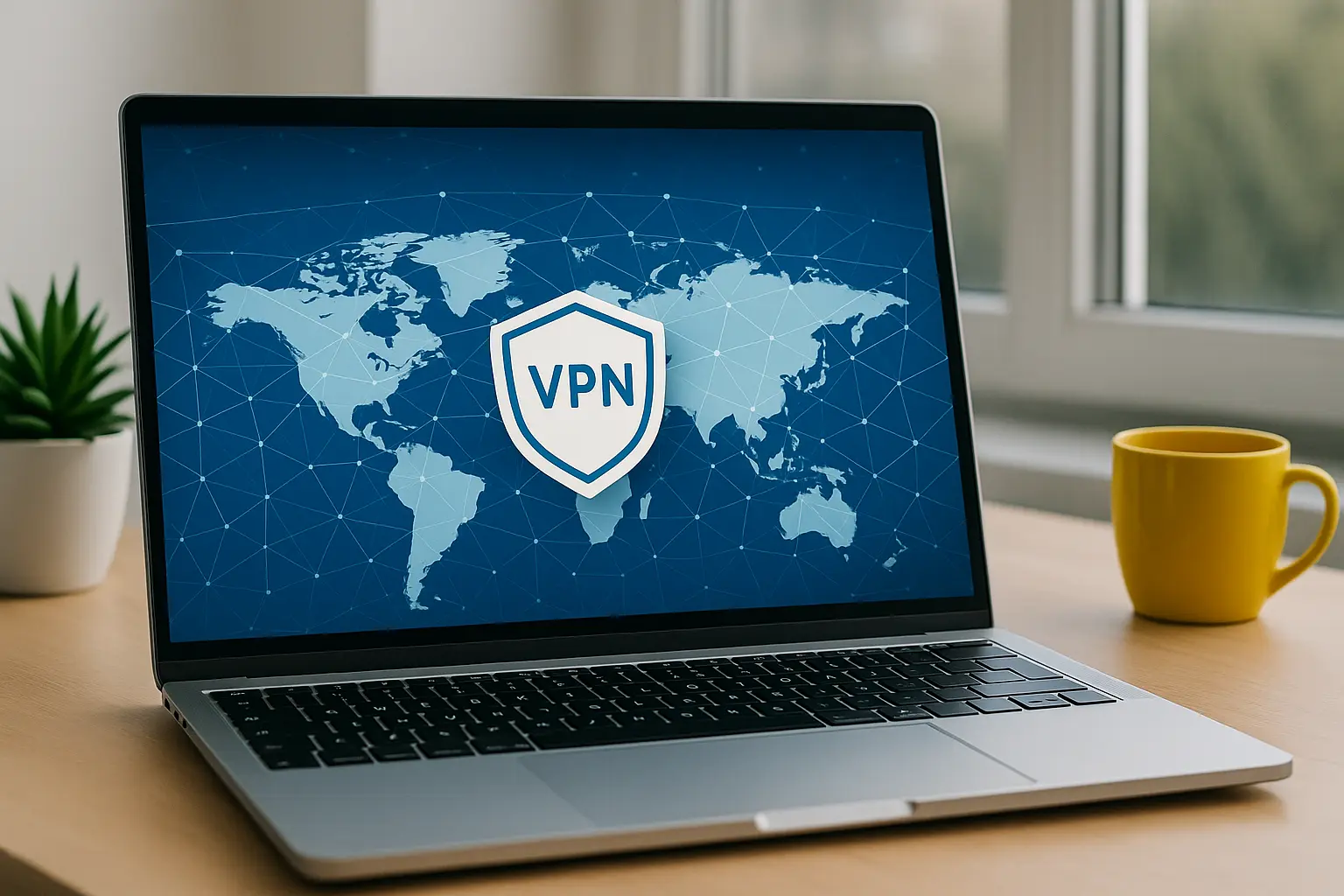
7. VPNs for Remote Access Security
NordVPN
Encrypts internet traffic and masks IP addresses. VPNs ensure remote workers can safely access company systems without exposing confidential data to unsecured networks. Protects mobile devices and public Wi-Fi use with strong encryption.
ExpressVPN
Provides global access and high-speed privacy. Shields remote workers from data breaches on untrusted networks.
8. Collaboration & Visual Brainstorming
Google Docs
Enables real-time editing with access controls and email encryption. Revision history allows teams to track changes and restore earlier versions, ensuring accuracy. Seamlessly integrates with other Google Workspace tools.
Figma
Collaborative design platform for UI and creative teams. Its cloud-based structure lets teams review and update designs anytime without overwriting each other’s work. Users can securely create and comment in real time.
9. Remote Culture & Async Check-ins
Donut
Helps remote workers connect via informal chats in Slack. Builds team culture and reduces feelings of isolation.
Standuply
Automates check-ins and task updates. Helps teams stay on the same page without needing to meet live.
Final Remote Work Checklist
Before selecting your remote work tools, review this checklist to ensure your workflow stays secure and efficient.
- Are file transfers encrypted and traceable?
- Can your team communicate live and flexibly?
- Are tools protected with email login security?
- Is sensitive data guarded by TLS and encryption keys?
- Are documents shared only with the intended recipient?

Why Choose Filemail
Filemail offers a secure file transfer service with fast uploads, mobile apps, email encryption, and data protection compliance. Its drag-and-drop design and end-to-end encryption make it simple to protect sensitive data and work safely with cloud services. It’s especially valuable for teams who frequently send large or confidential files to clients. Built-in tracking lets users confirm when recipients access or download files.