Facturation – Informations
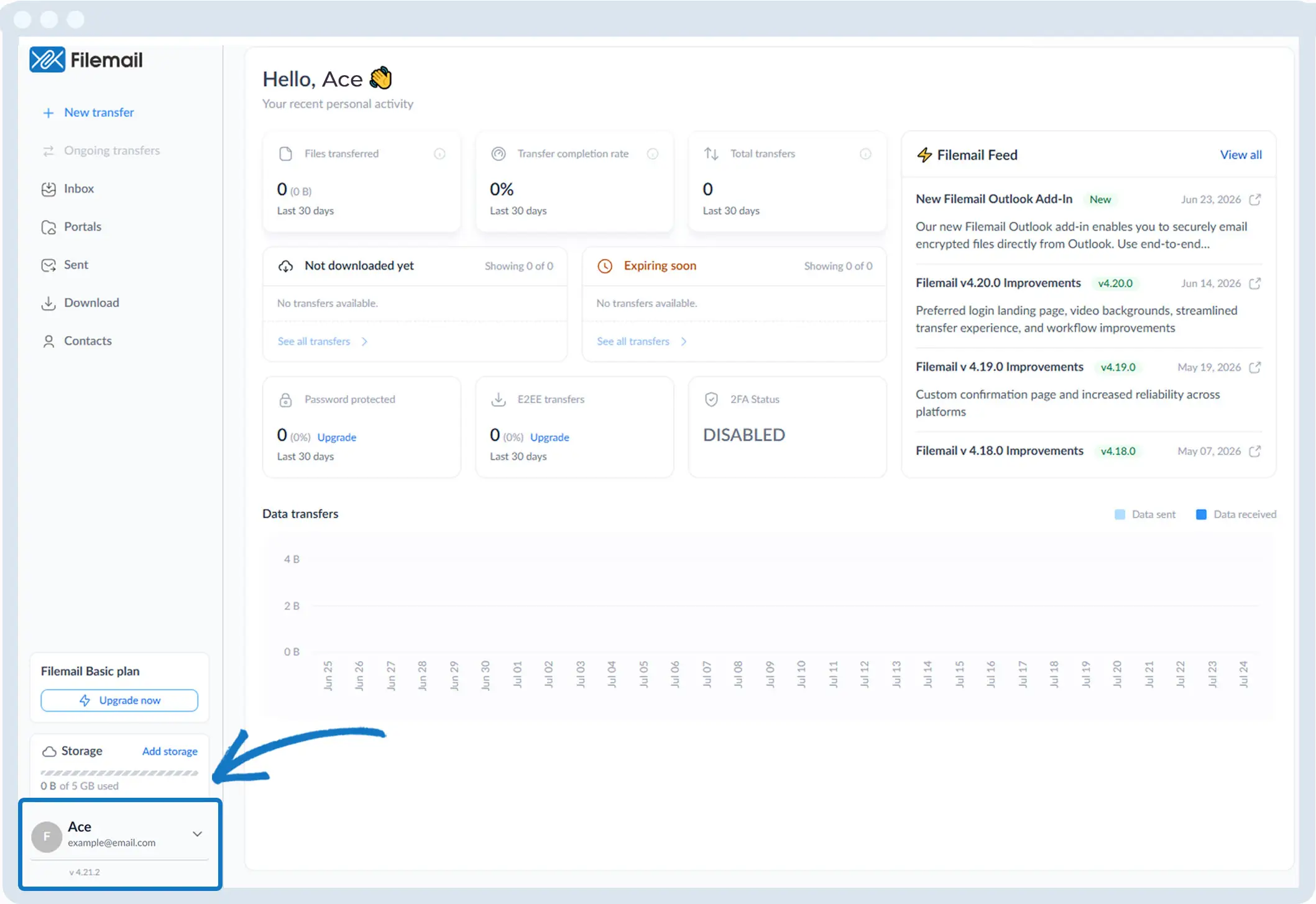
1. Rendez-vous dans le coin inférieur gauche de la fenêtre et cliquez sur vos initiales ou votre nom.
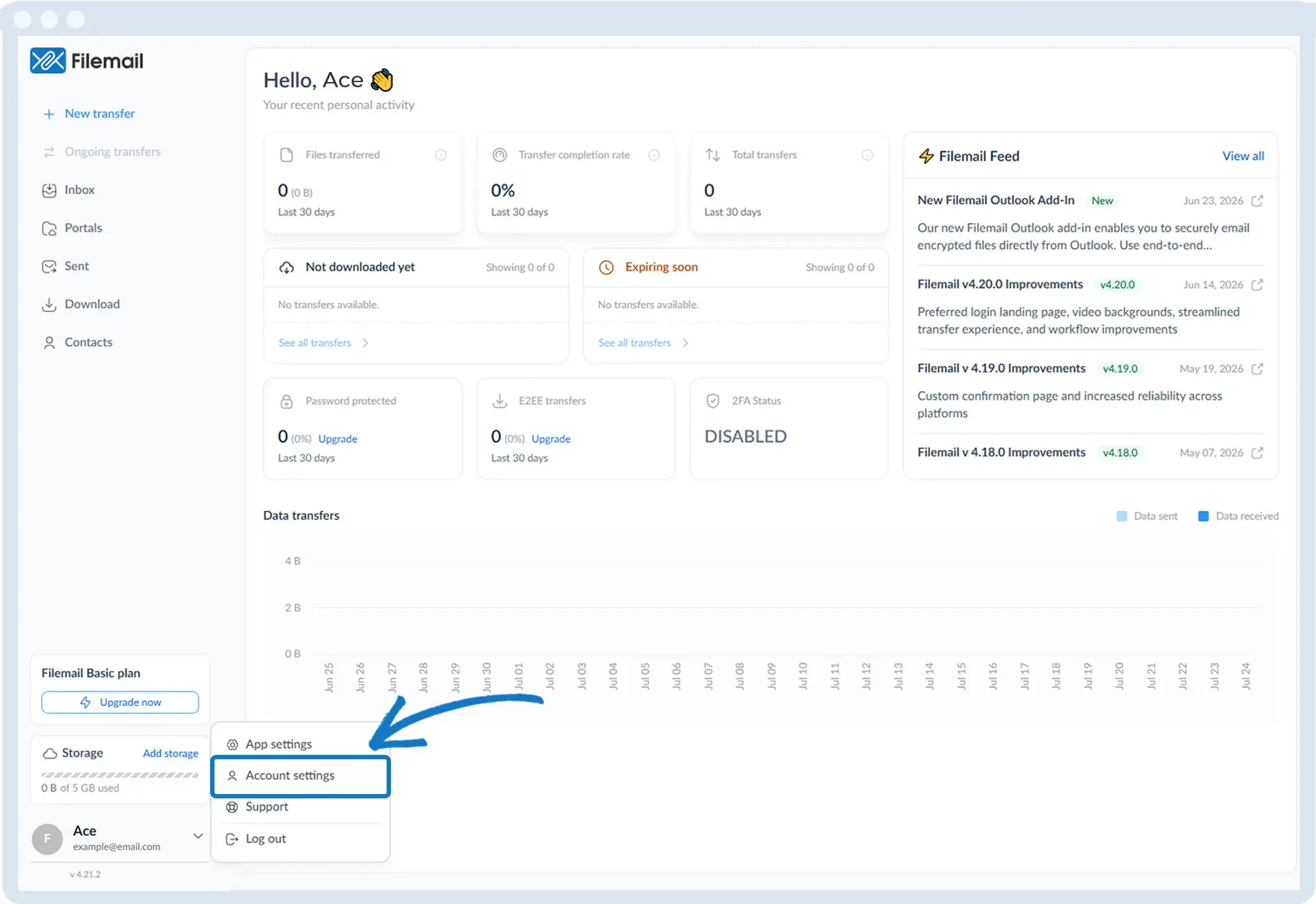
2. Sélectionnez « Paramètres du compte ».
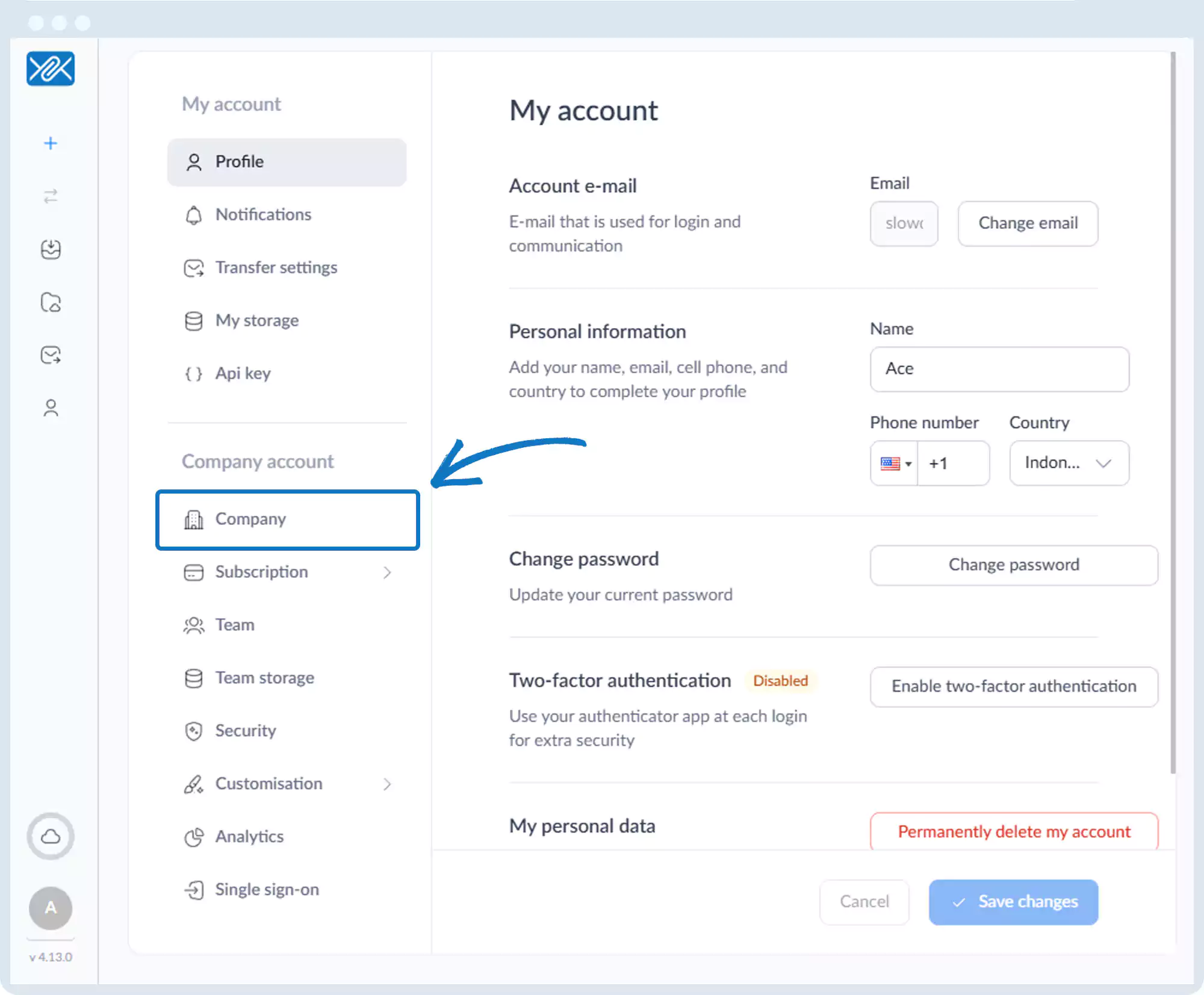
3. Cliquez sur « Entreprise » dans la barre latérale de gauche.
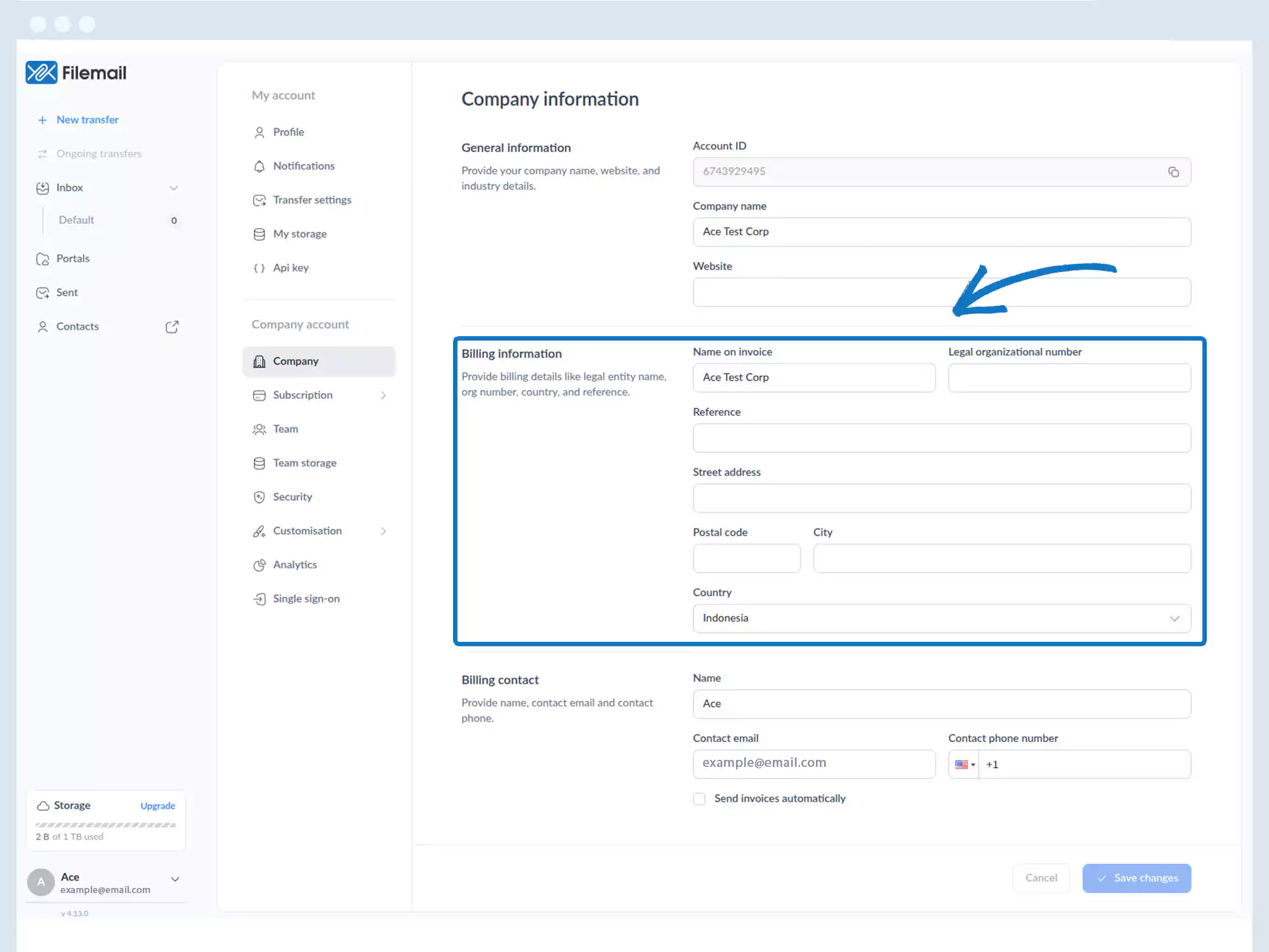
4. Sur la page « Informations sur l'entreprise », vous pouvez définir :
- Nom figurant sur la facture
- Numéro d'immatriculation de l'entreprise
- Référence
- Champs d'adresse
Retour à la page du manuel d'utilisation