How to Receive Large Files from Clients Securely
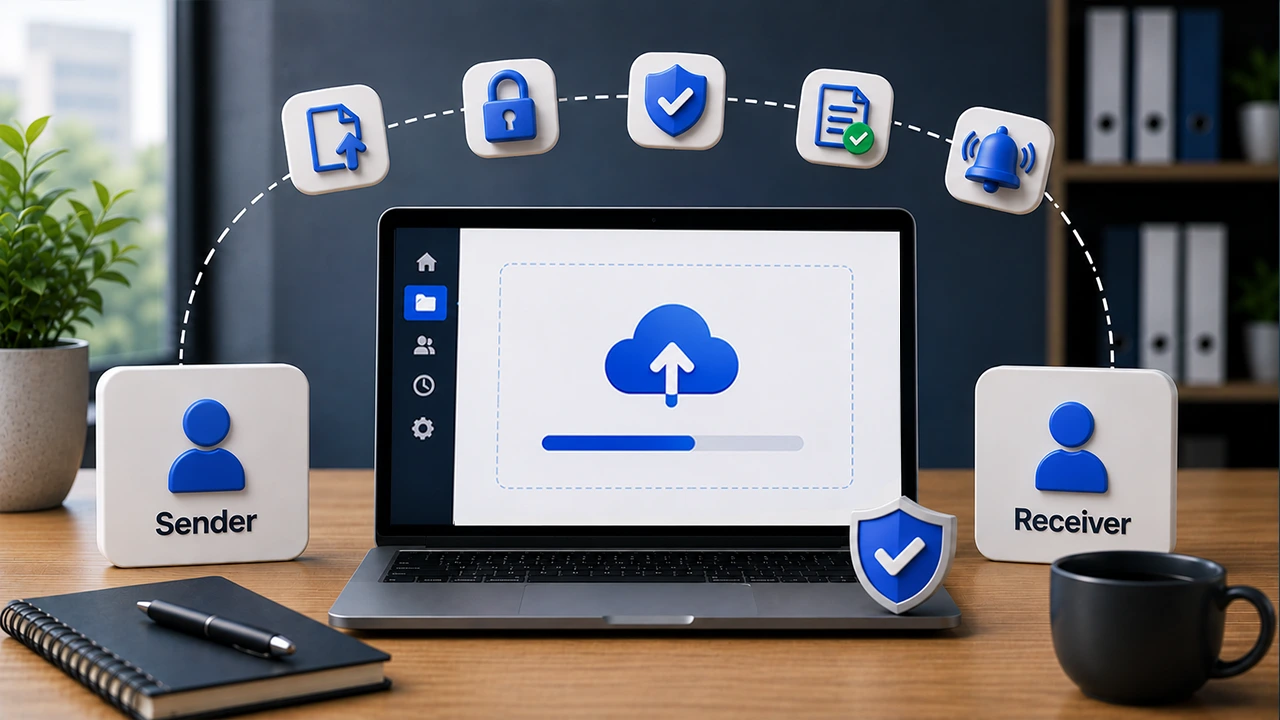
To receive large files from clients securely, avoid standard email attachments for large or sensitive files. Email can block delivery because of attachment size limits, and the recipient's mail server may reject a file even after it leaves the sender. Attachments are also difficult to track, revoke, or control after they are forwarded, which is why Filemail covers the broader issue in its article on why email is not secure.
Clients may need to send videos, contracts, financial records, medical images, design files, CAD drawings, or full project folders. A secure upload workflow gives them one clear way to send everything without compression, account creation, or risky public links.
The goal is simple. Make file collection easy for the client and controlled for your business.
With Filemail, you can receive large files from clients through a private file request, a custom subdomain client portal, or a secure file upload form on your website. Each option helps you collect files in a cleaner and safer way.
Why Receiving Large Files From Clients Gets Messy
Receiving files sounds easy until the files are too large, too sensitive, or too scattered. A client may send one file by email, another by chat, and the final version through a random transfer link.
That creates confusion for both sides. Your team has to search for files. The client has to guess which method works.
Common problems include:
- Email attachment limits that block large videos, folders, images, PDFs, and design files.
- Files spread across inboxes, shared drives, chat apps, and temporary links.
- No clear way to know which file is the final version.
- Weak control over who can access uploaded files.
- No reliable tracking for who uploaded what and when.
- Extra work for clients who have to compress, split, or rename files.
- Security risks when sensitive files move through unprotected channels.
A better process removes these problems before they happen. You give the client one secure upload path. They upload the files, and your team receives them in the right place.

What Secure Client File Collection Should Include
Secure file collection is not only about accepting large files. It is also about control, visibility, and trust.
A strong workflow should include:
- A secure upload link or upload page.
- Clear instructions for the client.
- Support for large files and folders.
- Password protection when files are sensitive.
- Custom fields to collect project details.
- Notifications when a client uploads files.
- Tracking for responses and downloads.
- File availability settings or retention rules.
- Audit logs for business and enterprise workflows.
- A branded page that reassures clients they are uploading to the right company.
The best solution is the one that gives clients a simple experience while giving your business more control.
Best Methods to Receive Large Files From Clients Securely
1. Send a Private File Request
Use a file request when you need files from a specific client or group. Send one secure upload link with clear instructions.
Clients upload without creating an account. Filemail can track responses, collect custom fields, send notifications, and remind people who have not uploaded.
2. Use a Branded Client Upload Portal
Use a branded portal when clients send files often. It gives them one trusted page with your business name, logo, and form fields.
Filemail custom subdomain client portal keeps repeat uploads professional and easy to recognize.
3. Add a Secure Upload Form to Your Website
Use a secure upload form for contact pages, client intake, support, applications, or project submissions.
Clients stay on your website and upload large files through a drag-and-drop form that matches your workflow.
4. Use Secure File Transfer for One-Time Uploads
Use a secure transfer link when a client only needs to send files once. It is faster and cleaner than email attachments.
It works well for quick projects, occasional documents, or large files that should not be compressed.
5. Use Managed File Transfer for Enterprise Workflows
Use managed file transfer when your team needs stronger control. It fits regulated, high-volume, or policy-driven workflows.
Look for user management, audit trails, access control, retention rules, and compliance support.

Which Method Should You Use?
Method | Best for | Main benefit |
|---|---|---|
| File request | Collecting files from a specific client or group | Private, trackable, and easy to follow up |
| Client upload portal | Repeat client uploads | Professional branded experience |
| Website upload form | Inbound submissions from your website | Fewer steps for the client |
| Secure transfer link | One-time uploads | Fast and simple |
| Managed file transfer | Enterprise or regulated workflows | More control, logs, and administration |
Step-by-Step: How to Receive Large Files From Clients Securely
Step 1: List the Files You Need
Tell the client what to upload, the deadline, accepted formats, and naming format. Clear instructions prevent repeat uploads.
Step 2: Choose the Receiving Method
Use a file request for specific clients, a portal for repeat uploads, a website form for inbound submissions, or managed file transfer for regulated workflows.
Step 3: Write a Short Upload Message
Explain what the client should upload and where the files will go. Keep the wording simple and avoid technical terms.
Step 4: Add Custom Fields
Collect details such as client name, project name, order number, case number, file description, or deadline. This keeps files organized.
Step 5: Protect Access
Use password protection for legal, financial, medical, HR, or confidential files. Limit internal access to the people who need it.
Step 6: Set File Availability Rules
Set how long files stay available. Use shorter windows for quick projects and longer retention only when your policy requires it.
Step 7: Track Responses
Check who uploaded files and who still needs a reminder. Notifications and reminders reduce manual follow-up.
Step 8: Scan and Store Files Properly
After files arrive, move them to the right client, project, case, or document system. Avoid personal download folders.
Step 9: Confirm Receipt
Send a short confirmation after upload. This reassures the client and prevents duplicate submissions.
Step 10: Keep a Record When Needed
Use audit logs for sensitive or regulated workflows. They help your team see what happened, when, and who was involved.
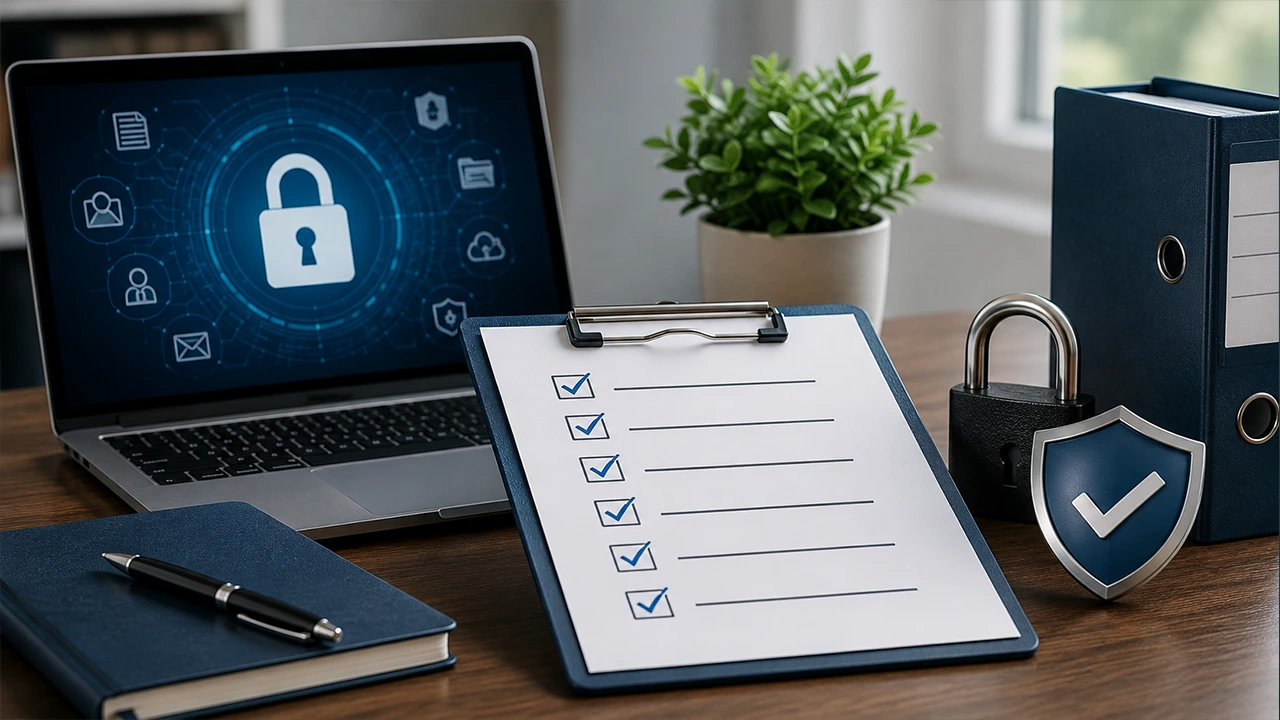
Security Checklist for Receiving Client Files
- Use a secure upload link instead of email attachments.
- Use a branded upload page when possible.
- Add clear upload instructions.
- Collect project details with custom fields.
- Use password protection for sensitive files.
- Limit access to the right people.
- Set file availability or retention rules.
- Track responses and downloads.
- Use notifications so your team knows when files arrive.
- Store received files in the right internal location.
- Review audit logs for sensitive workflows.
- Close or expire upload access when the project ends.
Use Cases: Who Needs Secure Client File Uploads?
Creative Agencies
Agencies often receive brand assets, campaign photos, design files, videos, and client feedback. A branded upload portal gives clients one professional place to send everything.
Video Production Teams
Video files are often too large for email and basic web forms. A secure upload workflow helps clients send raw footage, edited cuts, audio files, subtitles, and project folders without lowering quality.
Legal Firms
Legal teams may receive contracts, evidence, signed documents, case files, and confidential records. Password protection, tracking, and audit trails help keep the process controlled.
Financial Services
Accountants, advisors, and finance teams often collect tax files, statements, spreadsheets, and identity documents. A secure upload link is safer and cleaner than asking clients to email attachments.
Healthcare and Research
Healthcare and research teams may receive medical images, lab files, datasets, and supporting documents. Secure file collection helps reduce the risk of files being sent through the wrong channel.
Architecture, Engineering, and Construction
AEC teams work with CAD drawings, BIM files, site photos, specifications, and large project folders. A client portal helps keep uploads organized by project.
HR and Recruitment
HR teams can use secure upload forms to collect onboarding documents, contracts, certificates, portfolios, and large supporting files.
Customer Support Teams
Support teams may need screenshots, screen recordings, logs, reports, or diagnostic files. A secure upload form on the support page can make this easy for customers.
Pros and Cons of Common Methods
Method | Pros | Cons |
| Email attachments | Familiar and quick for tiny files | Poor for large files, limited tracking, and weak control |
| Shared cloud folder | Good for collaboration | Can create permission issues and client confusion |
| Generic transfer link | Simple for one-time sending | May lack branding, context, or organized tracking |
| File request | Private, organized, and trackable | Best when the recipient knows who should upload |
| Client upload portal | Professional and reusable | Needs setup before clients can use it |
| Website upload form | Easy for inbound submissions | Needs clear form fields to avoid messy uploads |
| Managed file transfer | Strong control for advanced workflows | More than some small teams need |

Why Filemail Is a Strong Fit for Client File Collection
Filemail is built for sending and receiving large files without making the process difficult. Clients can upload files without creating an account, which removes a major source of friction.
You can receive files in three main ways. Clients can send files to you through Filemail, upload through your custom subdomain, or use a secure upload form on your website.
For direct collection, Filemail file request helps you ask specific people for files. You can add instructions, track who responded, collect extra details with custom fields, and receive notifications when files arrive.
For repeat client uploads, the custom subdomain client portal gives you a branded page. It can use your business name and visual identity, which helps build client trust.
For website workflows, Filemail secure file upload form lets visitors send large files from your site. It is useful for contact pages, support forms, applications, document intake, and project submissions.
Filemail also supports secure file transfer features such as password protection, notifications, antivirus protection, and audit trails. This gives businesses a more controlled way to handle large and sensitive files.
FAQ
What is the safest way to receive large files from clients?
The safest way is to use a secure file request, branded upload portal, or secure upload form. Add password protection, tracking, and file availability rules when the files are sensitive.
Can clients upload large files without creating an account?
Yes. With Filemail, clients can send large files to you without creating an account or installing software.
How do I receive large files on my website?
You can add a secure file upload form to your website. This lets clients upload files directly from pages such as contact, support, onboarding, or project submission pages.
Should I use password protection?
Use password protection when files contain confidential, financial, legal, personal, medical, or business-sensitive information. It adds an extra step before someone can access the download page.
What is the difference between a file request and a client portal?
A file request is best when you ask a specific person for specific files. A client portal is better when clients need a reusable branded page where they can upload files whenever needed.
Can I track who uploaded files?
Yes. A proper file request workflow should let you see who responded, when files arrived, and whether you need to follow up.


