Best Way to Send Legal Documents Securely

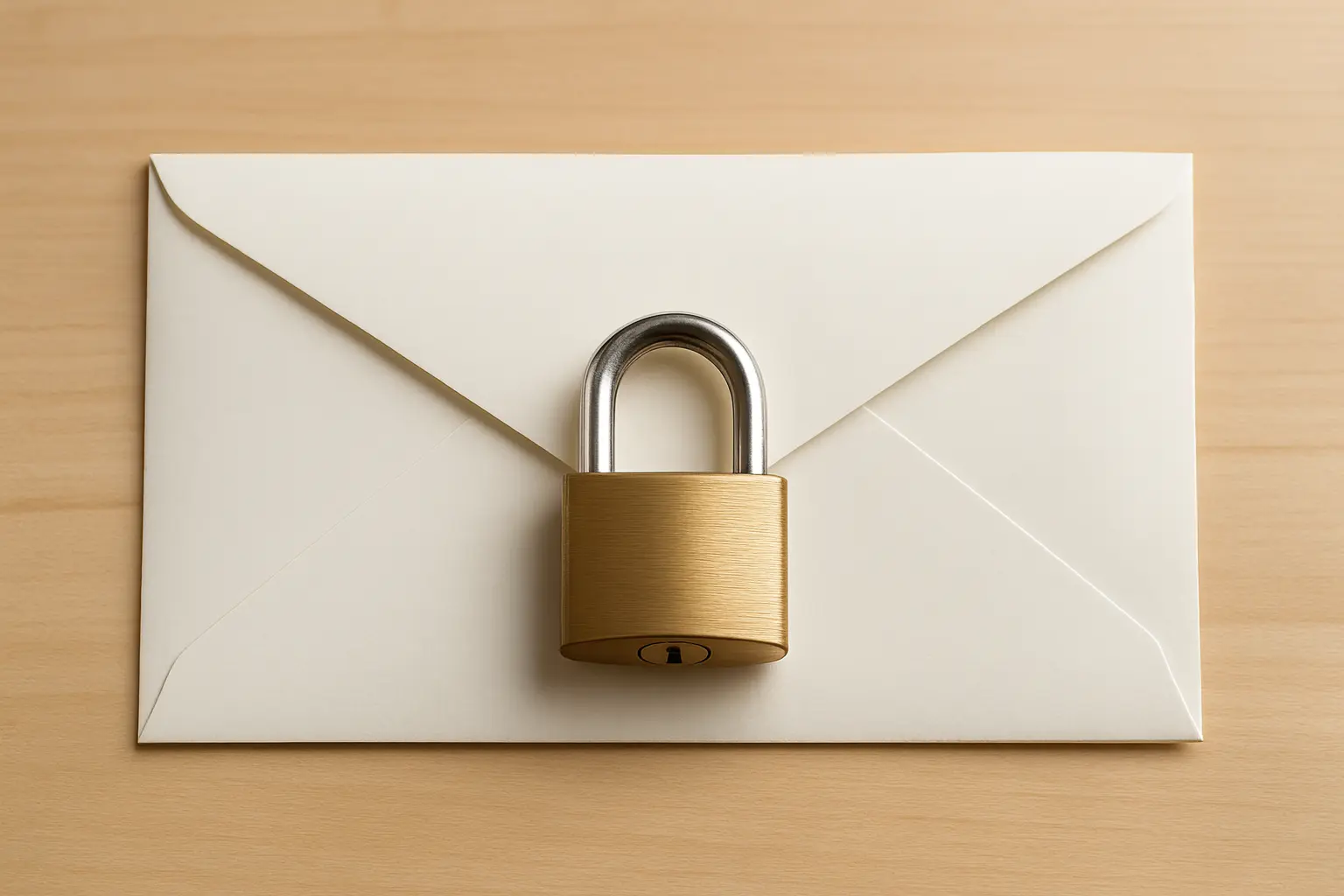
Legal professionals need a reliable way to send legal documents securely without exposing sensitive information. Contracts, agreements, case files, and client data must be protected at all times. Relying on outdated tools can expose confidential information. Modern solutions like secure file sharing for law firms provide a safer alternative.
The Problem with Sending Legal Documents via Email
Email is widely used, but it was never designed for secure document transfer. Legal documents often contain highly confidential client information. Unauthorized access can lead to serious legal consequences.
In addition, many files include contracts, agreements, and case materials that must be handled with strict control.
Attachments can be forwarded without restriction. There is no audit trail. File size limits also make it difficult to send large legal documents using email attachments.
Why Security Matters in Legal File Sharing
Legal workflows depend on confidentiality, accuracy, and accountability. A single mistake in file sharing can compromise client trust and expose sensitive case information.
Files are often shared between multiple parties, including clients, opposing counsel, and third-party experts. Each transfer point introduces potential risk if not properly controlled.
Legal data must be protected at all times. Access must be restricted, monitored, and logged.
Methods for Sharing Legal Documents Securely
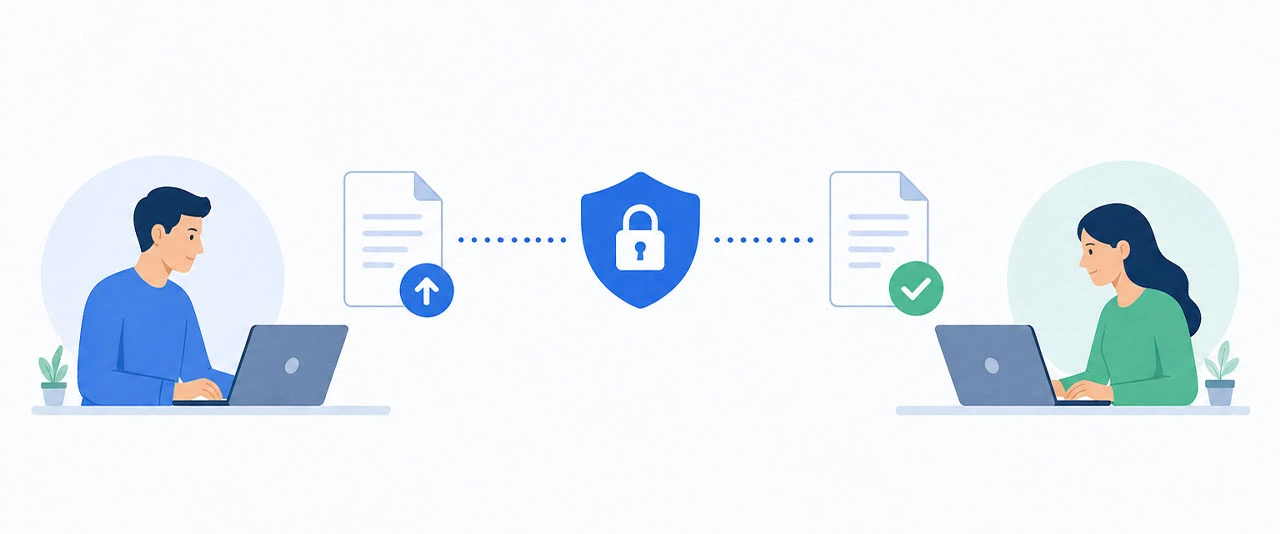
A more reliable solution is required when handling confidential legal files. Legal teams are moving toward secure file transfer platforms that provide encryption, control, and tracking.
1. Secure File Transfer Platforms
Secure file transfer platforms provide encryption, access control, and audit logs. Legal teams can manage who views, downloads, or shares files with access control features.
2. Encrypted Cloud Storage
Cloud storage allows collaboration but requires careful configuration. Misconfigured access settings can expose sensitive documents and lacks advanced security controls.
3. Secure Client Portals
Client portals allow controlled access for specific users. They are often used for ongoing case collaboration.
How to Send Legal Documents Securely
Step 1: Choose a secure platform
Select a solution that offers encryption and access control.
Step 2: Upload your documents
Upload files directly to the platform designed for sending large files securely.
Step 3: Set permissions
Control who can view or download the files.
Step 4: Share securely
Send a secure link instead of attachments.
Step 5: Monitor activity
Track downloads and access logs. All activity is recorded and monitored.

Legal Compliance and Data Protection Considerations
Legal organizations must follow strict data protection standards depending on jurisdiction. Regulations may require secure storage, controlled access, and detailed audit trails.
Failure to comply can result in financial penalties and reputational damage. More importantly, it can impact client trust and case integrity.
Secure file transfer platforms help ensure compliance by enforcing encryption, logging activity, and restricting unauthorized access.
Email vs Secure File Transfer for Legal Documents
Feature | Secure File Transfer | |
|---|---|---|
| Security | Weak | End-to-end encryption |
| File Size | Limited | Large file support |
| Access Control | None | Full permission control |
| Audit Trail | No | Yes |
| Compliance | Risky | Designed for compliance |

Pros and Cons of File Sharing Methods
Secure File Transfer Services
Pros | Cons |
|---|---|
| Strong encryption protects sensitive legal data in transit | May require a subscription for advanced features |
| Full control over file access and permissions | Requires internet access to upload and share files |
| Detailed audit logs track all file activity |
Cloud-Based Storage
Pros | Cons |
|---|---|
| Easy collaboration between teams on shared documents | Risk of misconfigured permissions exposing files |
| Accessible from multiple devices and locations | Limited advanced security and tracking features |
Email Attachments
Pros | Cons |
|---|---|
| Simple and familiar method for most users | File size limitations for large documents |
| No additional tools or setup required | No access control or tracking after sending |
| Higher risk of data exposure due to weak security |

Why Filemail is Ideal for Legal Document Sharing
Filemail is designed to handle large, sensitive files securely. It offers end-to-end encryption, access control, and full tracking.All file activity is tracked and logged for compliance purposes. Sensitive data is protected throughout the transfer process.
Legal teams can send large files without worrying about size limits or security risks.
Frequently Asked Questions
Is email secure for sending legal documents?
No. Email lacks encryption and access control, making it unsuitable for confidential legal files.
What is the safest way to send legal documents?
Using a secure file transfer platform ensures encryption, tracking, and controlled access.
Can large legal files be sent securely?
Yes. Secure platforms support large file transfers without compromising security.