Filemail Operations Dashboard

Most file sharing platforms show activity, how often you send files, and other metrics indicative of usage and engagement. These are important, but success should not be based on a halfway milestone.
Our Operations Dashboard is the centralized hub from where you get visibility into:
- Successful delivery
- Potential issues
- Security & trust
- File sharing activity
Transfer Outcomes
Uploading or sending a large file is only part of the journey. The real measure of success is whether files are successfully transferred between sender and recipient. The sender sent a file, and the recipient successfully downloaded it. That is success to you, and success to us.
Our Success Metrics help you understand the outcomes of your file sharing activity through files transferred, transfer completion rate, and total transfers, all within the last 30 days.

Actionable Insights
Successful delivery is our core value proposition, which is why we provide information that may need your attention. Note files that have yet to be downloaded, and shared files that will be expiring soon. This enables you to efficiently identify the transfers in question, and what if anything you need to do to address them.
Instead of having to search through your file transfer history, you can quickly see what needs attention and take, if necessary immediate action.

Transfer Governance
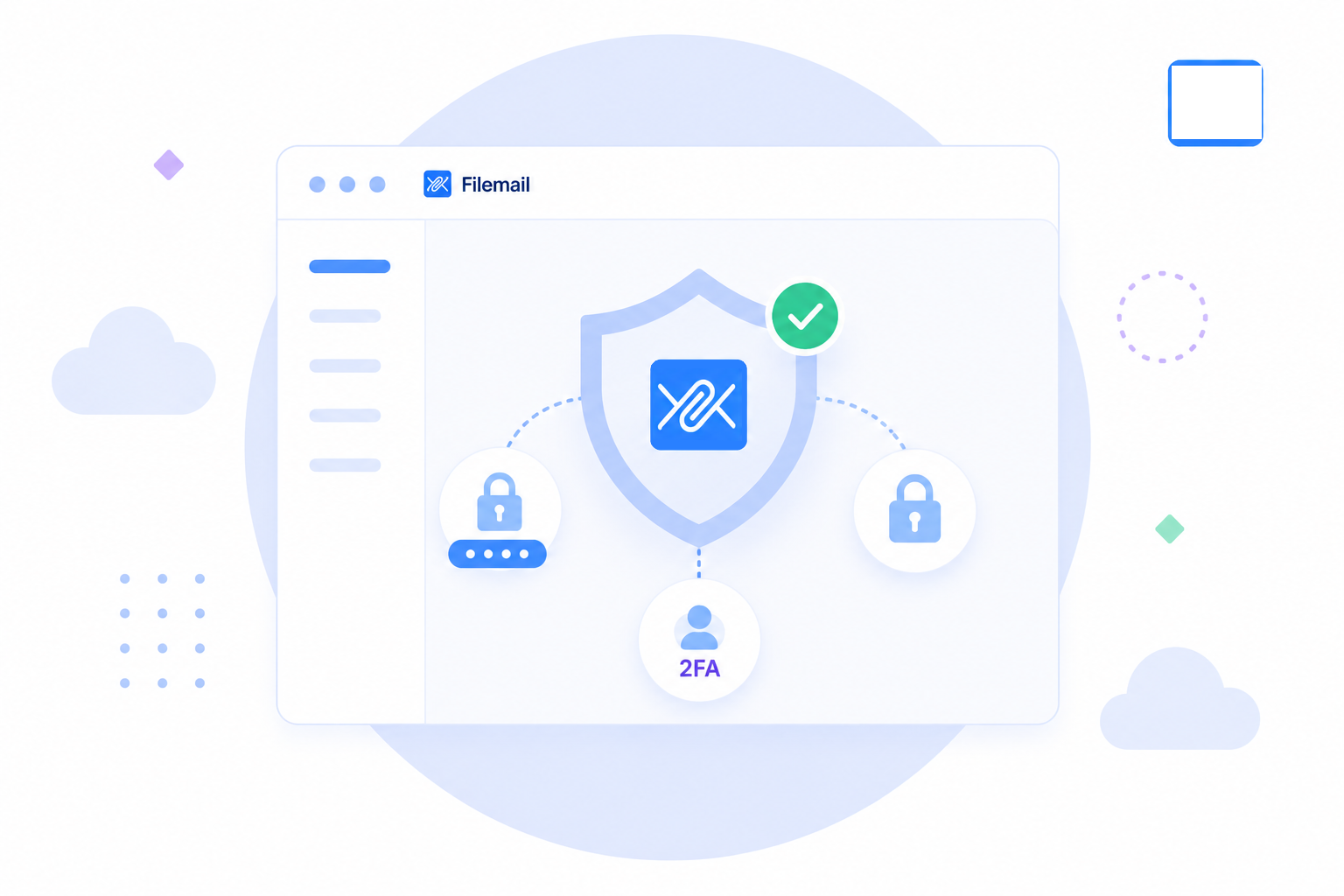
We feature 3 security-orientated panels that highlight the number of files shared that utilize password protection and end-to-end encryption.
The third panel clearly shows if two-factor authentication is enabled for your account. For users or admins this provides immediate visibility into your current cloud security and compliance posture.
File Sharing Trends
Observe your overall usage of Filemail through a visual overview of files sent and received. Daily activity charts enable you to identify trends, patterns, and periods of increased activity, providing a clearer understanding of how Filemail is being used across your account or organization.
By monitoring file sharing trends over time, you can better understand operational usage, measure adoption, and identify changes in transfer activity as your needs evolve.

Start Collaborating
Although we have deliberately made our large file transfer service easy to use, with an intuitive interface, we do recognize a new user may need some guidance. For this reason we have an onboarding panel with a set number of objectives to enable you to share your files immediately, configure security settings, and customize your account; depending on the plan you are on.
With only a handful of objectives, which you can implement in any order you want, you’ll be up and running in no time. If you need step-by-step guidance you can also check out our operations manual.

Filemail Notifications
After the initial period, the onboarding panel is replaced with our Filemail news feed. We provide the latest updates to keep you in-the-loop as to what improvements have been implemented to Filemail.
From improvements to our core infrastructure to our plethora of native apps, you’ll find what we have been working on to continuously improve our service.