File Sharing Activity Logs – Account Analytics
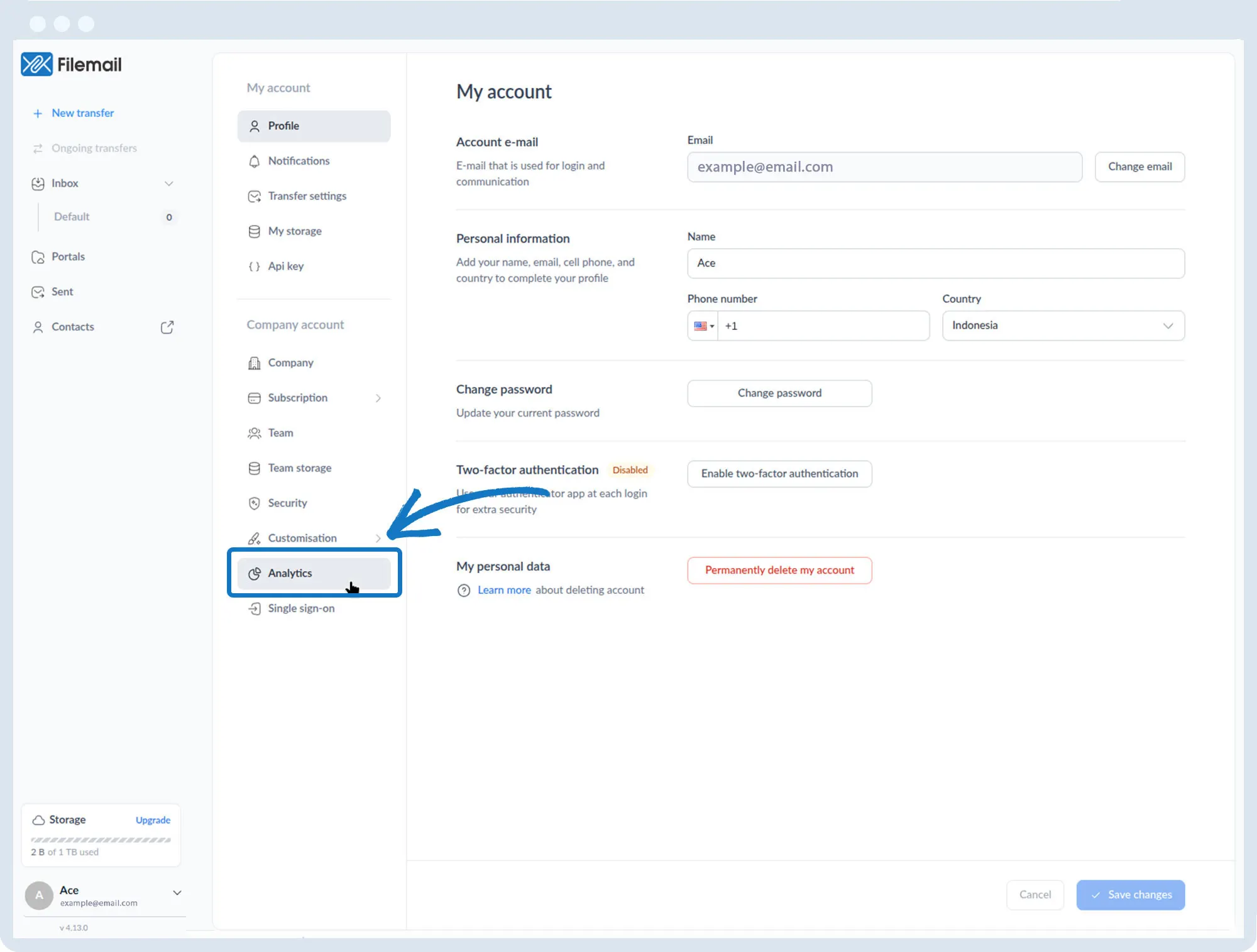
1. Go to the bottom left of the window and click on your initials or name.

2. Select Account settings.

3. Click Analytics in the left sidebar.
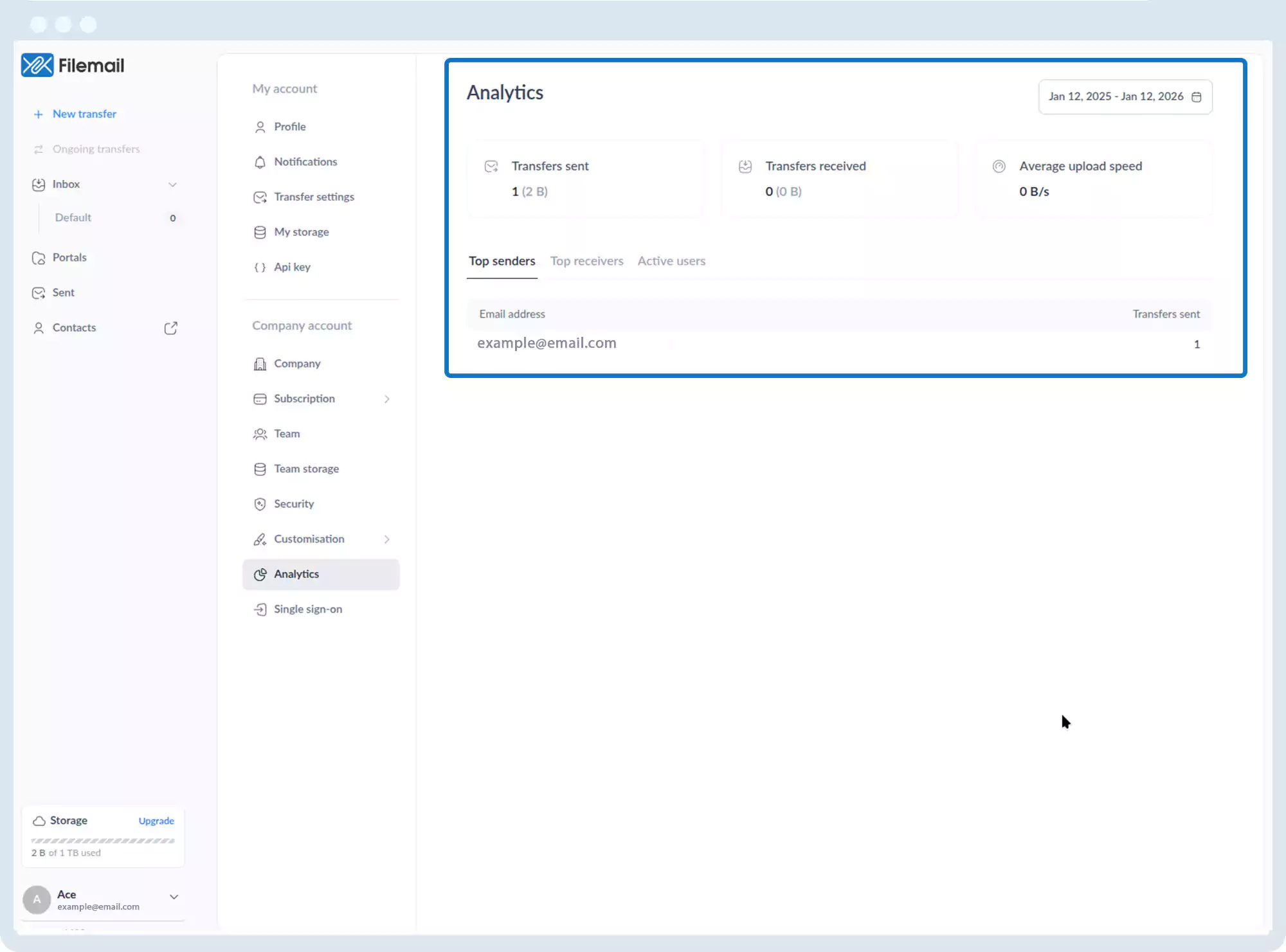
4. The Analytics page displays:
- Total number of transfers sent
- Total number of transfers received
- Average upload speed
- Top senders
- Top receivers
- Active users
Go back to the operations manual page