Account Settings
1. Go to the bottom left of the window and click on your initials or name.

2. Select Account settings.

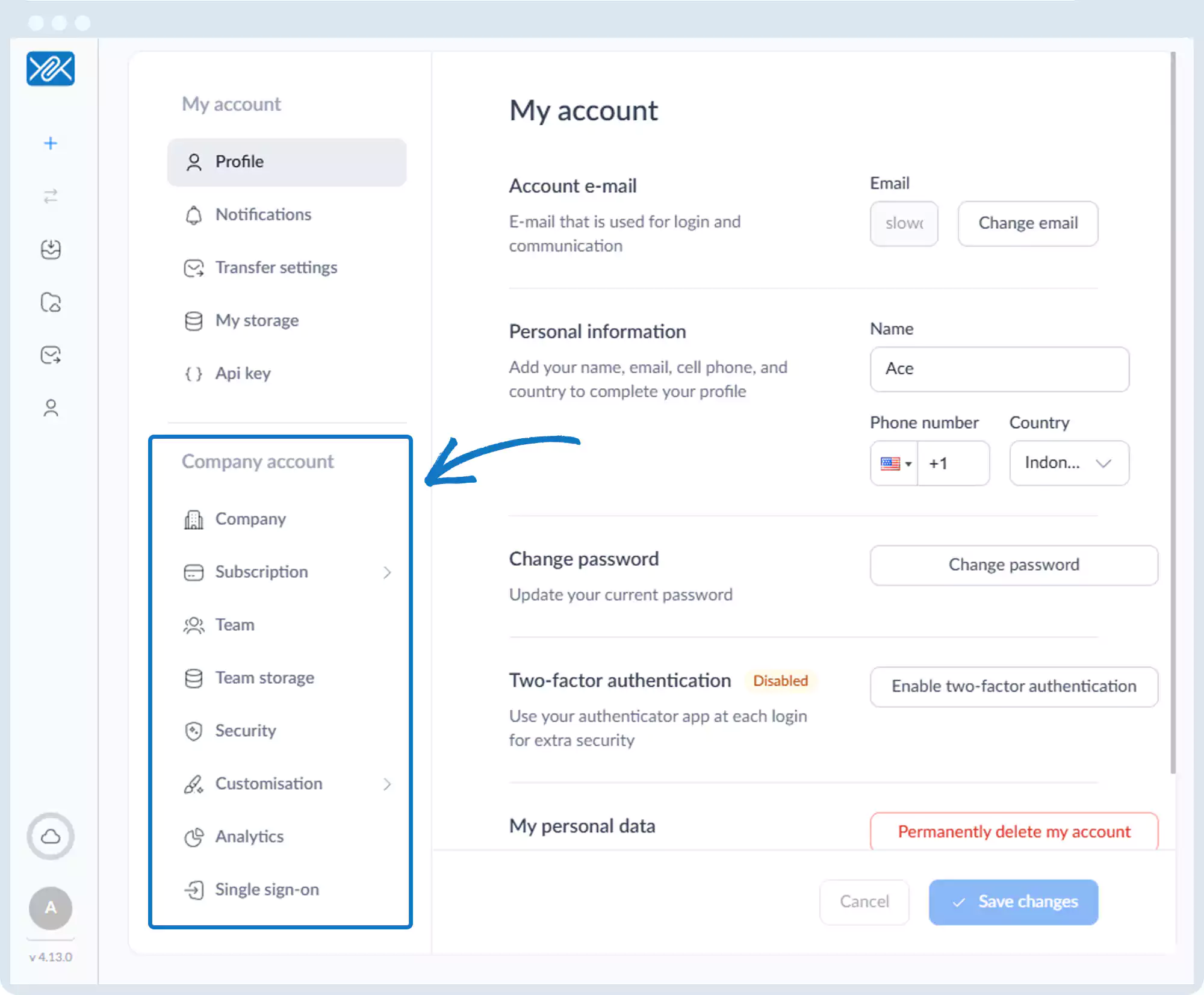
3. You will be presented with the following options:
- Profile
- Notifications
- Transfer Settings
- My Storage
- API Key
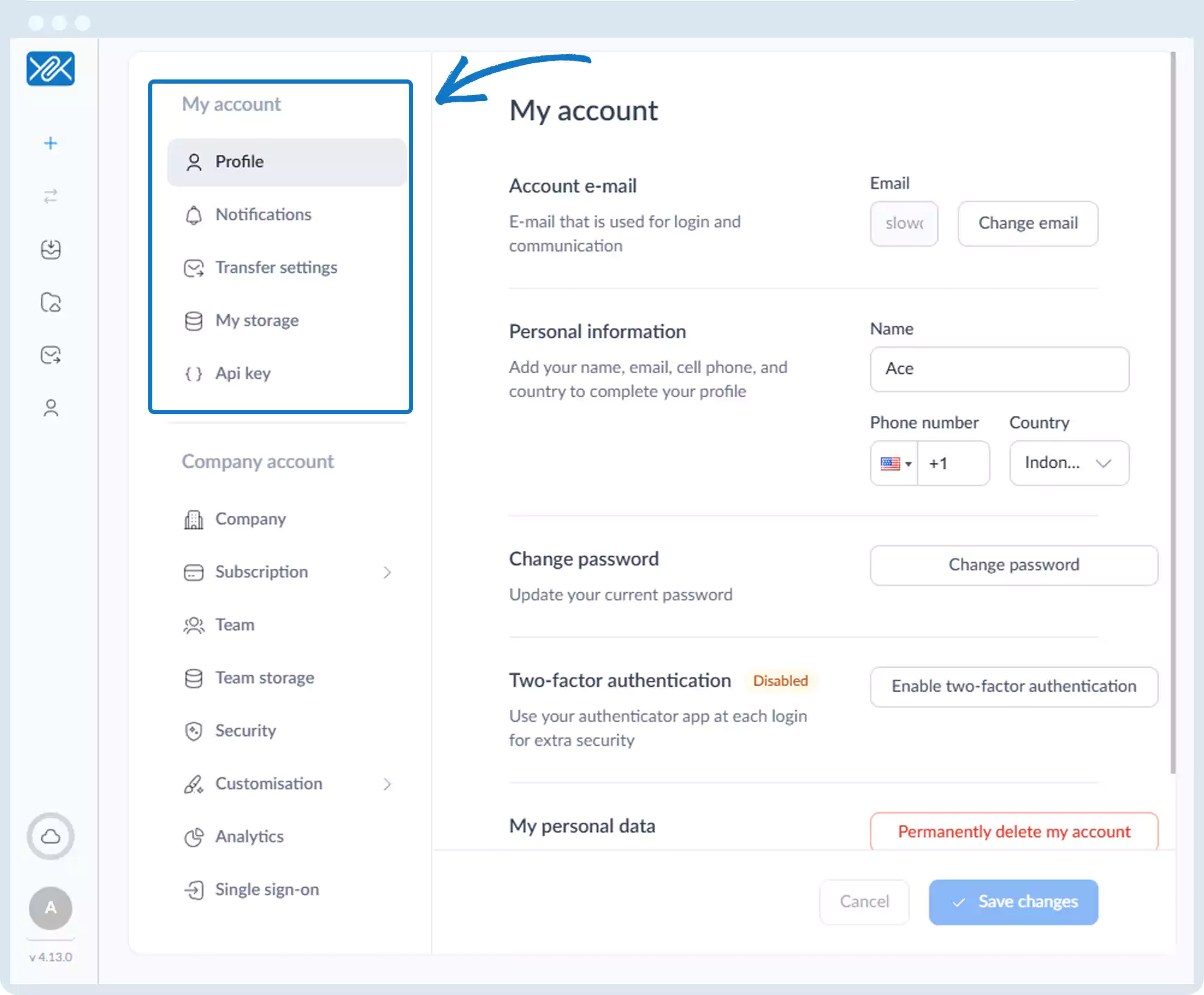
4. Under Company account, the following options are available:
- Company
- Subscription
- Team
- Team Storage
- Security
- Customization
- Analytics
- Single Sign-On
Go back to the operations manual page