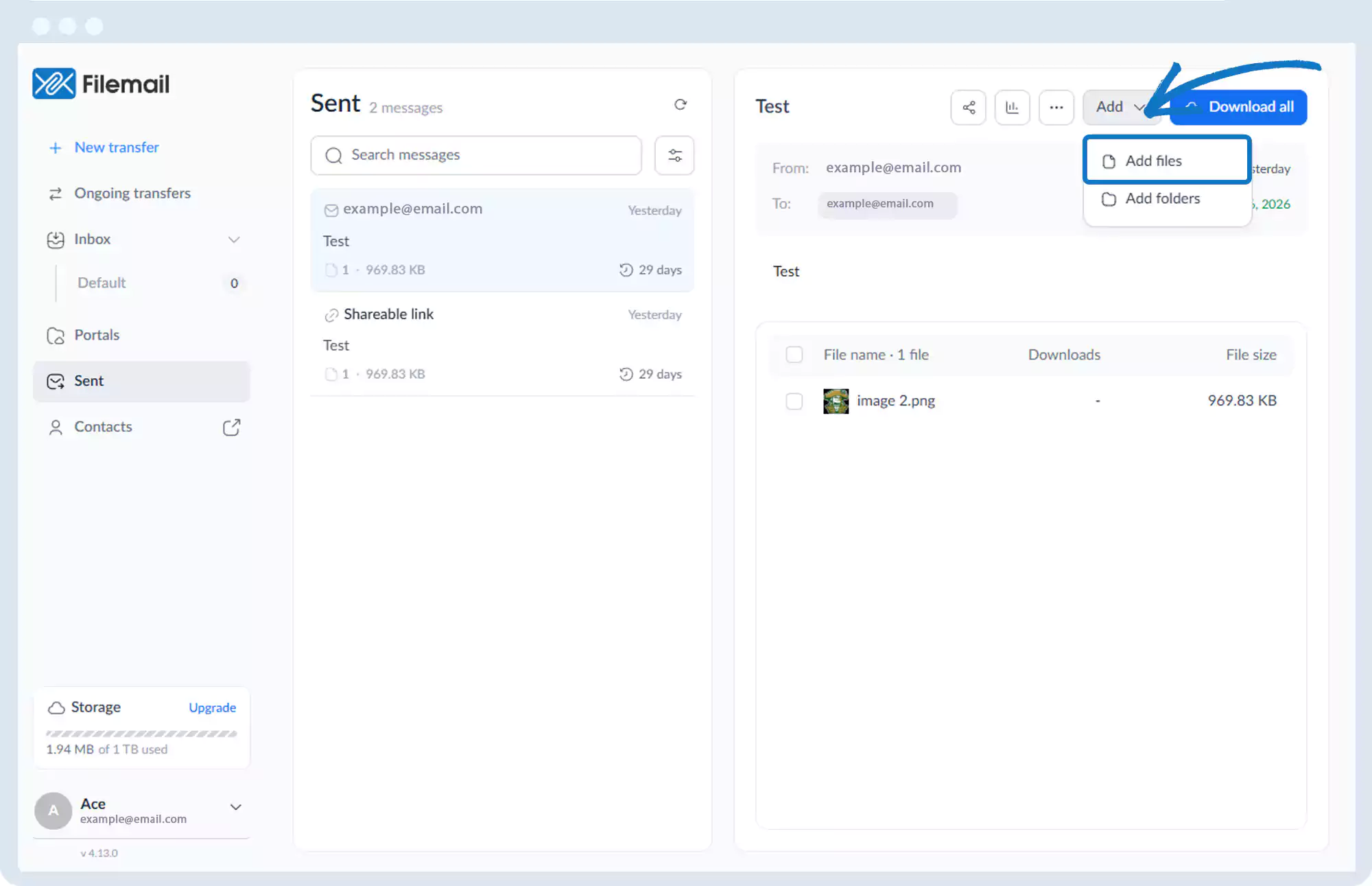
Send Files – Add Additional Files to a Transfer
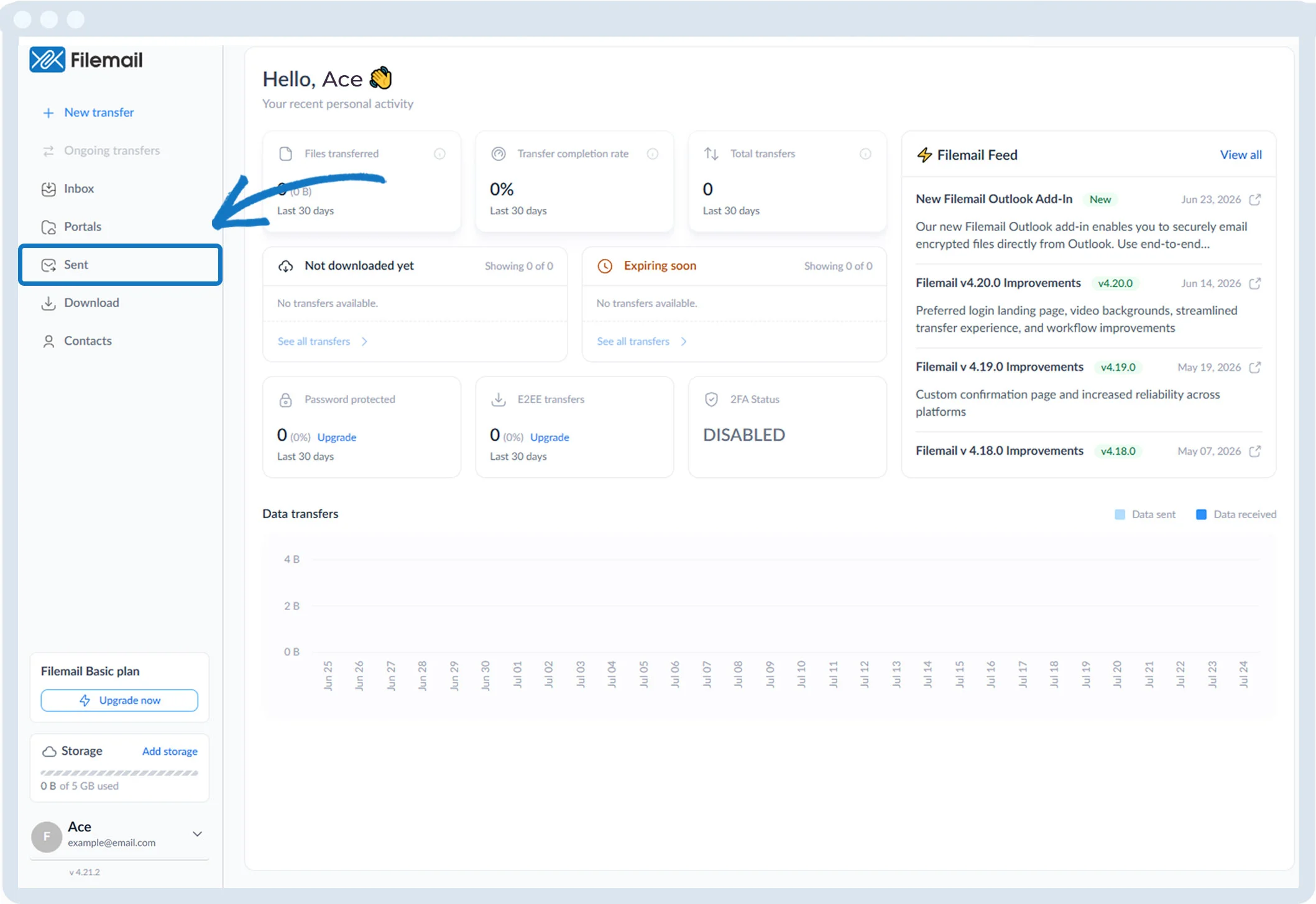
1. Click Sent in the left sidebar.
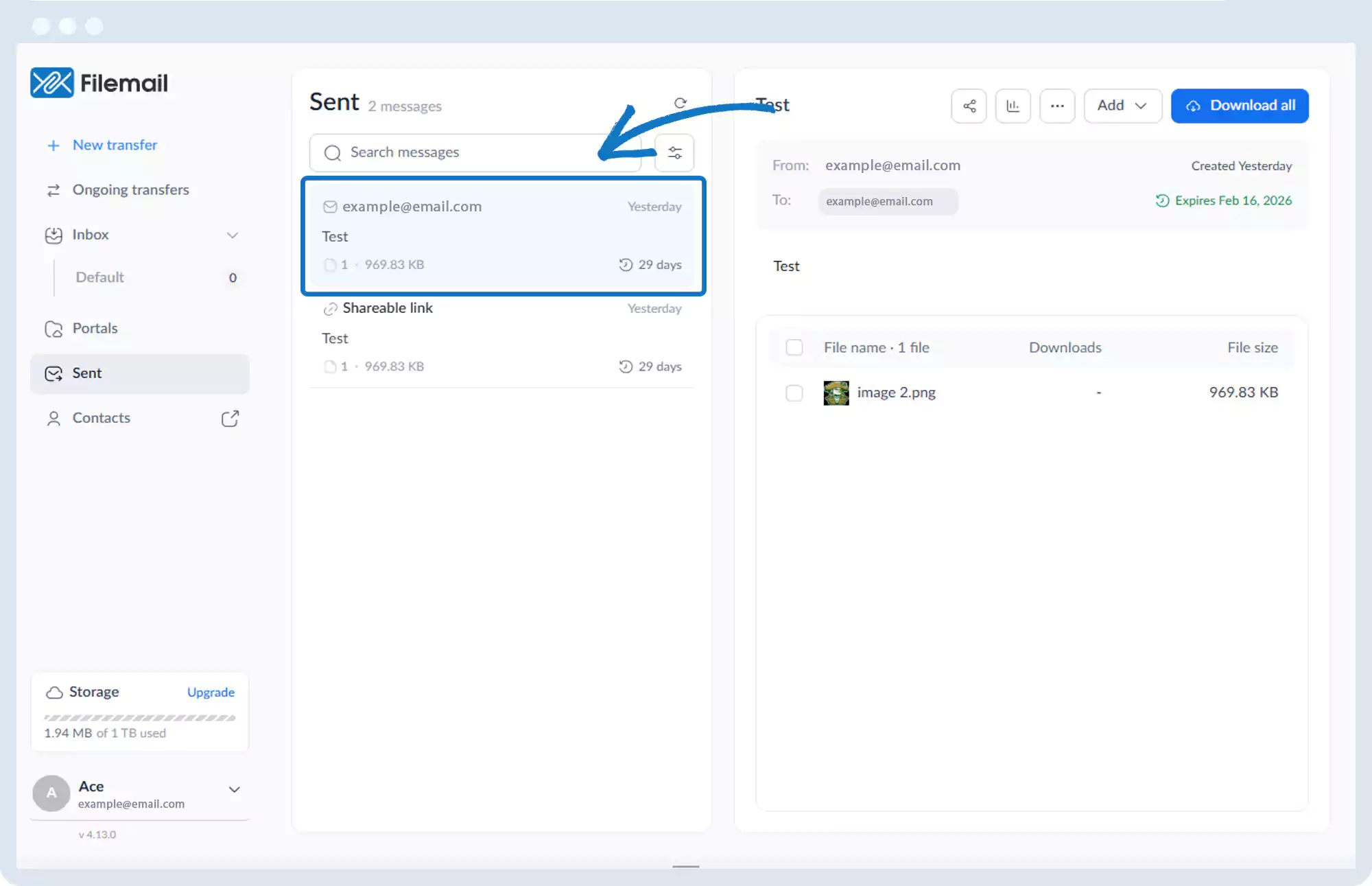
2. Select the transfer session to which you want to add files or folders.
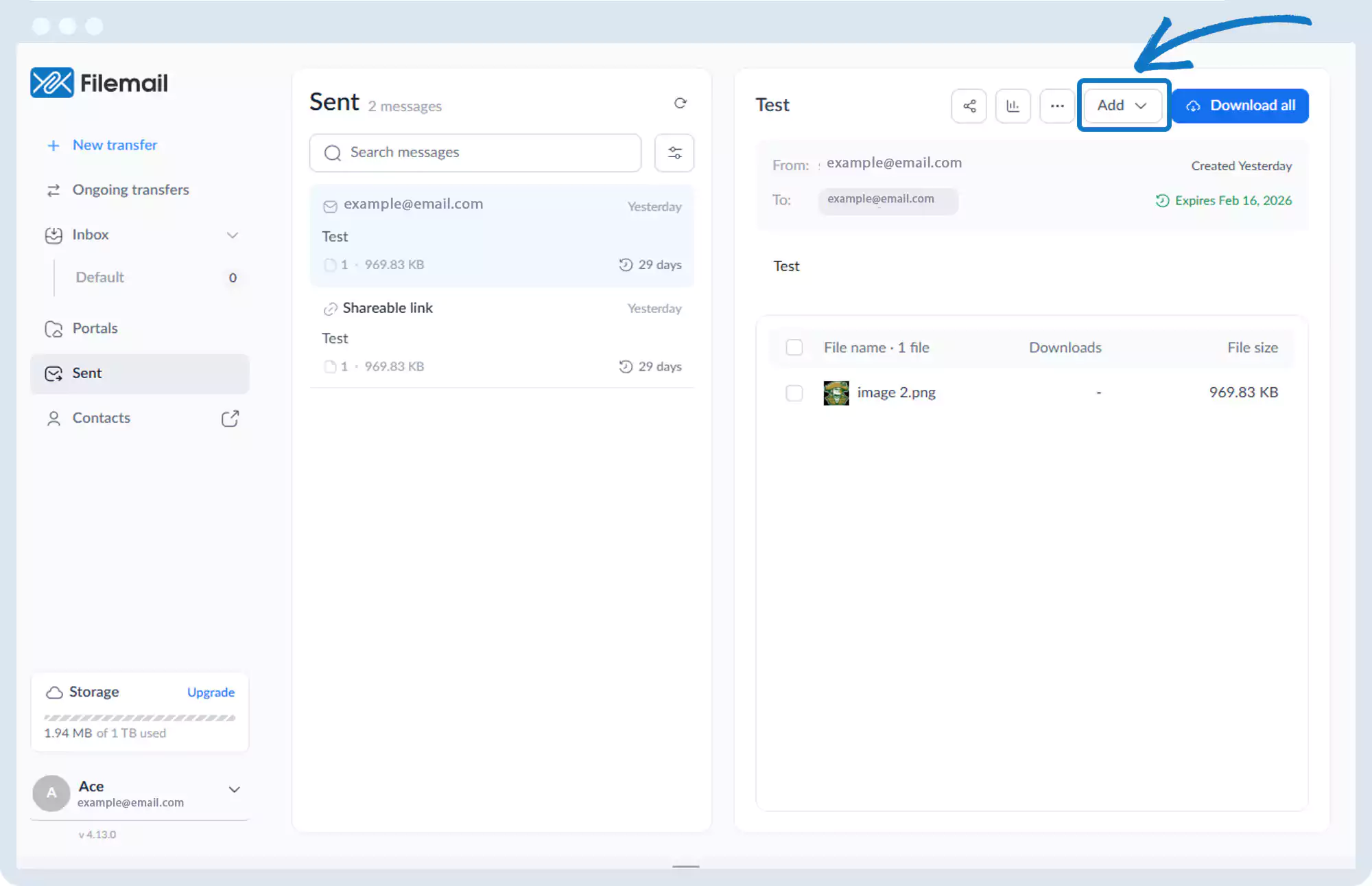
3. In the top-right of the main window, locate the Add option.
4. Click the Add option button.
5. Select Add files.
6. Add the additional files or folders as required.
Go back to the operations manual page