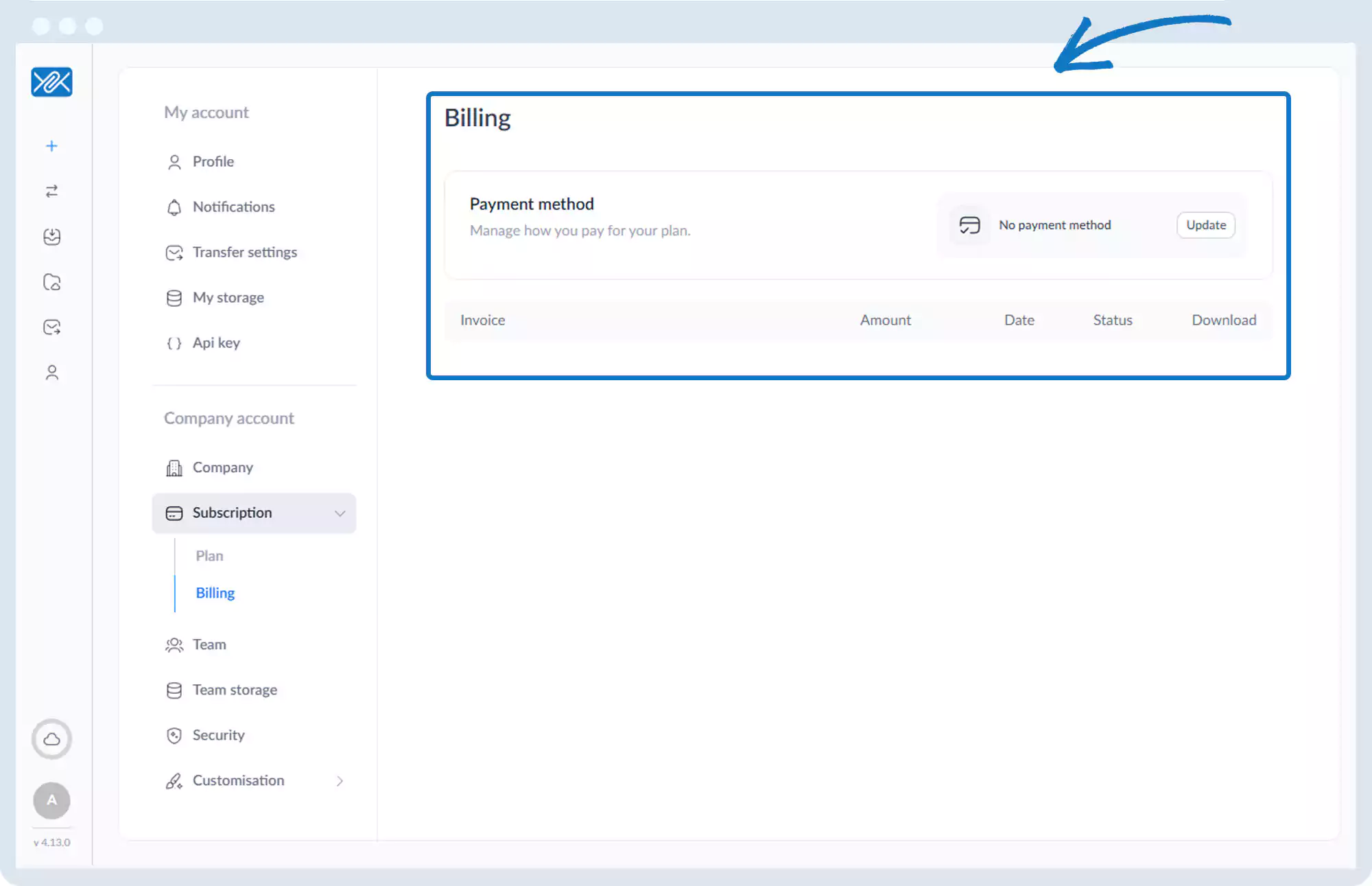
Subscription – Billing History
1. Go to the bottom left of the window and click on your initials or name.

2. Select Account settings.

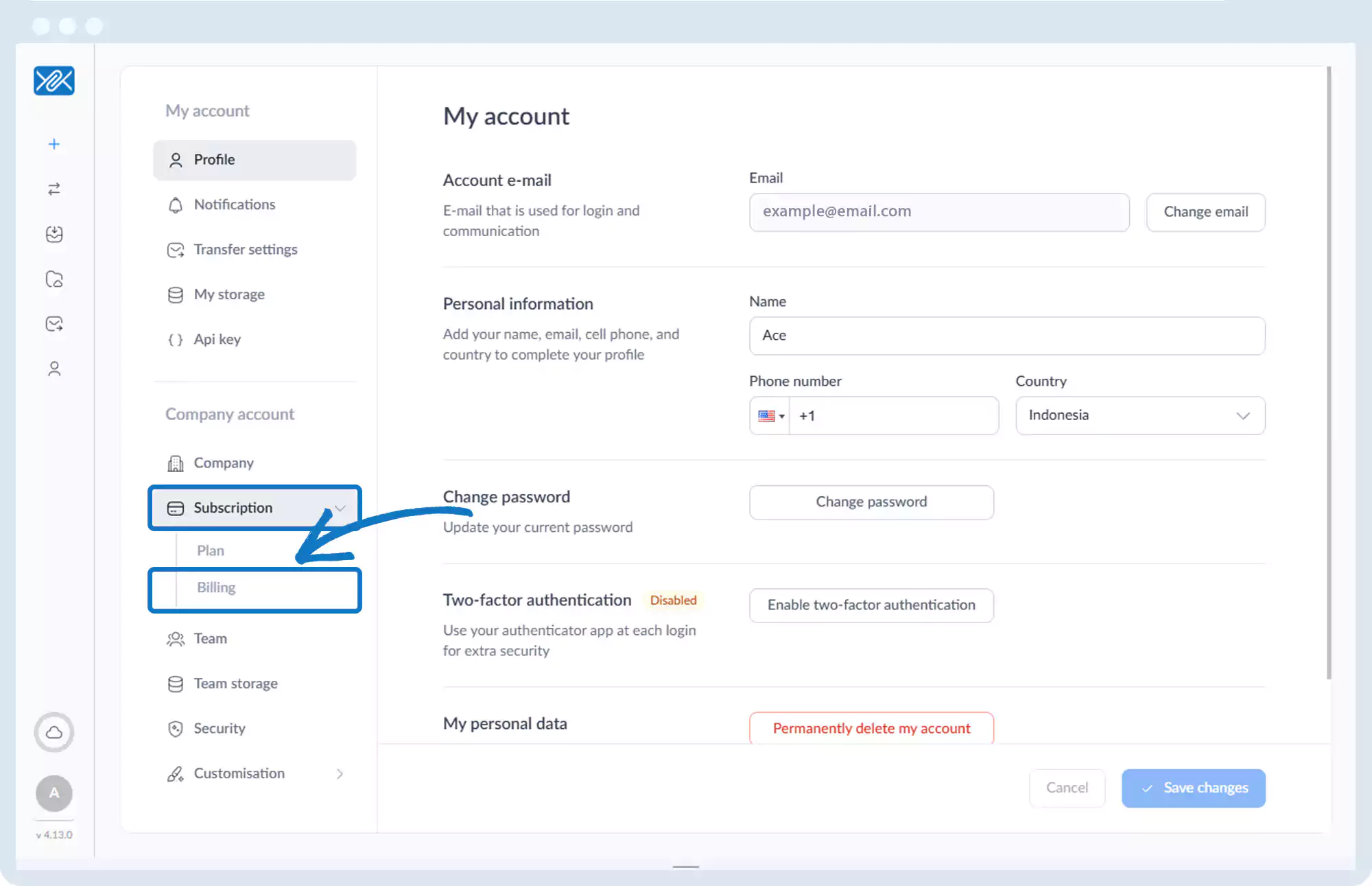
3. Click Subscription, then Billing.
4. View a list of invoices showing:
- Amount
- Date
- Status
- Download option
Go back to the operations manual page