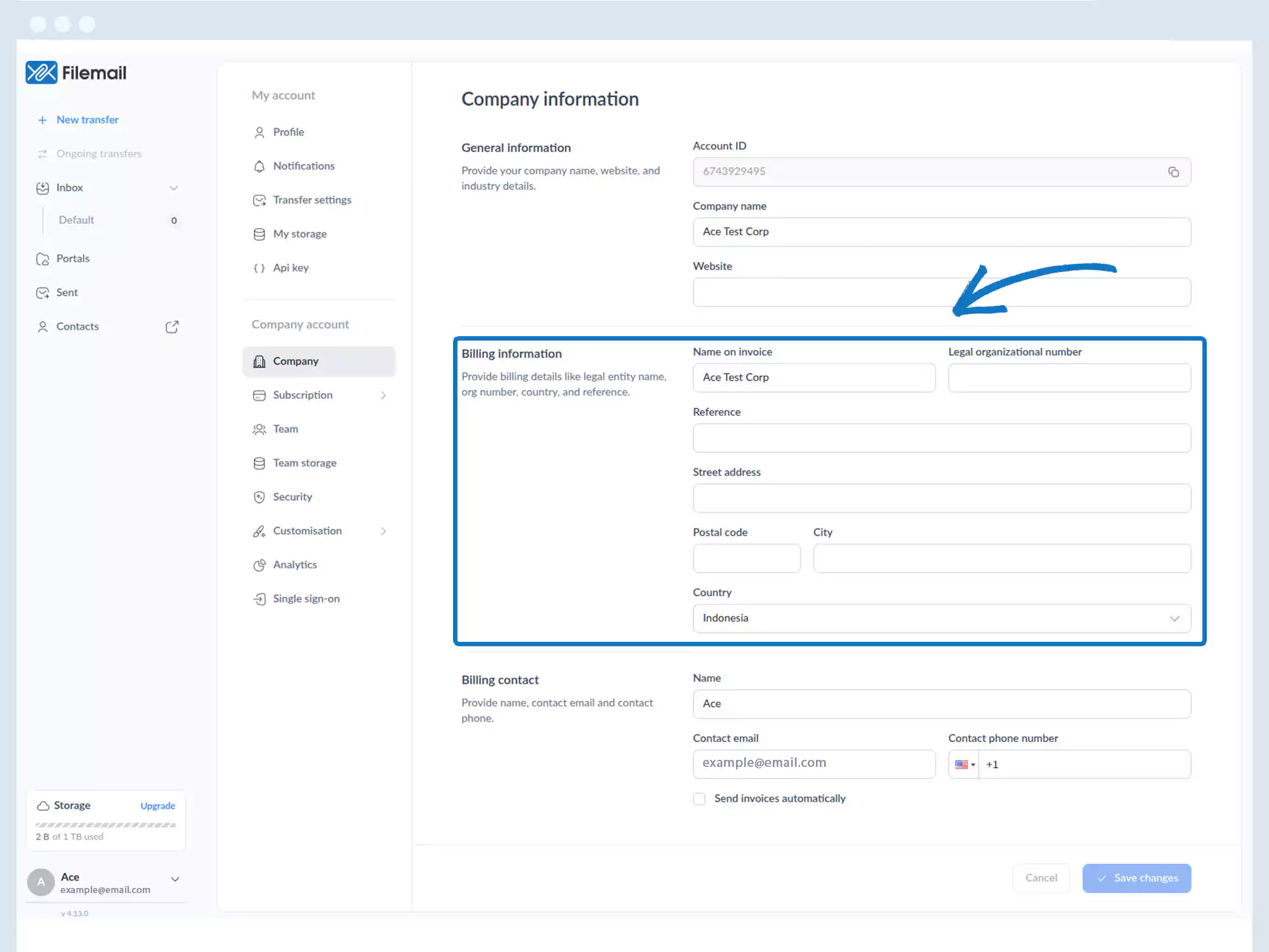
Billing – Information
1. Go to the bottom left of the window and click on your initials or name.

2. Select Account settings.

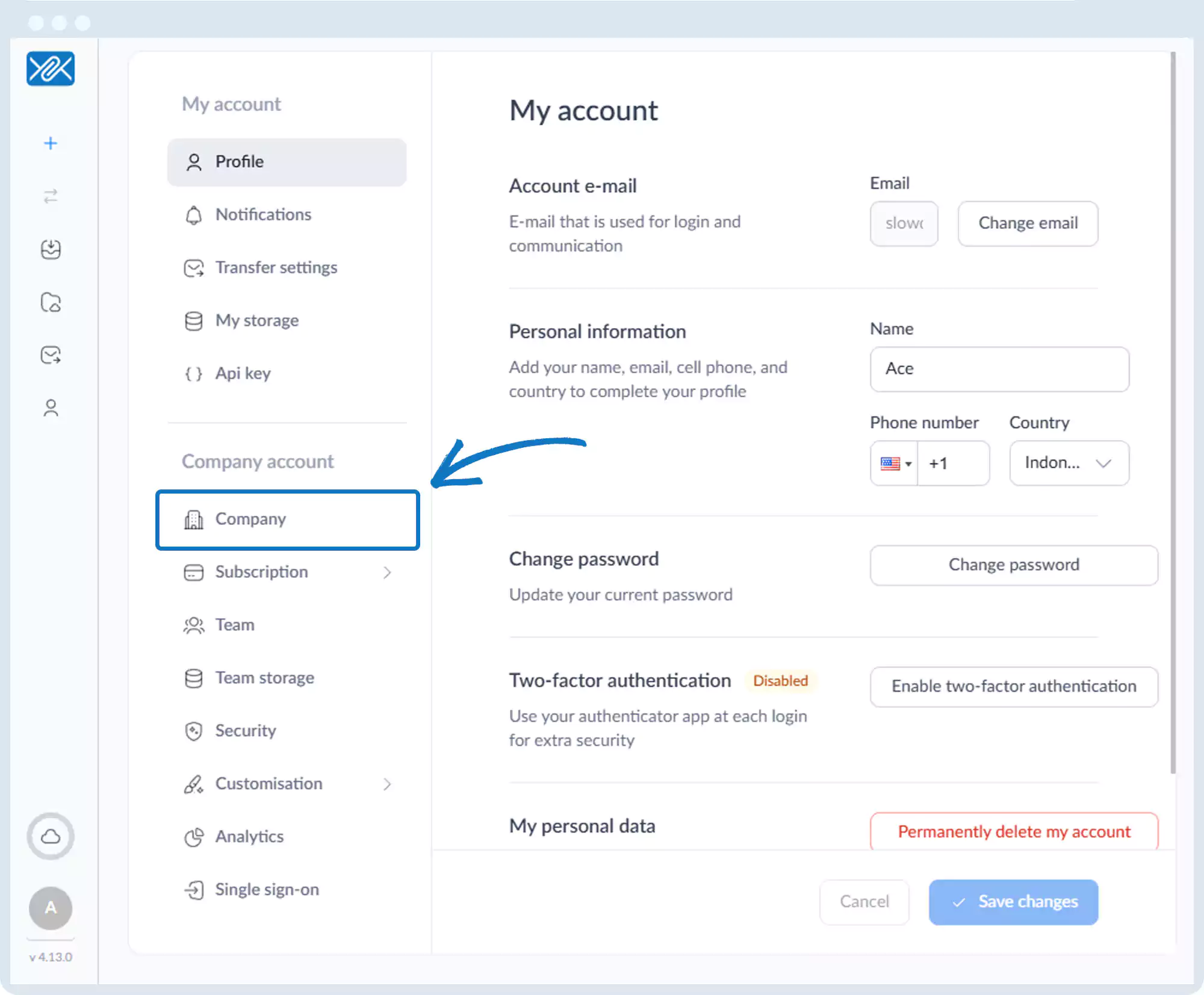
3. Click Company in the left sidebar.
4. On the Company Information page, you can define:
- Name on invoice
- Legal organization number
- Reference
- Address fields
Go back to the operations manual page