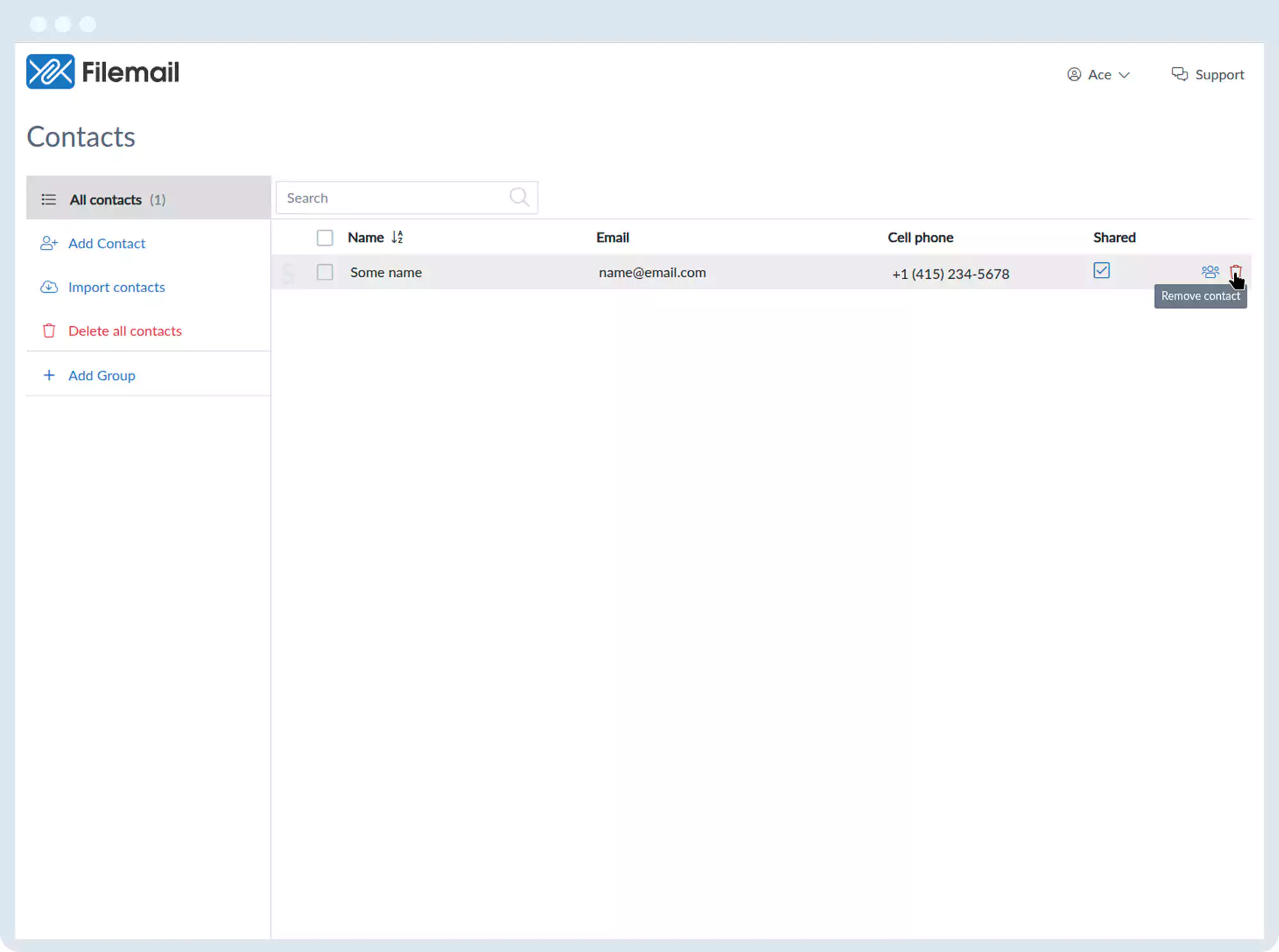
Contact Management
Add contacts:
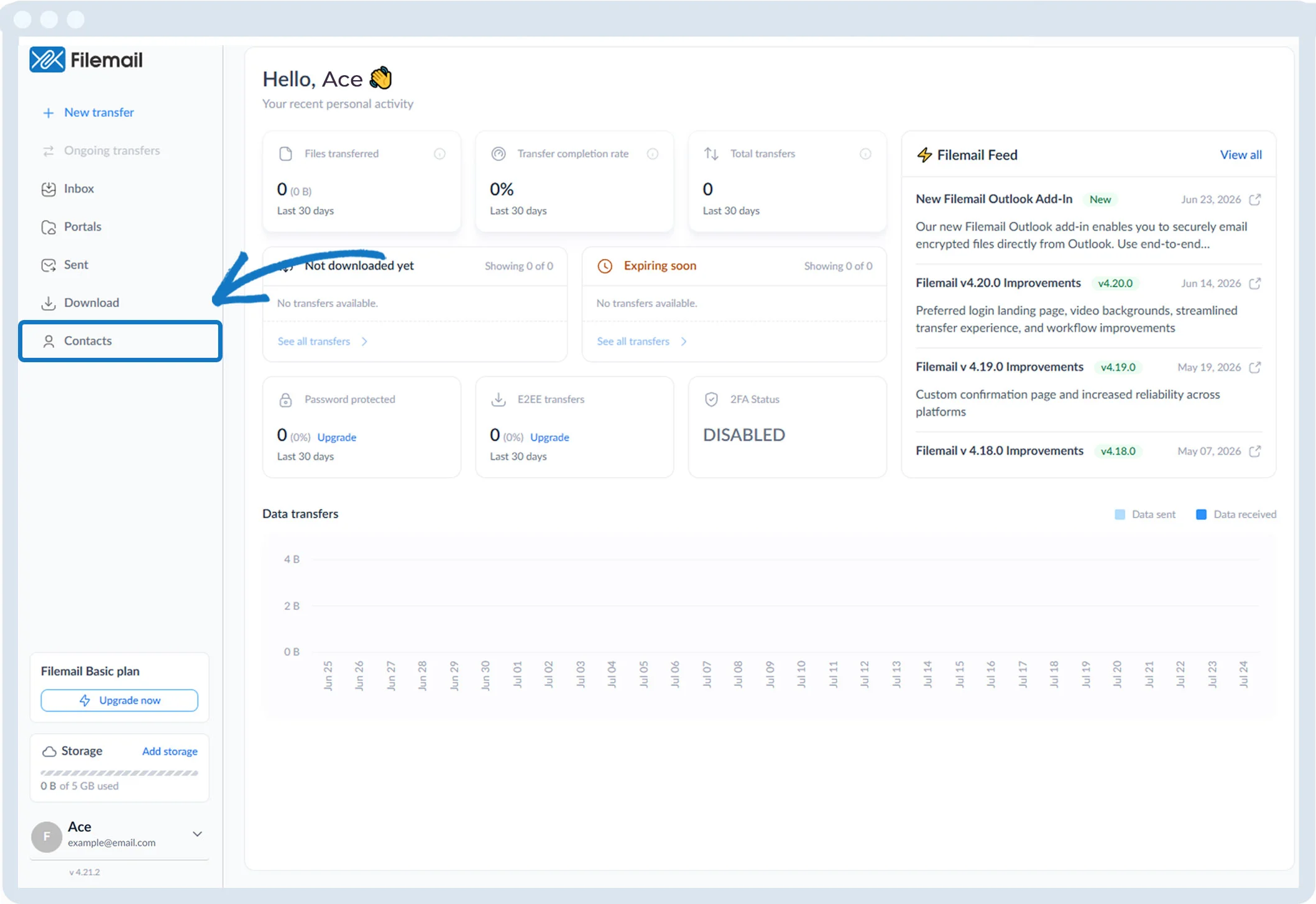
1. Click Contacts in the left sidebar.
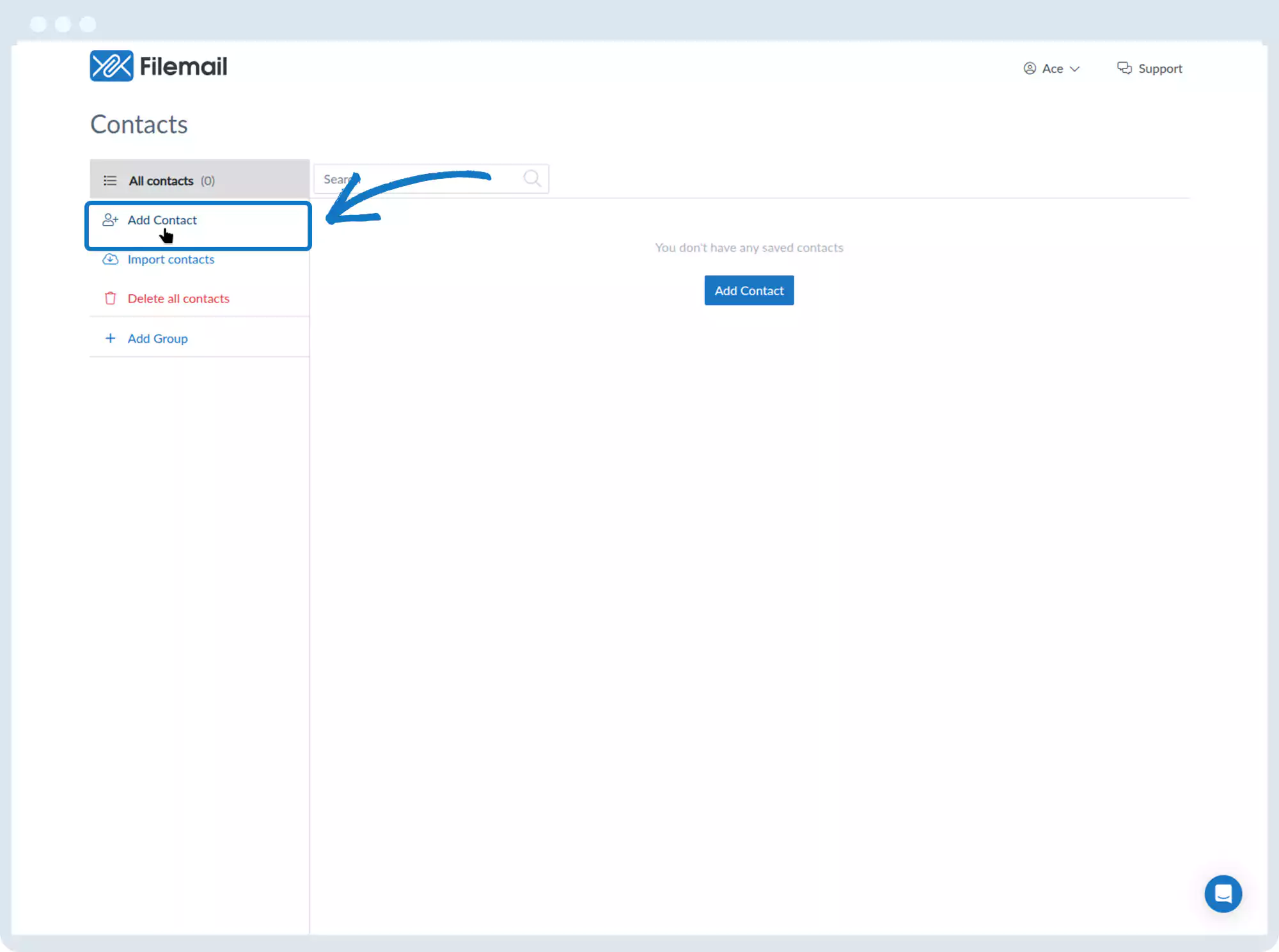
2. Click Add Contact.
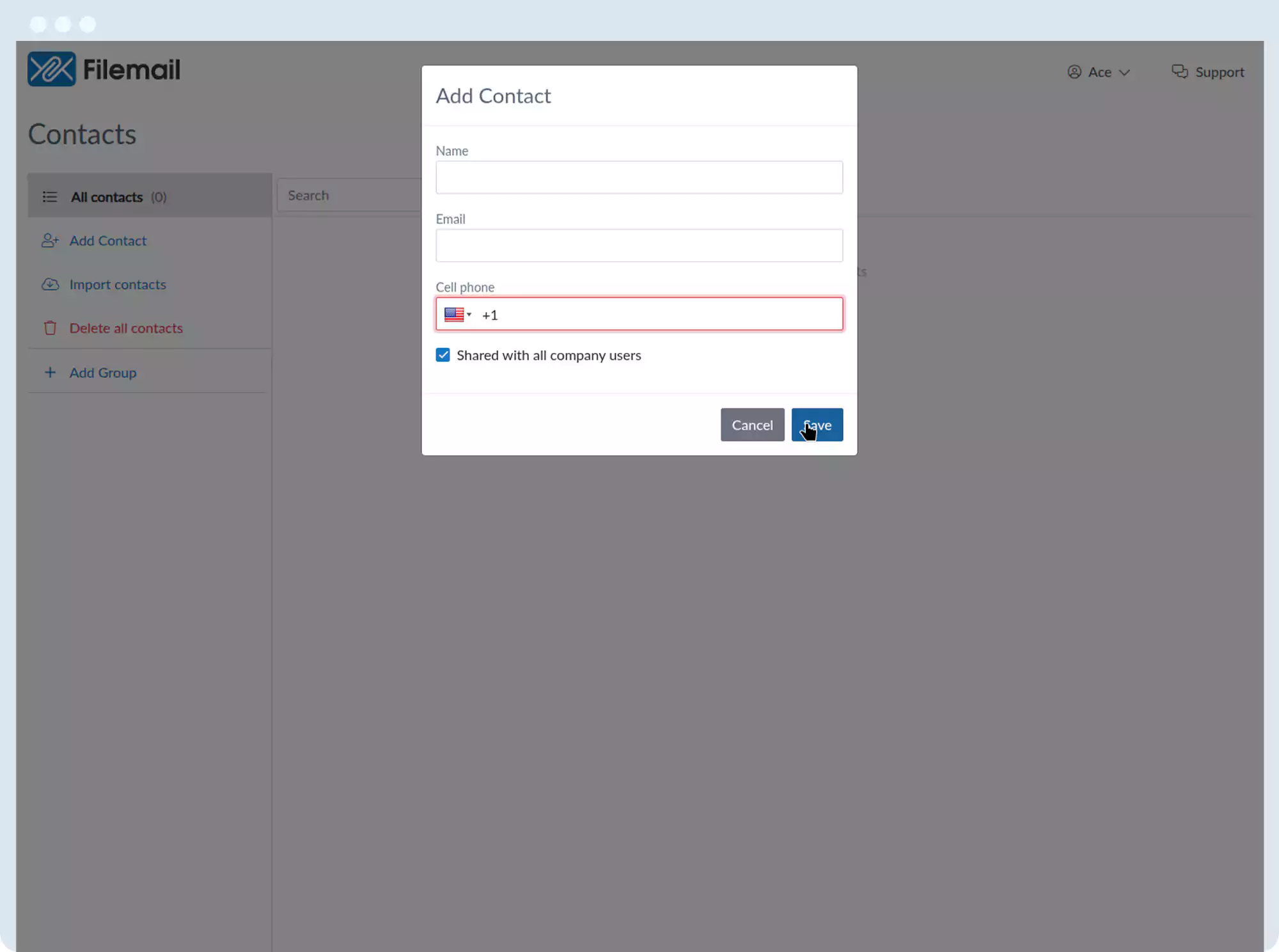
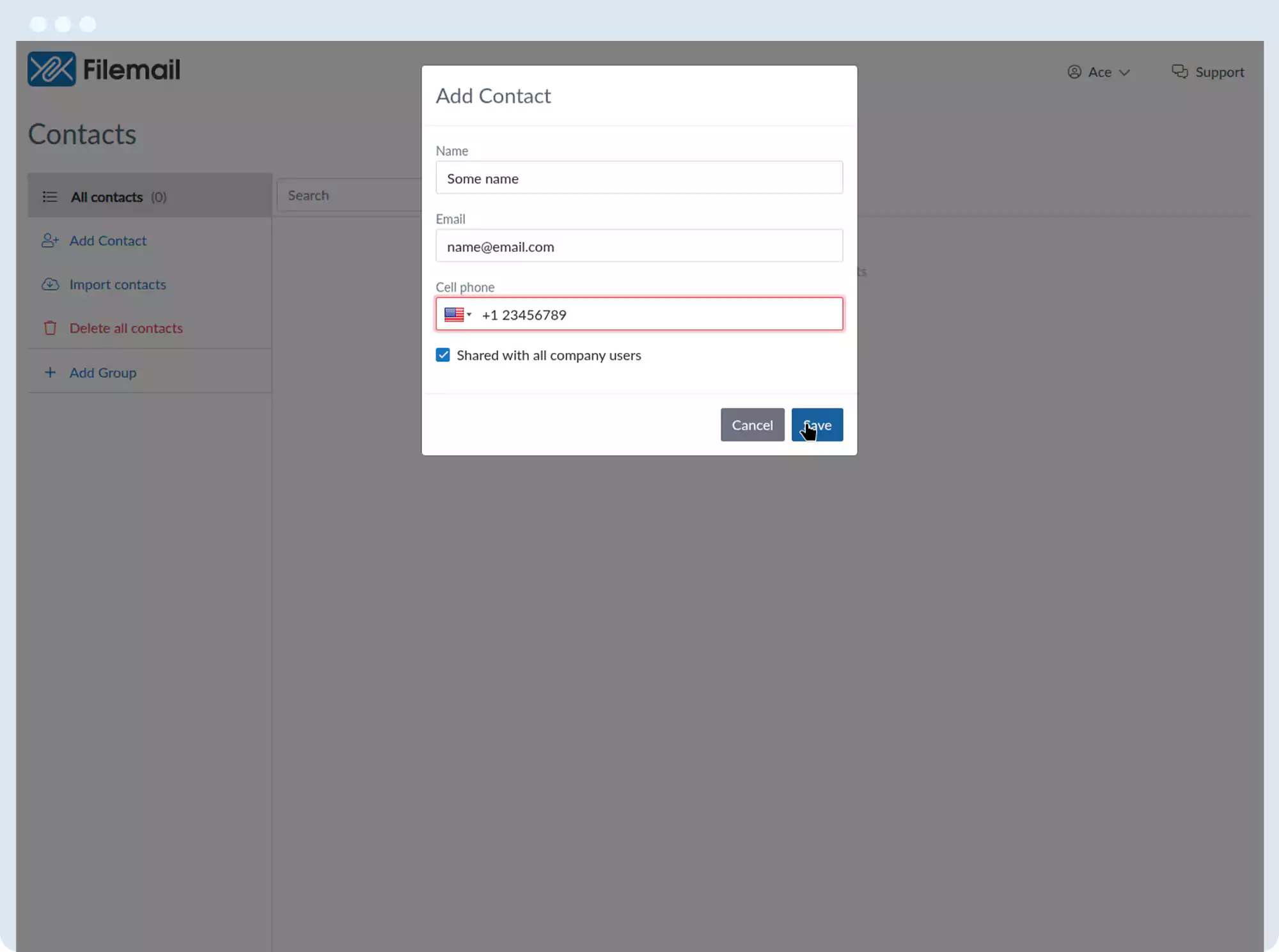
3. In the pop-up window, add:
- Name
- Email address
- Optional phone number
- Optional setting to share with all company users
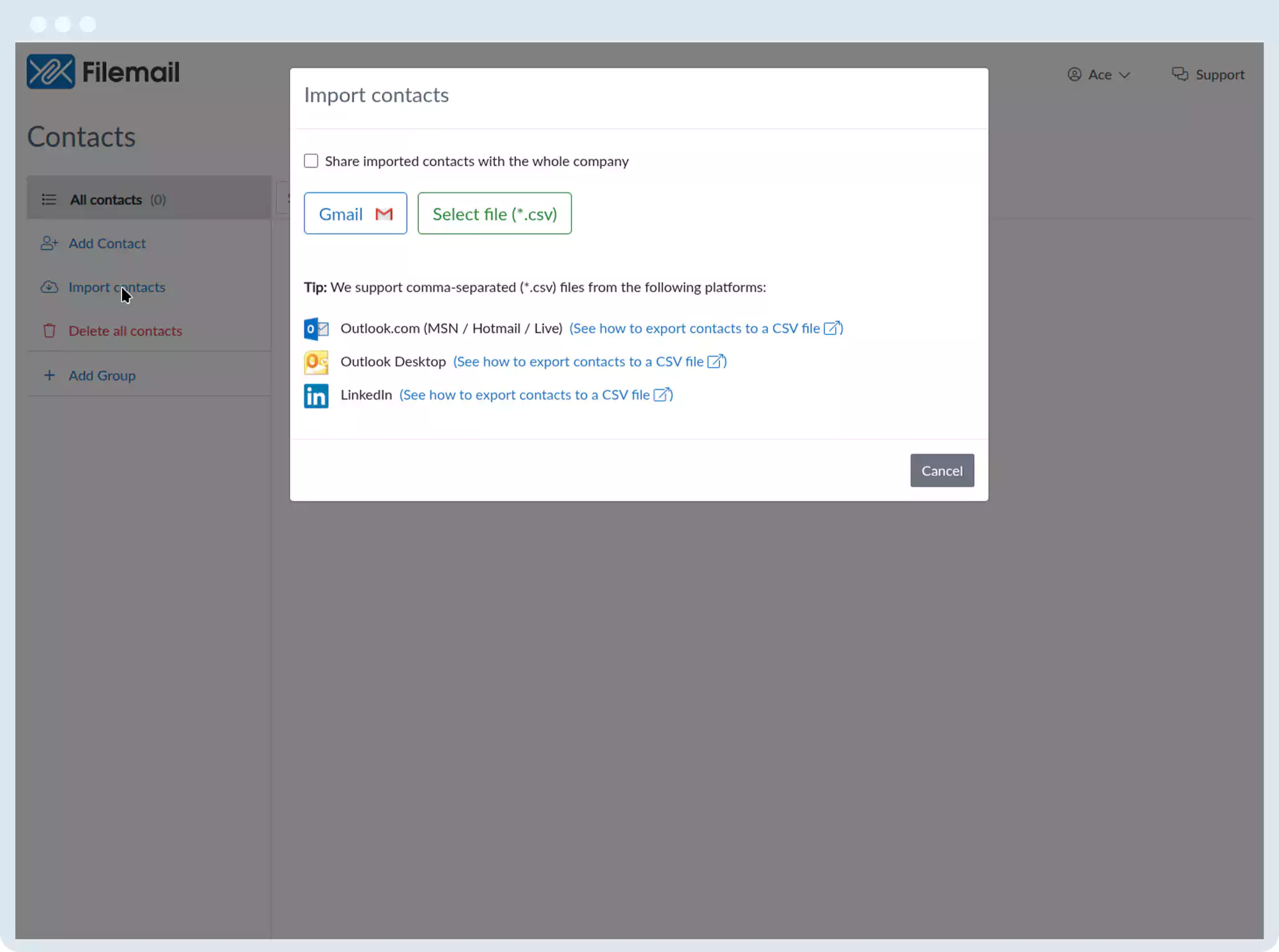
4. You can also import contacts from:
- Gmail
- CSV files (for other providers or LinkedIn)
5. Save when done.
Delete contacts:
- Hover over a contact and click the trash icon
- Select multiple contacts and click Delete
- Use the left-side delete option to remove all contacts
Group contacts:
- Click Add Group, name it, and save
- Assign contacts to groups using the group icon or bulk selection
Go back to the operations manual page