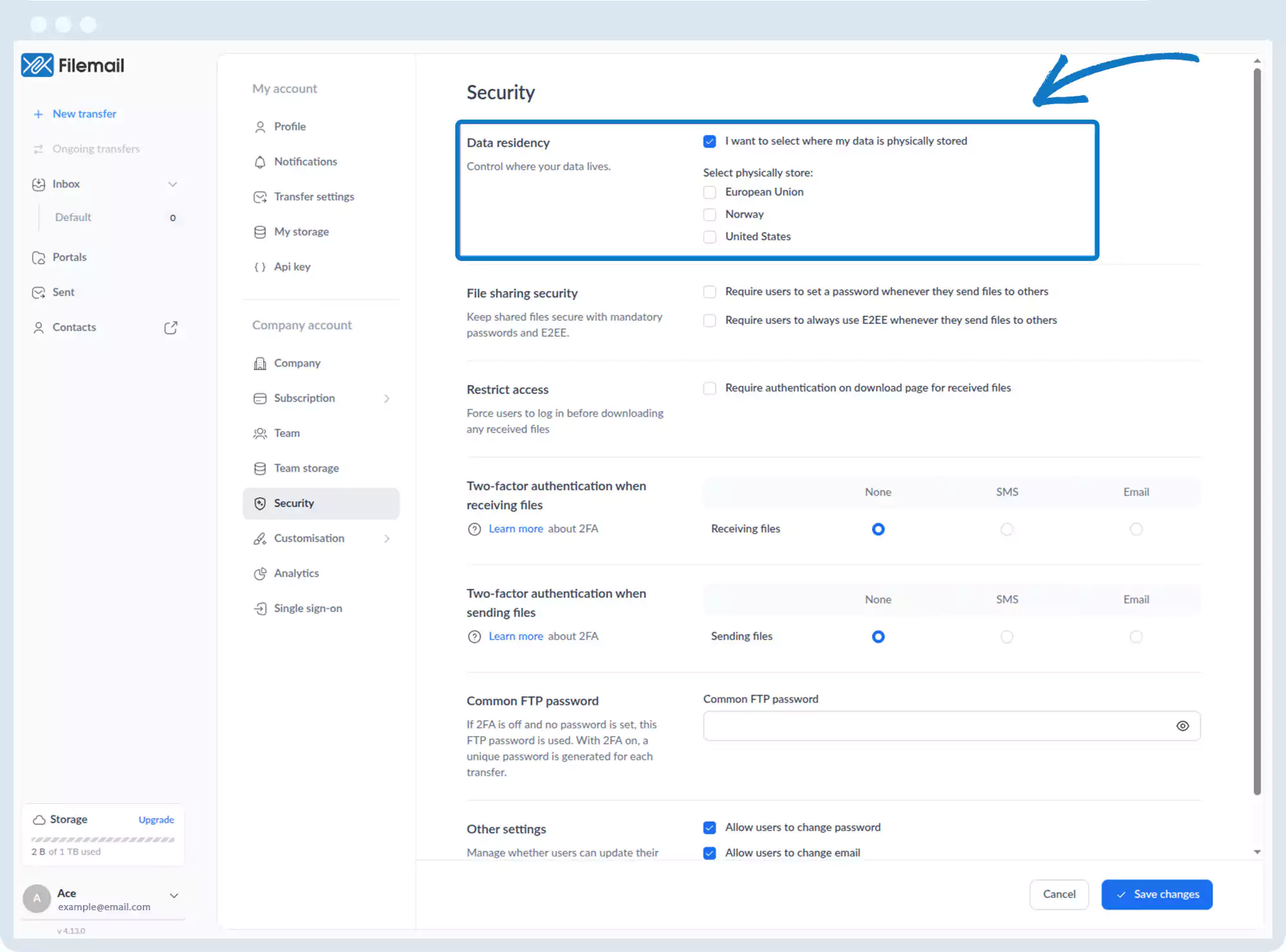
Data Residency
1. Go to the bottom left of the window and click on your initials or name.

2. Select Account settings.

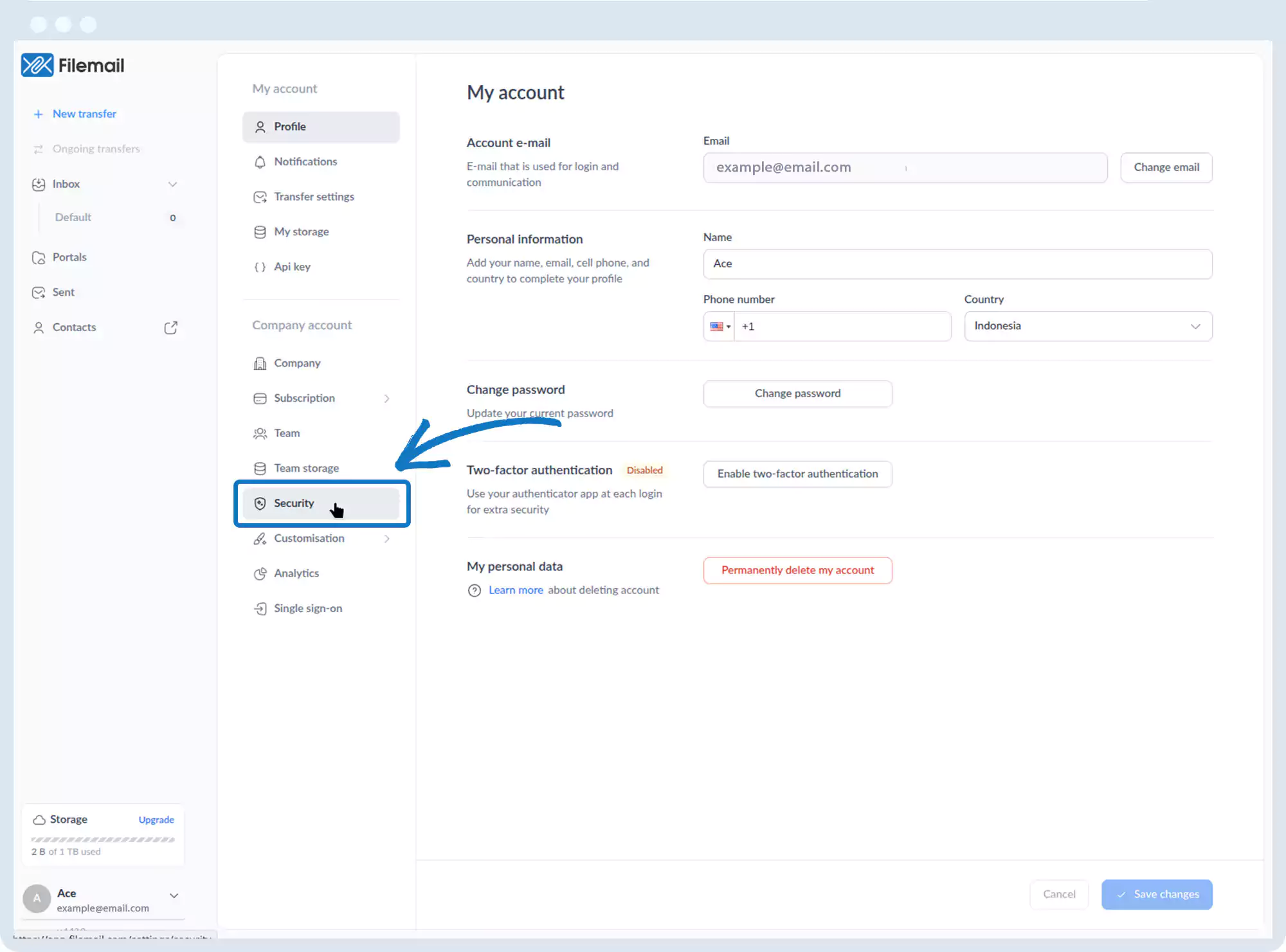
3. Click Security.
4. Under Data Residency, choose where data is stored:
- European Union
- Norway
- United States
Go back to the operations manual page