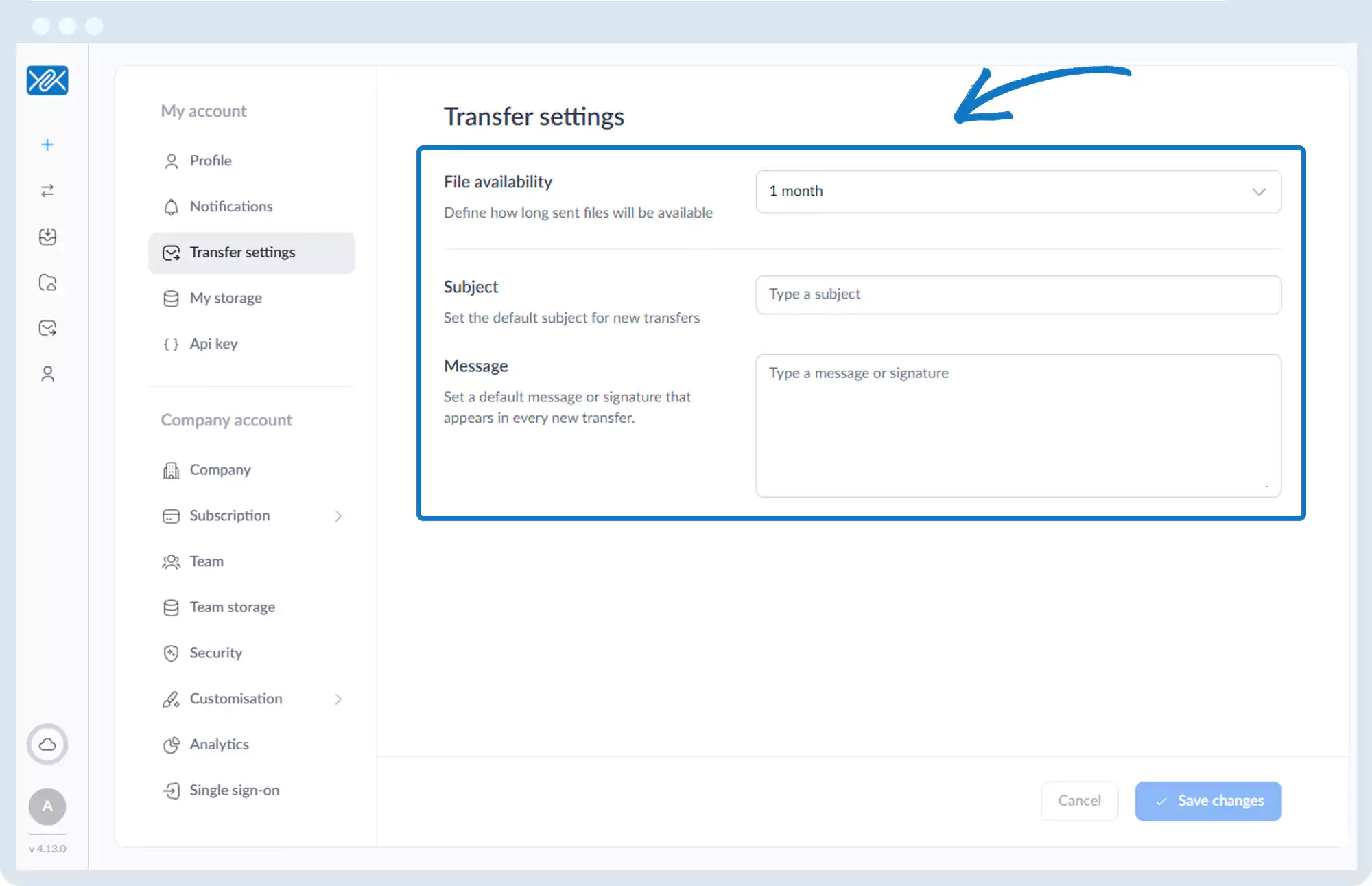
Transfer Settings – Default
1. Go to the bottom left of the window and click on your initials or name.

2. Select Account settings.

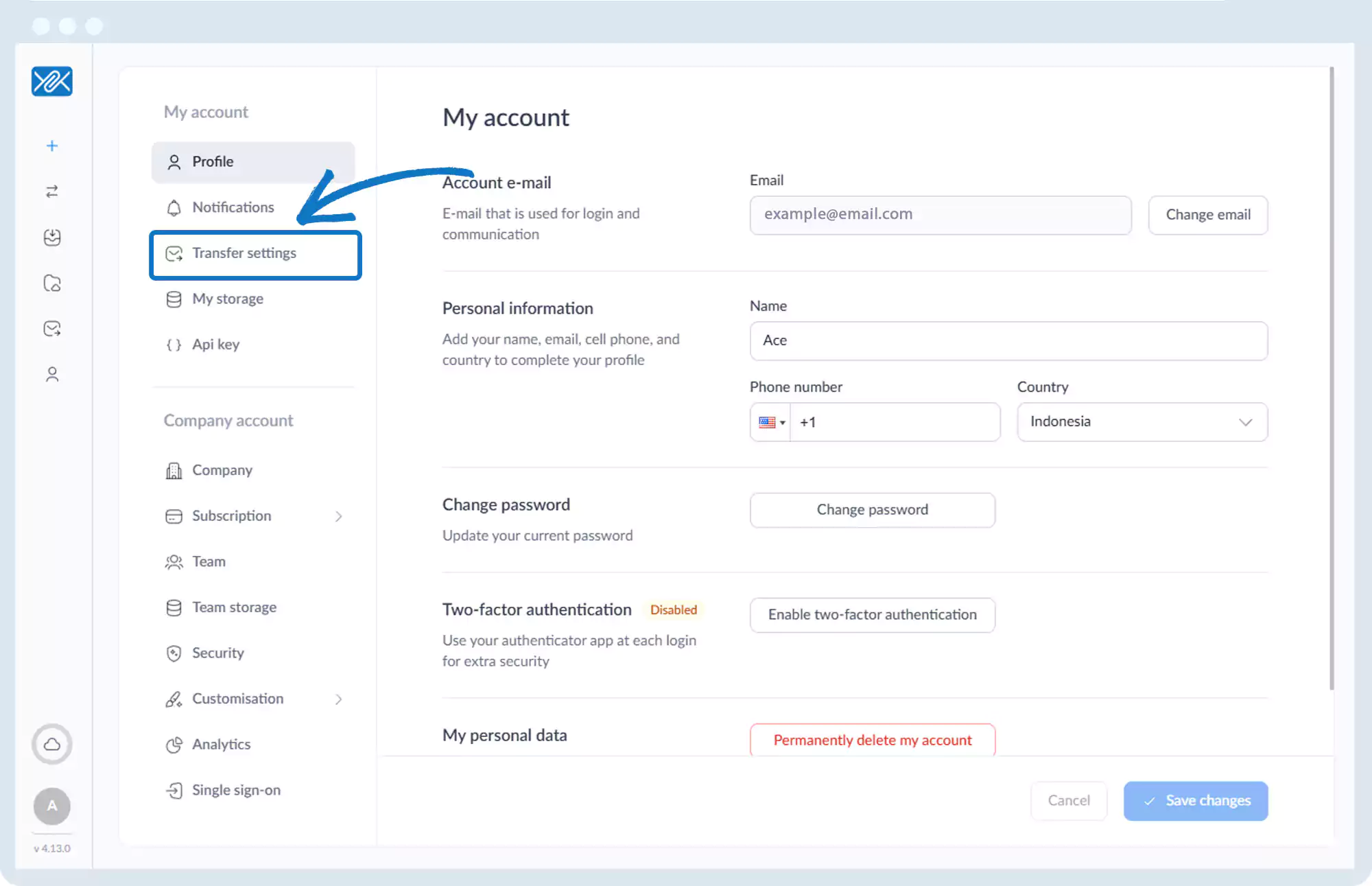
3. Click Transfer Settings, then Default settings.
4. Configure:
- Default file availability duration
- Default email subject
- Default message or signature
Go back to the operations manual page