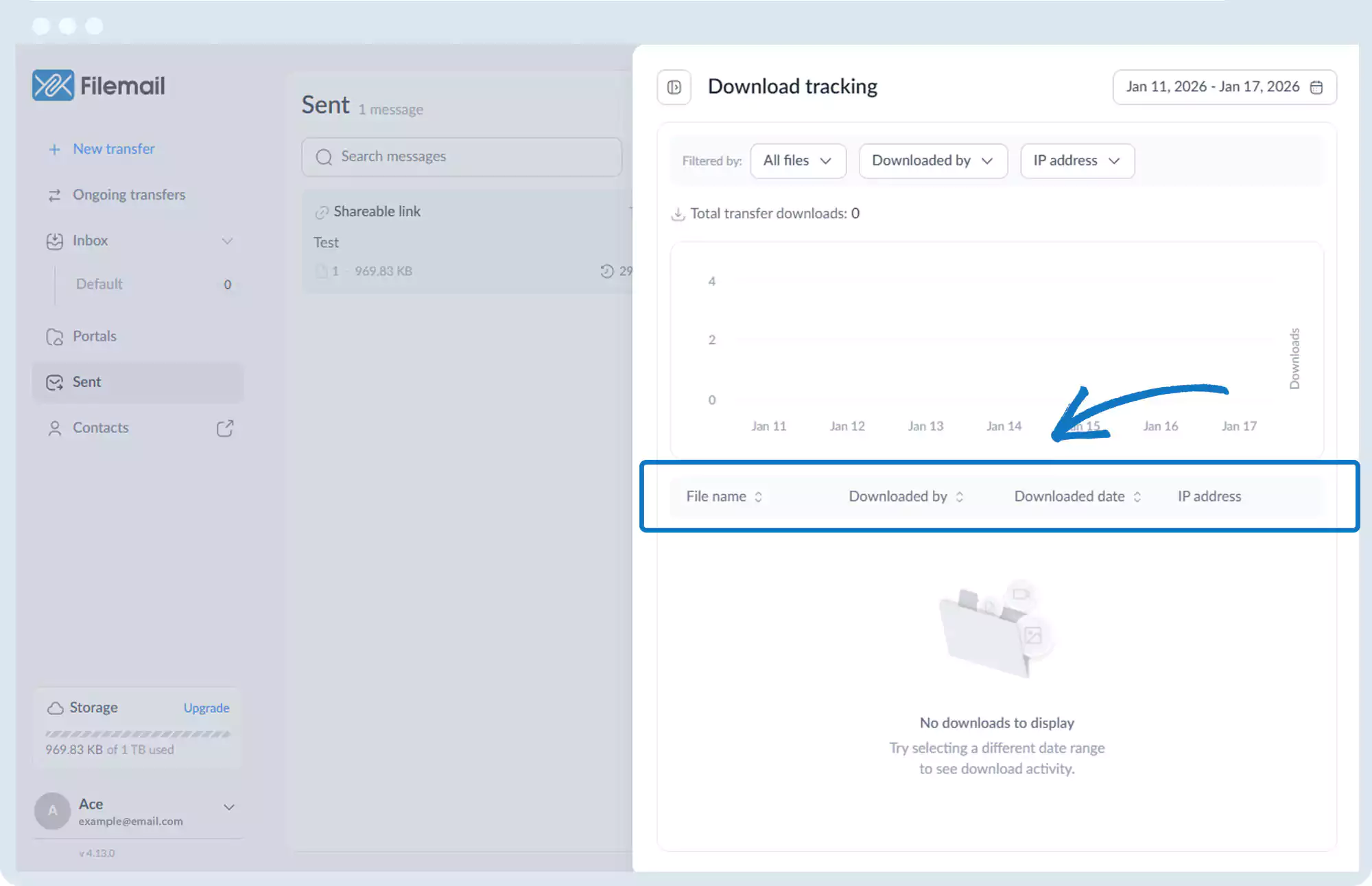
File Sharing Activity Logs – Download Tracking
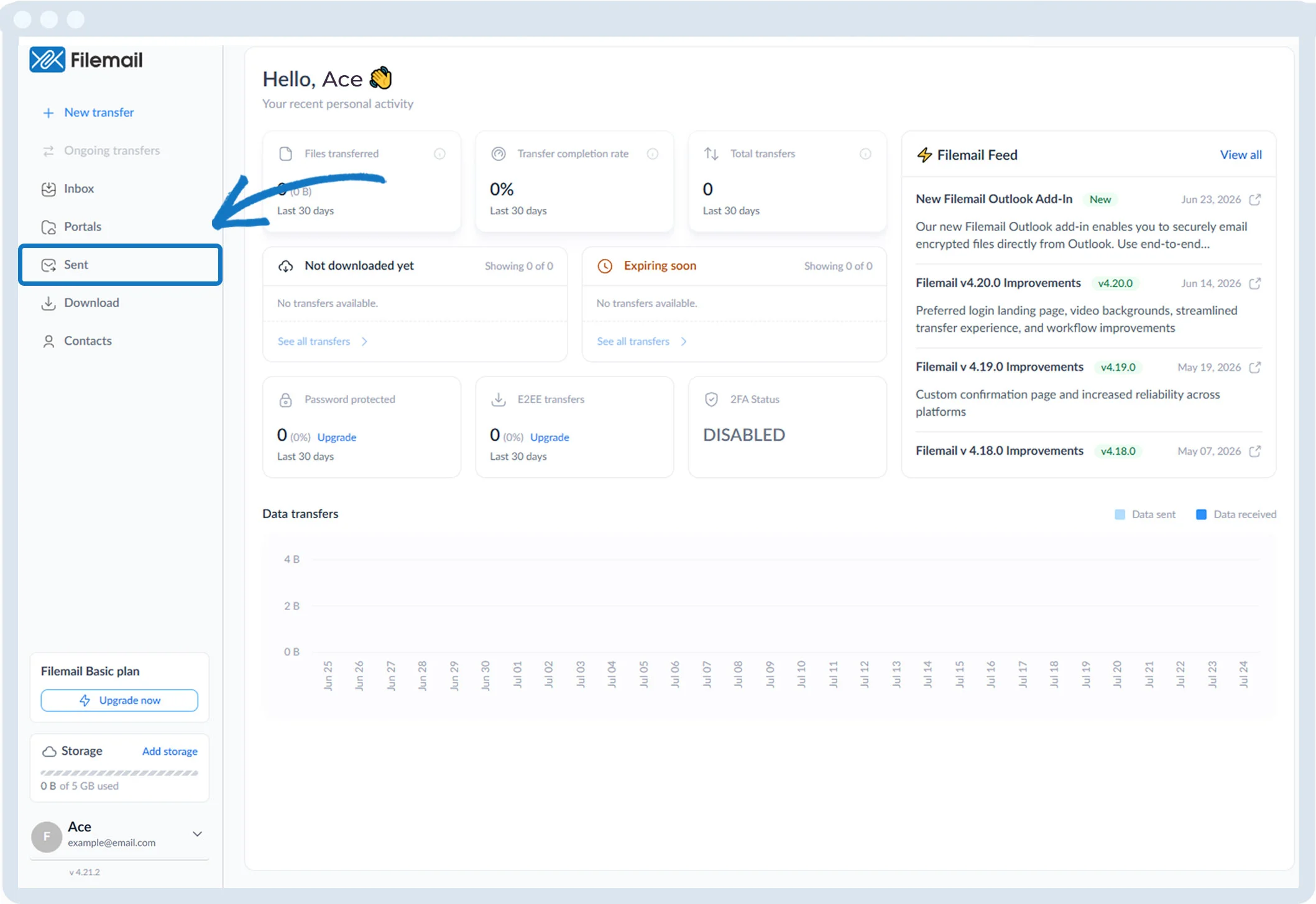
1. Click Sent in the left sidebar.
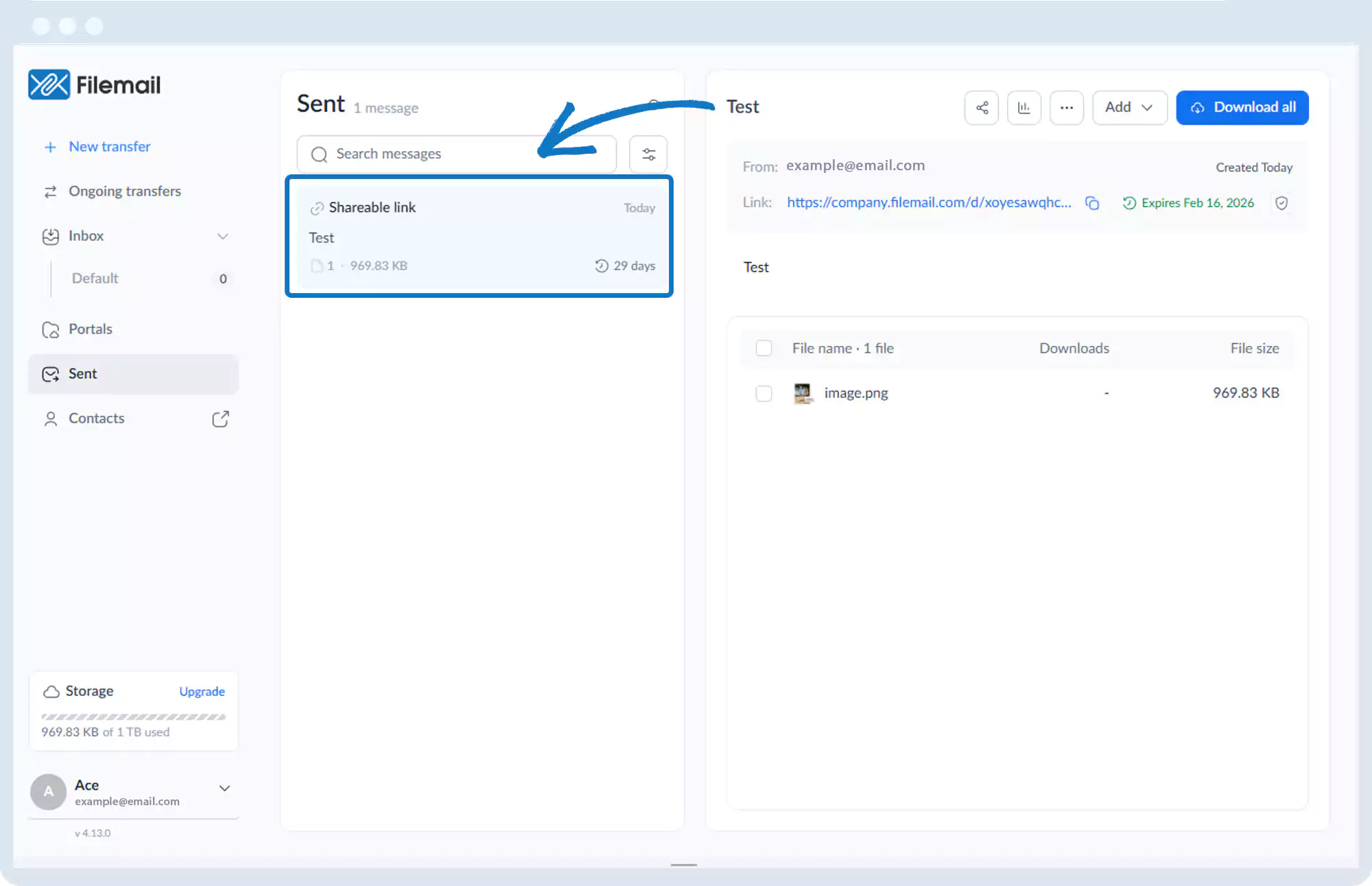
2. Select the desired transfer session.
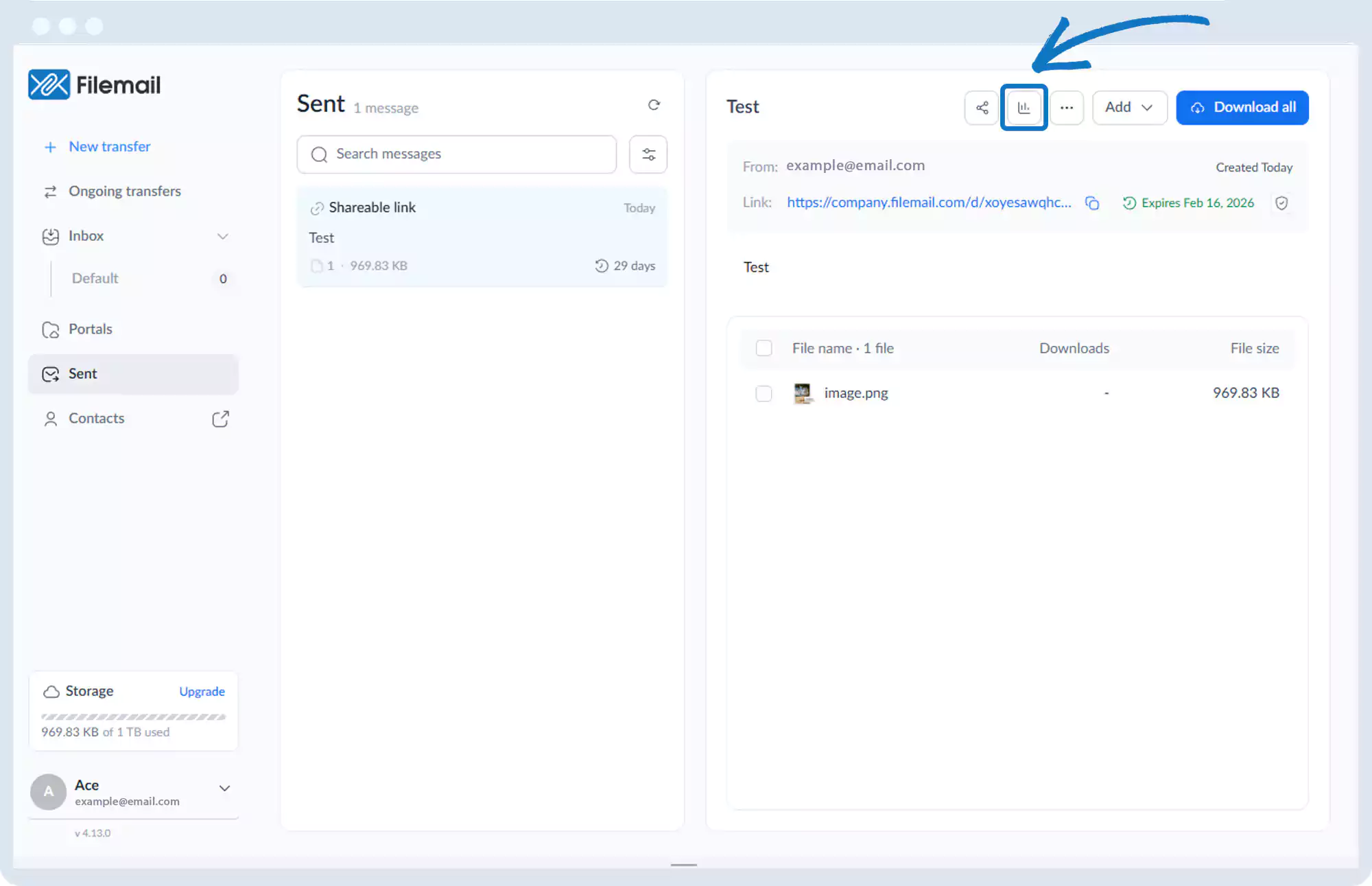
3. On the right side of the window, click the Analytics icon (bar chart).
4. You will see detailed download activity, including:
- File-level tracking
- Downloaded by
- IP address
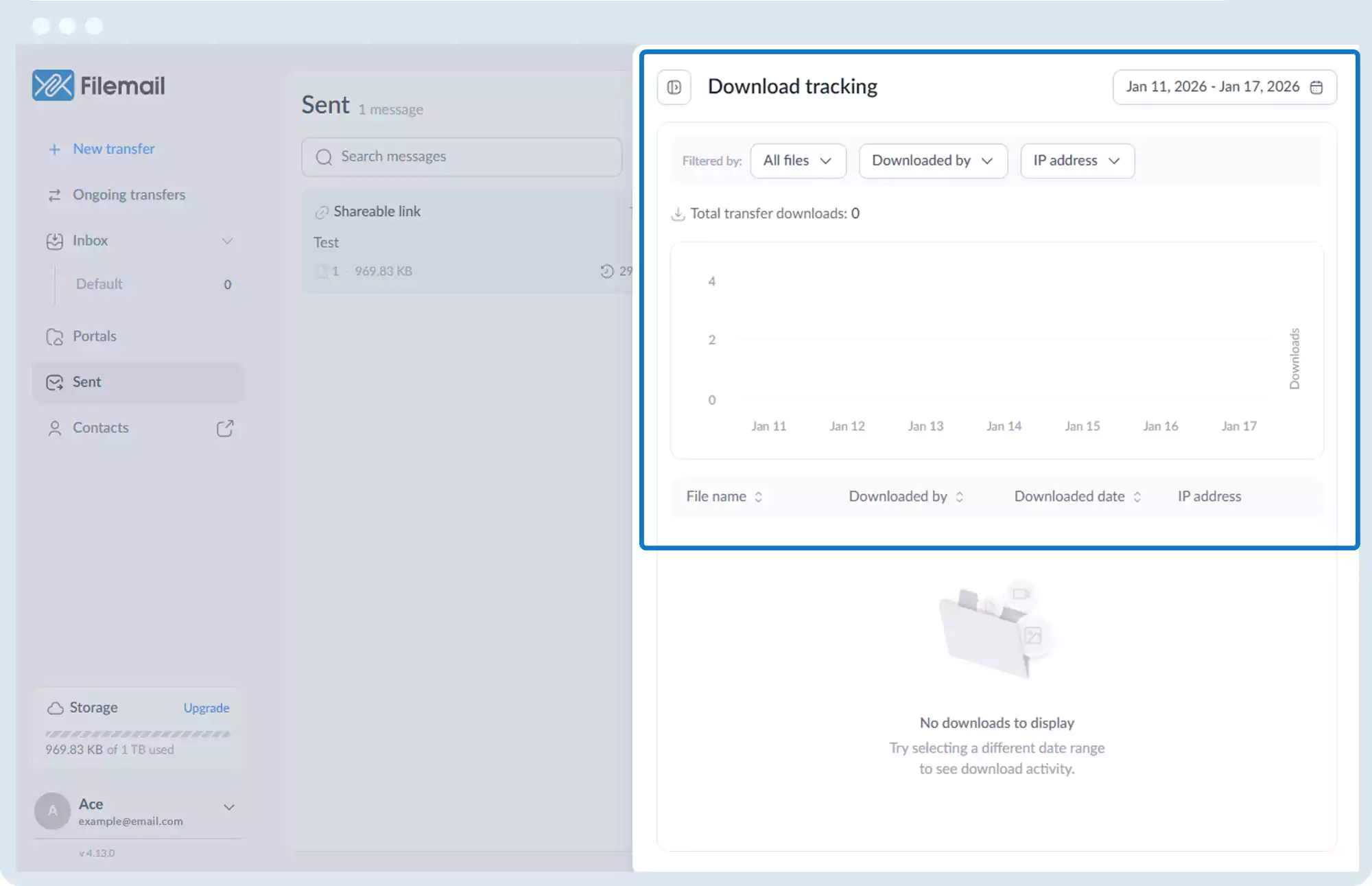
5. Use filters to narrow results by file or recipient.
Go back to the operations manual page