End-to-End Encryption (E2EE) & Password Protection
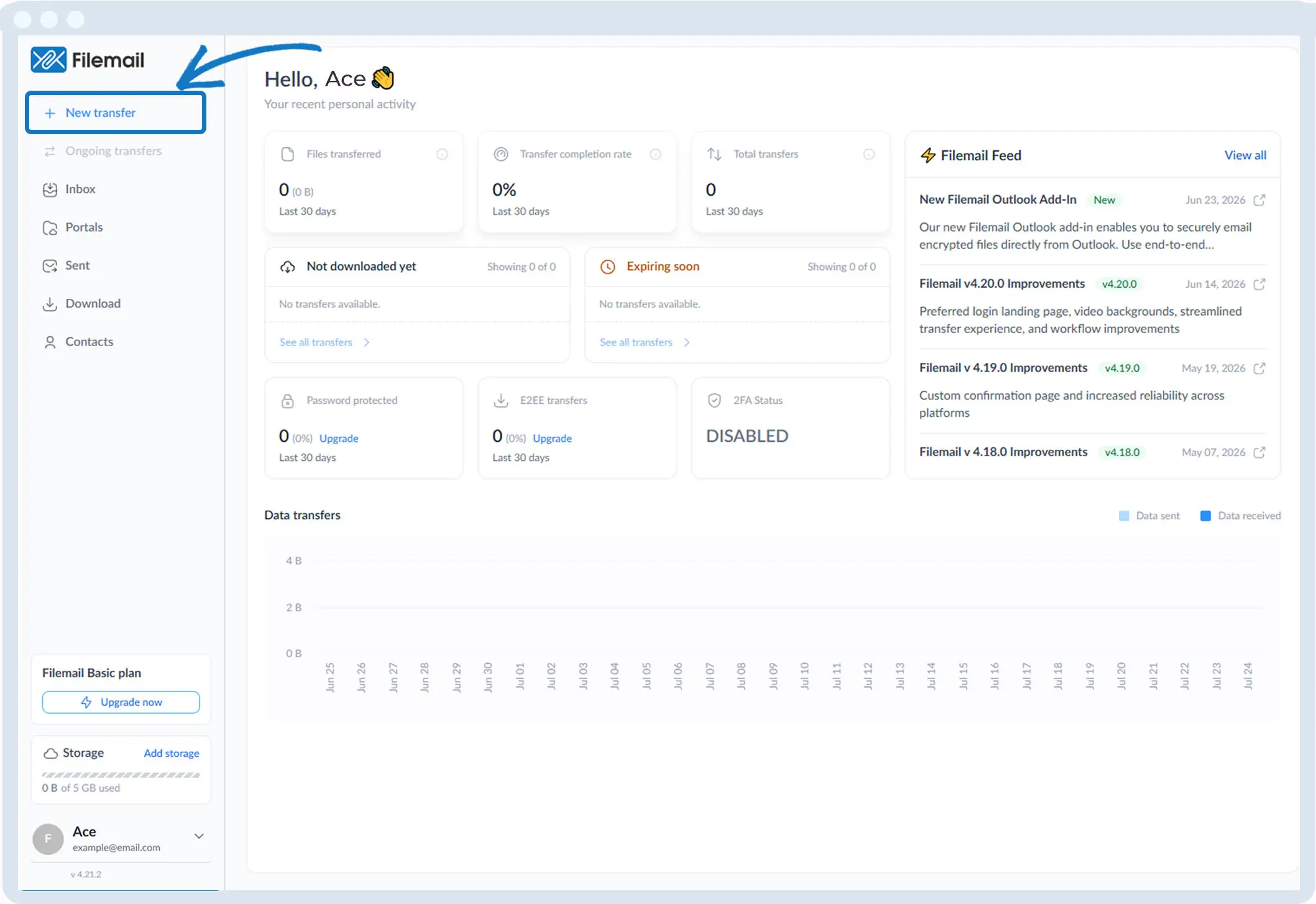
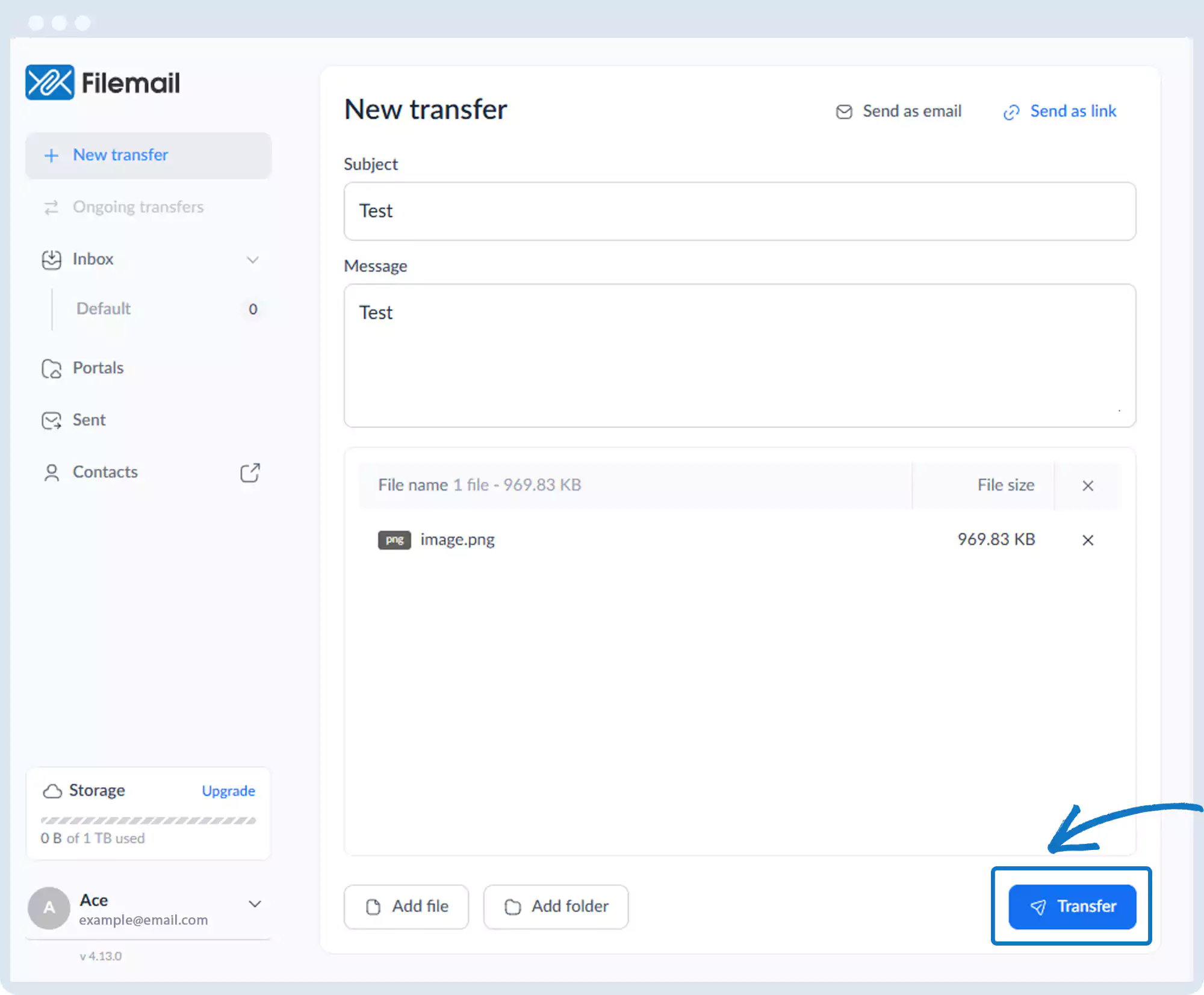
1. Click New transfer in the left sidebar.
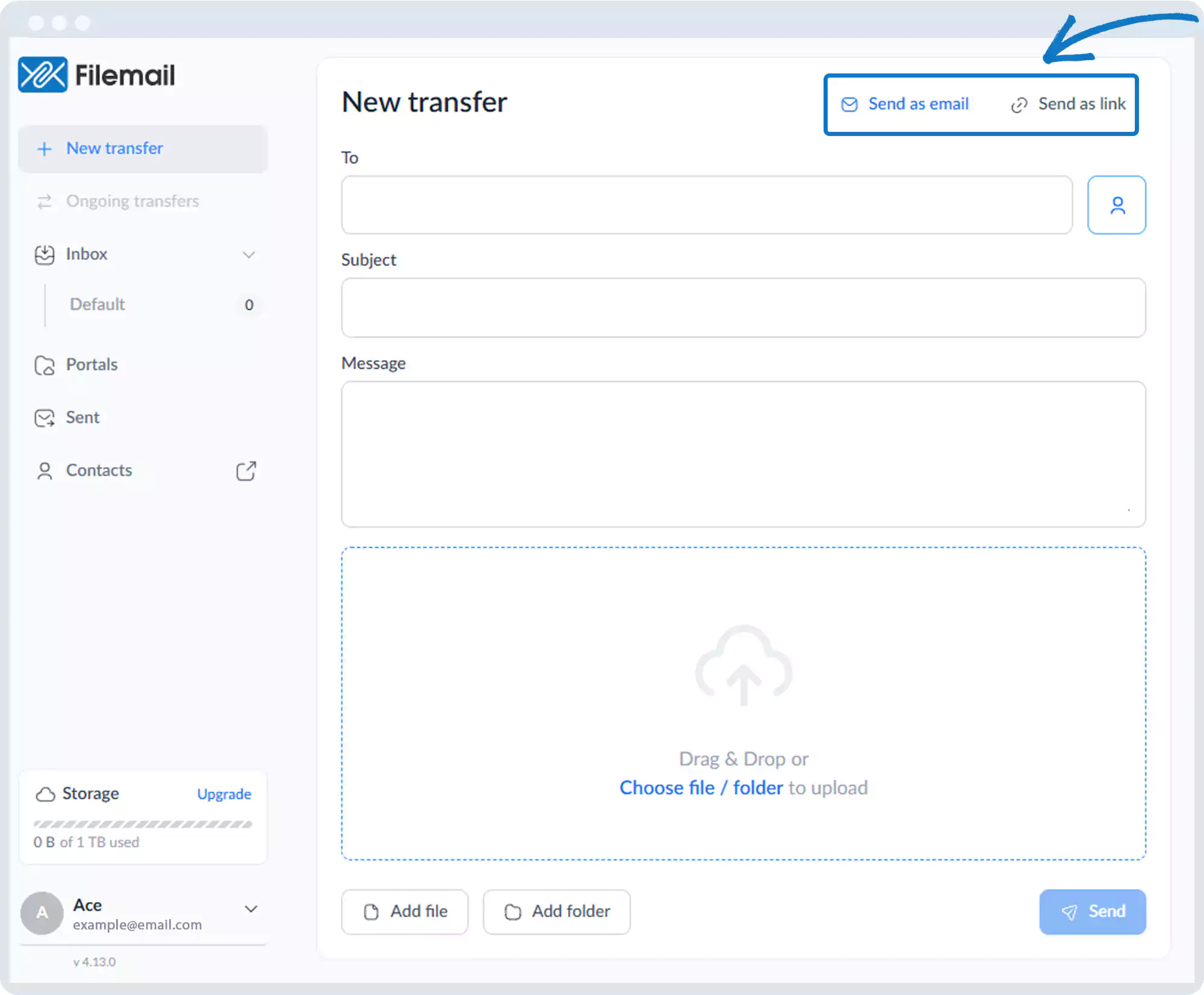
2. Choose sending files via Email or Link.
3. Add files or folders.
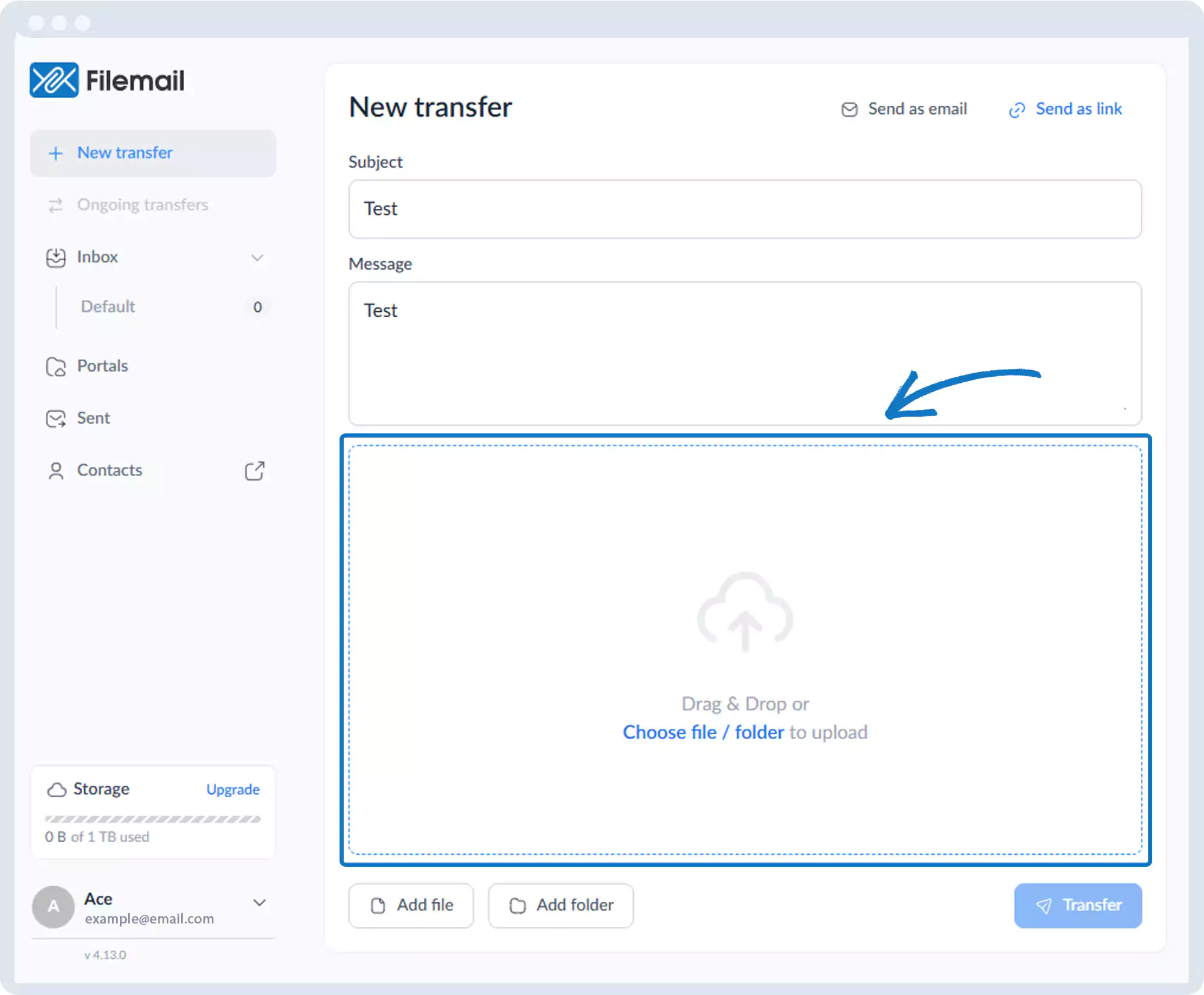
4. Click Transfer.
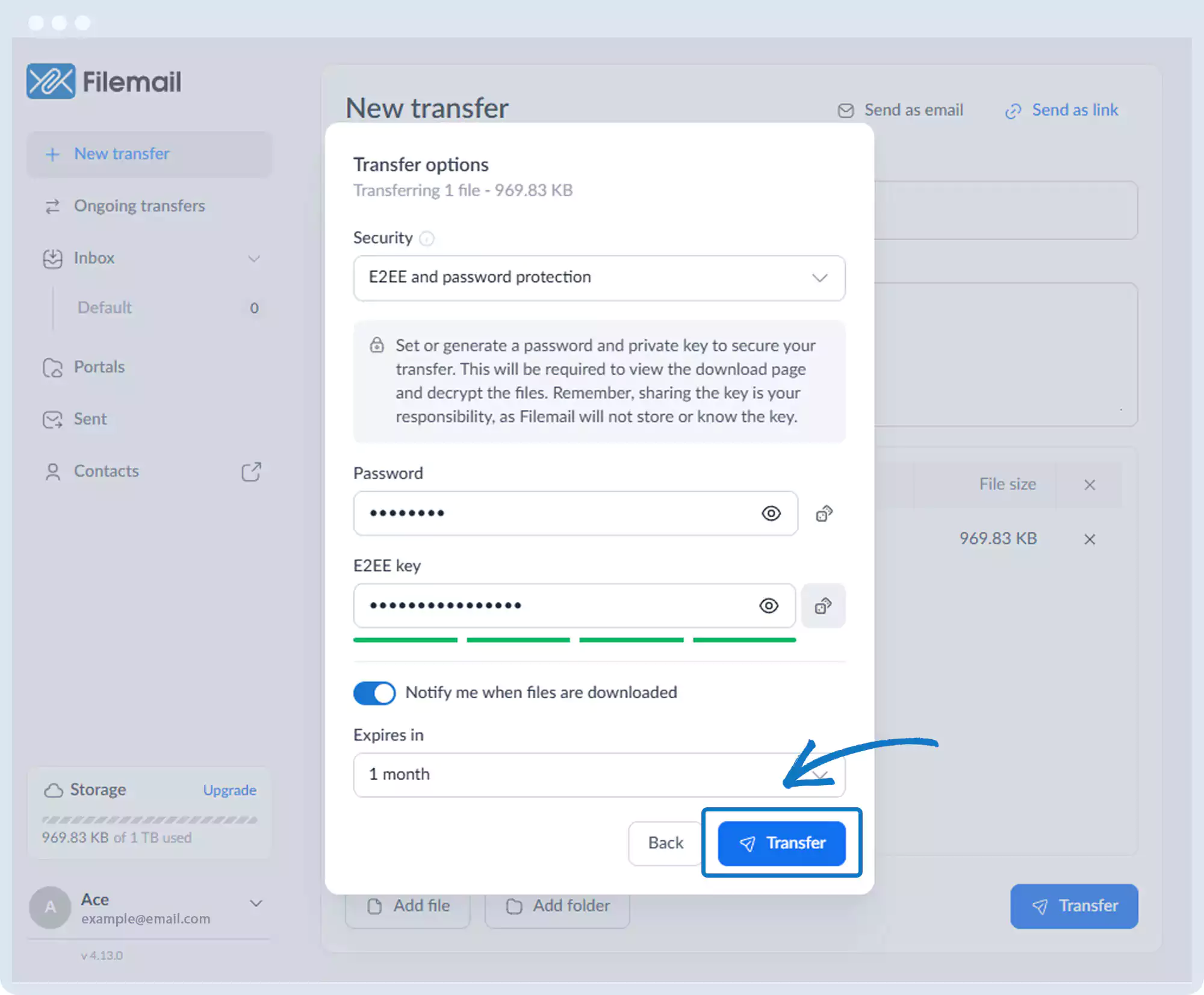
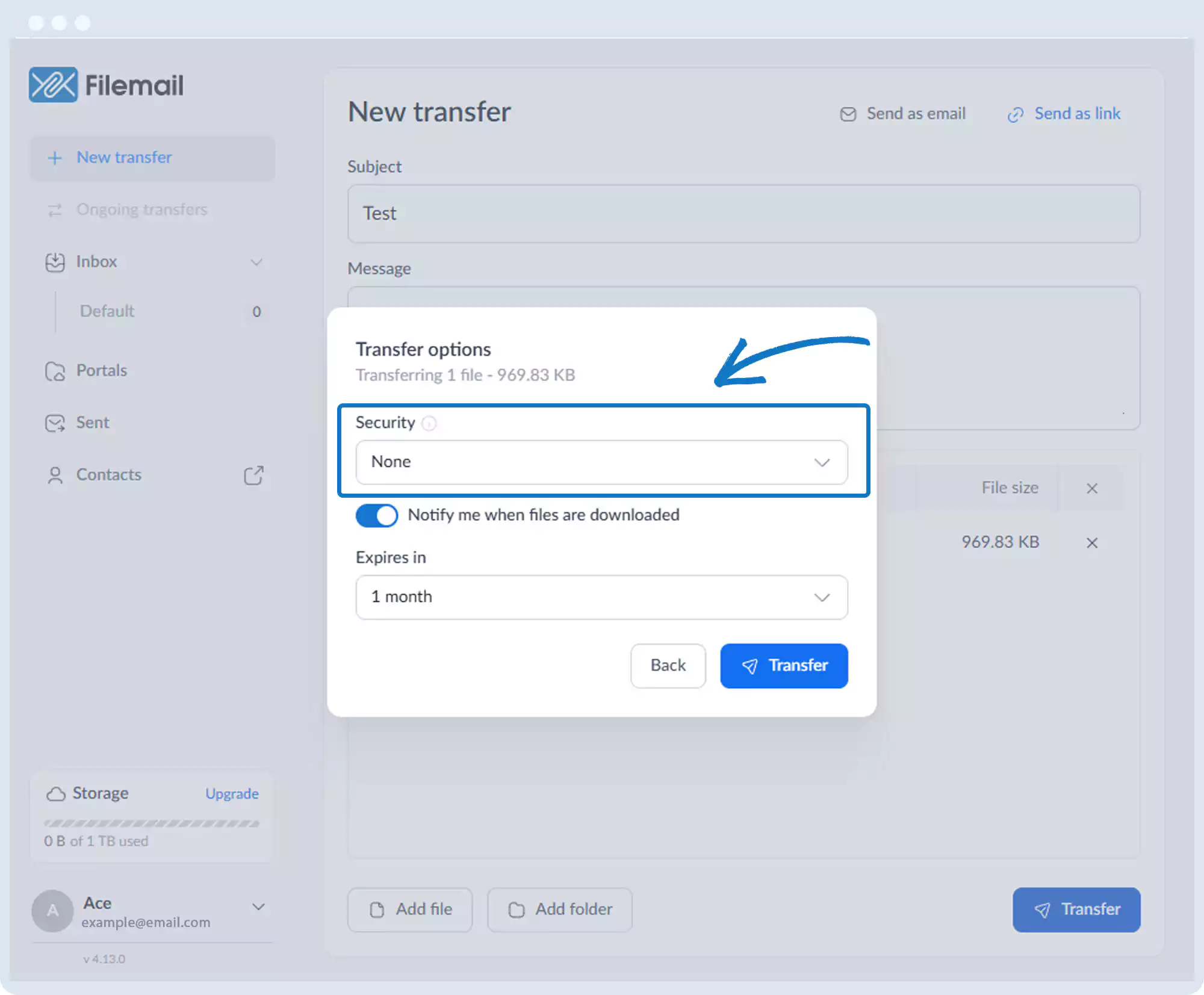
5. Open the Security dropdown.
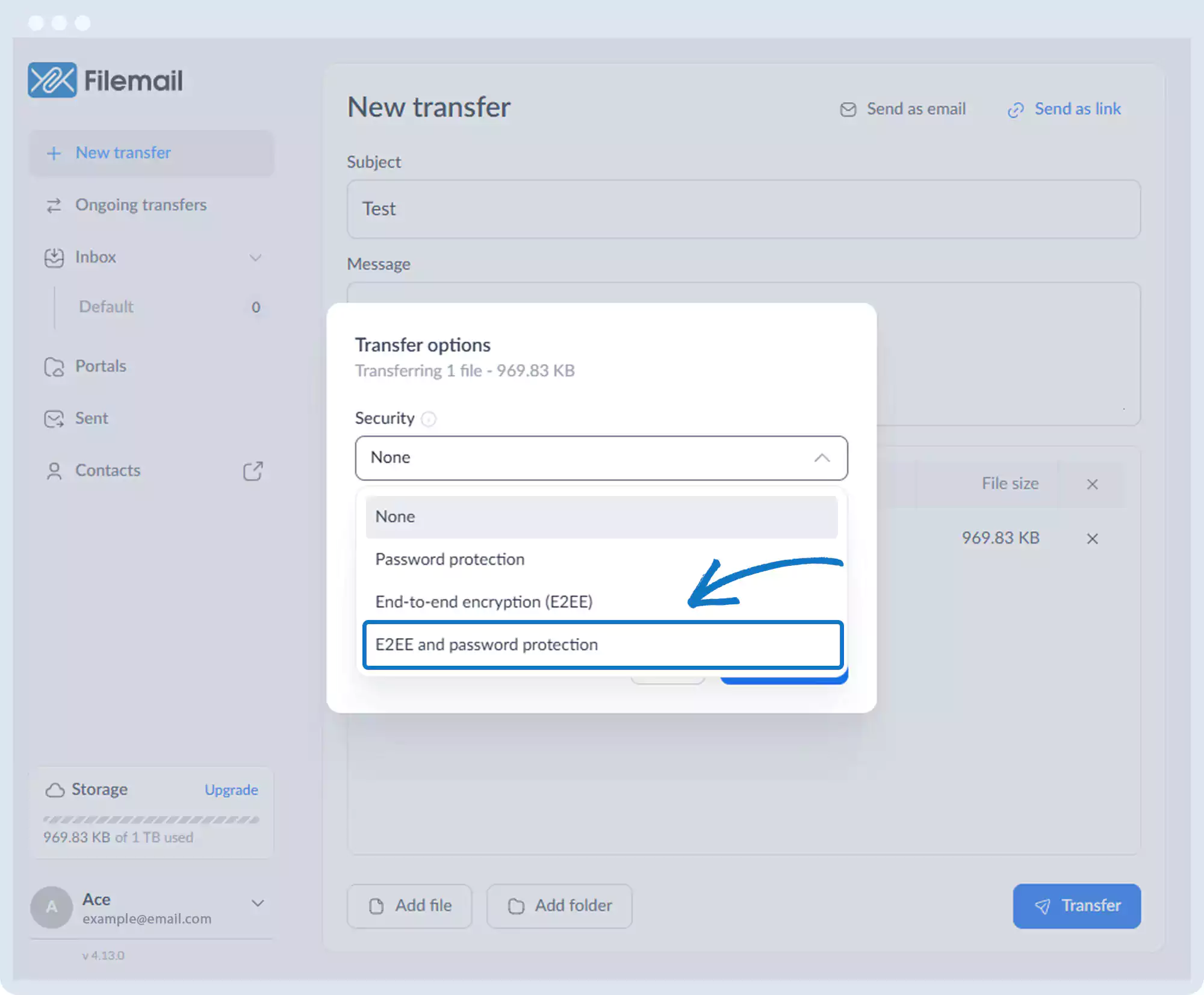
6. Select E2EE and Password Protection.
7. Set a password and an E2EE key (or generate both).
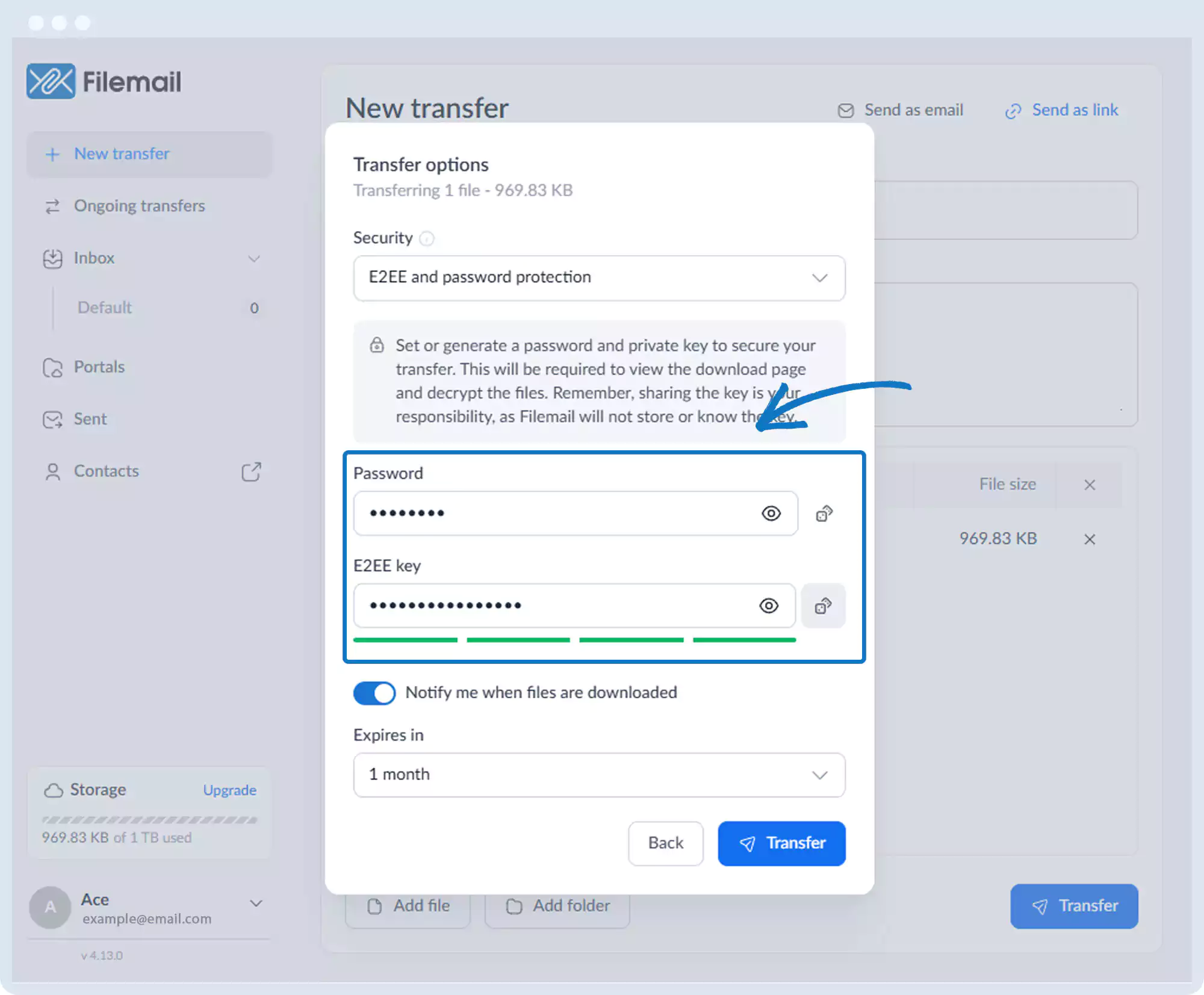
8. Click Transfer.
9. Share both the password and E2EE key with recipients.
Go back to the operations manual page