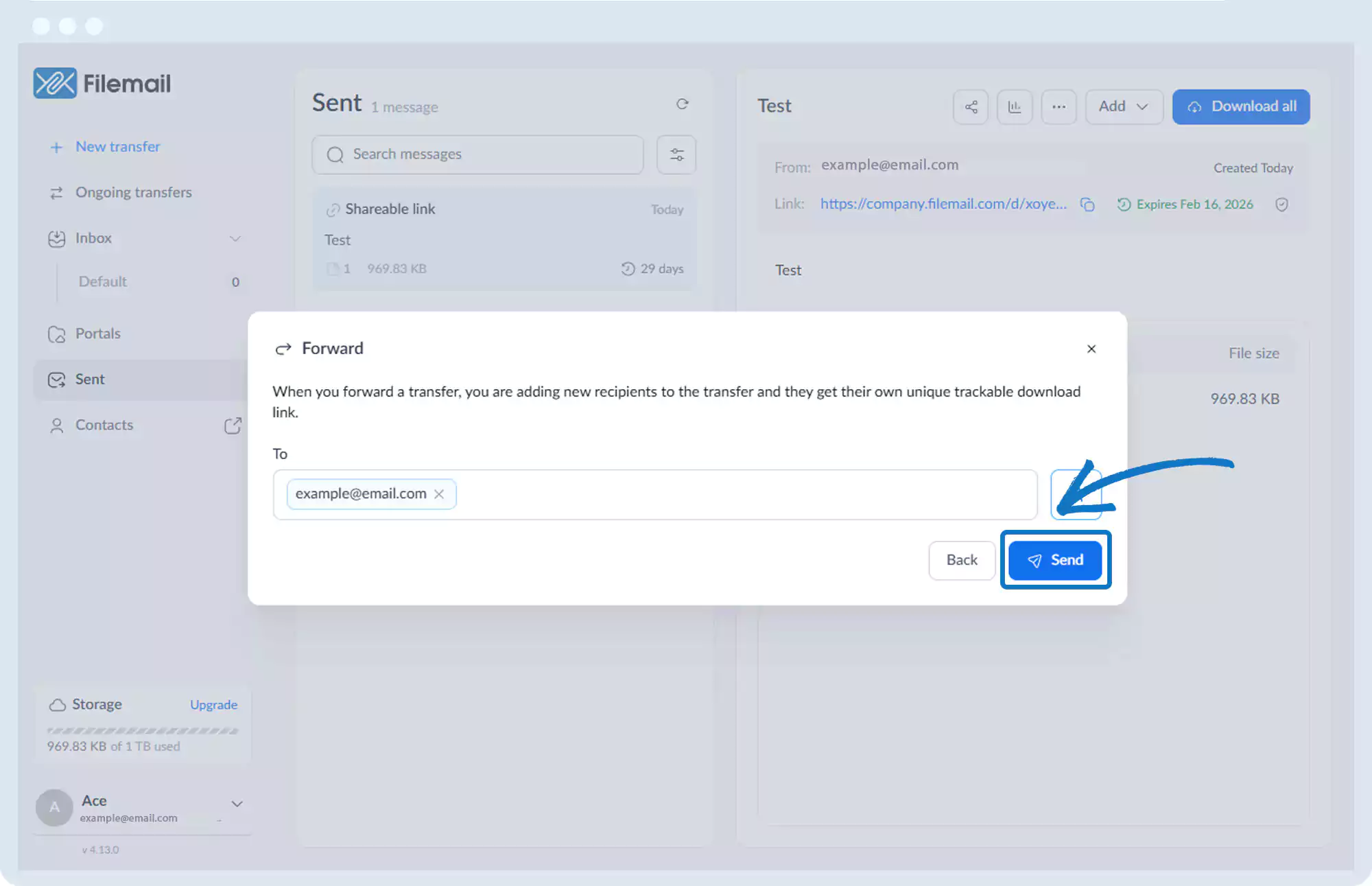
Forward a Transfer
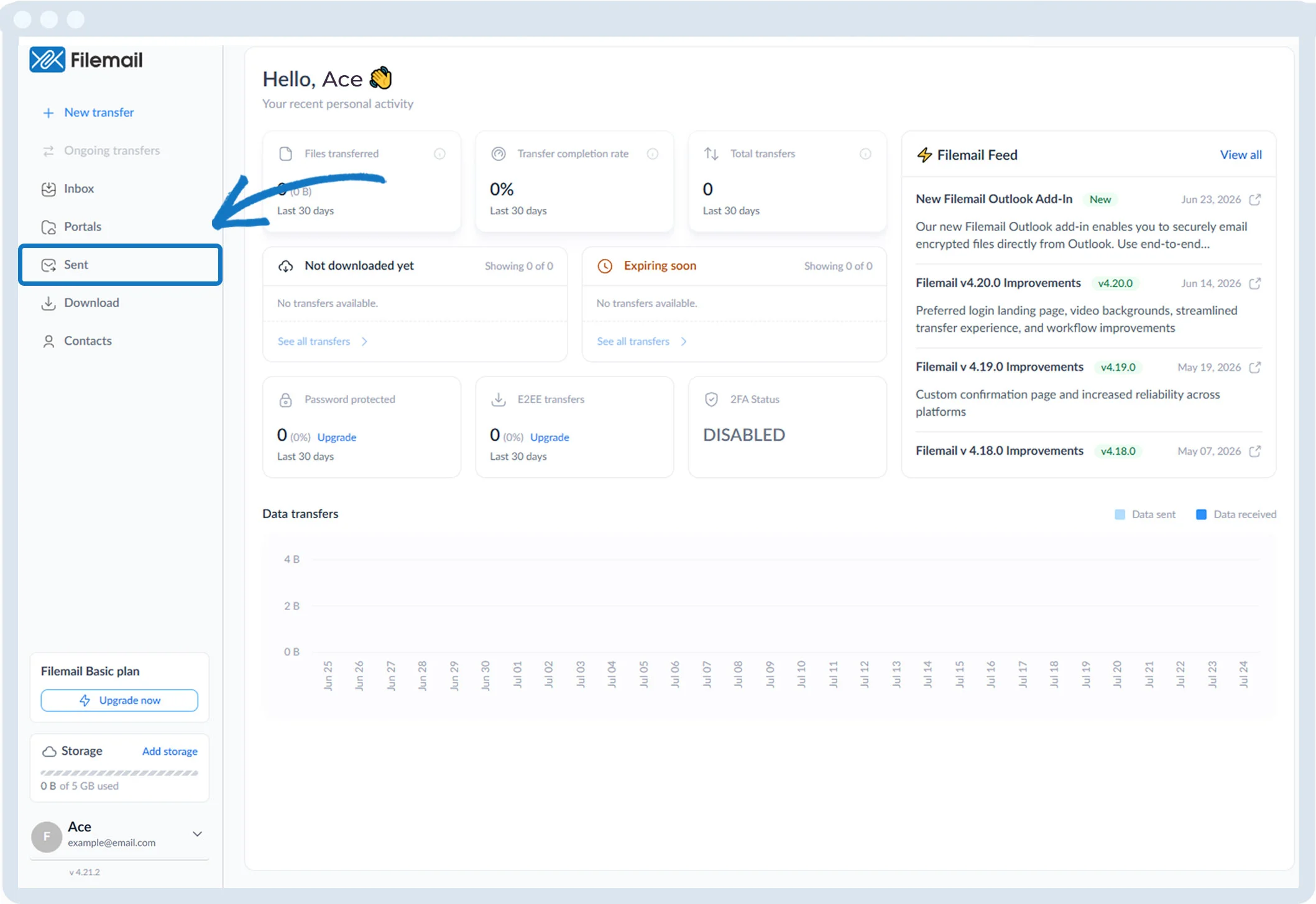
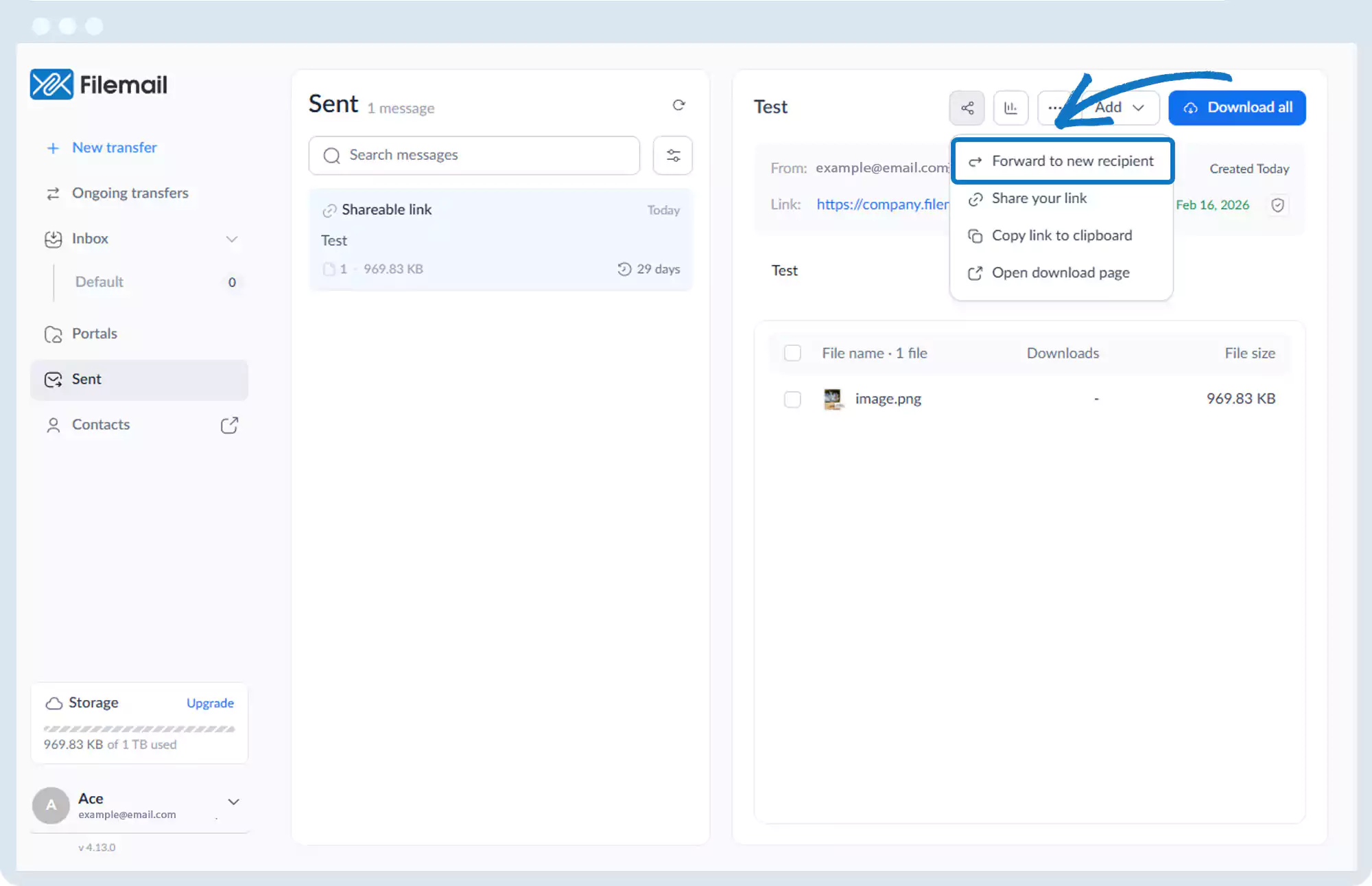
1. Click Sent in the left sidebar.
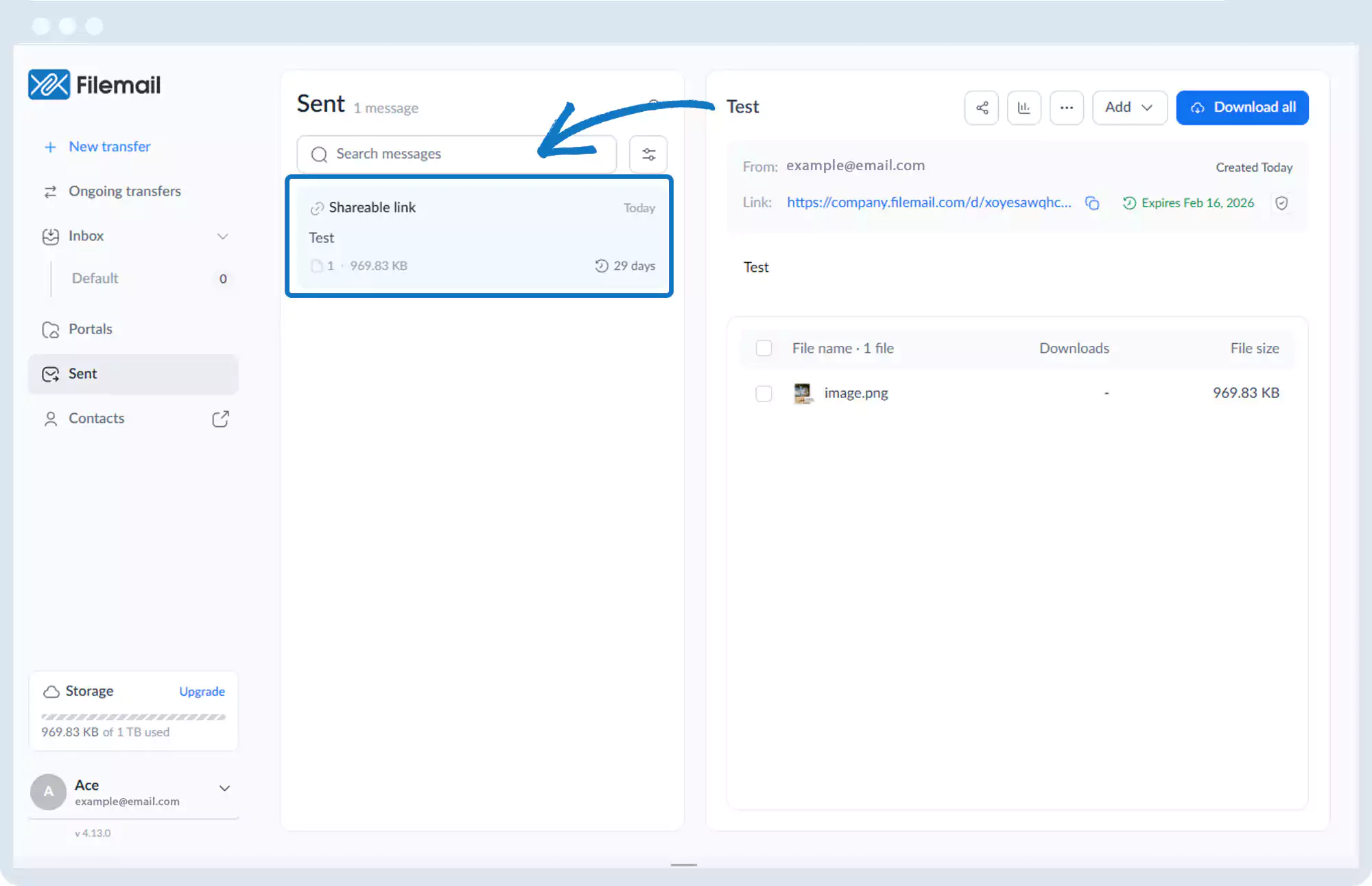
2. Select the transfer session you want to forward.
3. In the top-right of the main window, click the Share button (three connected circles).
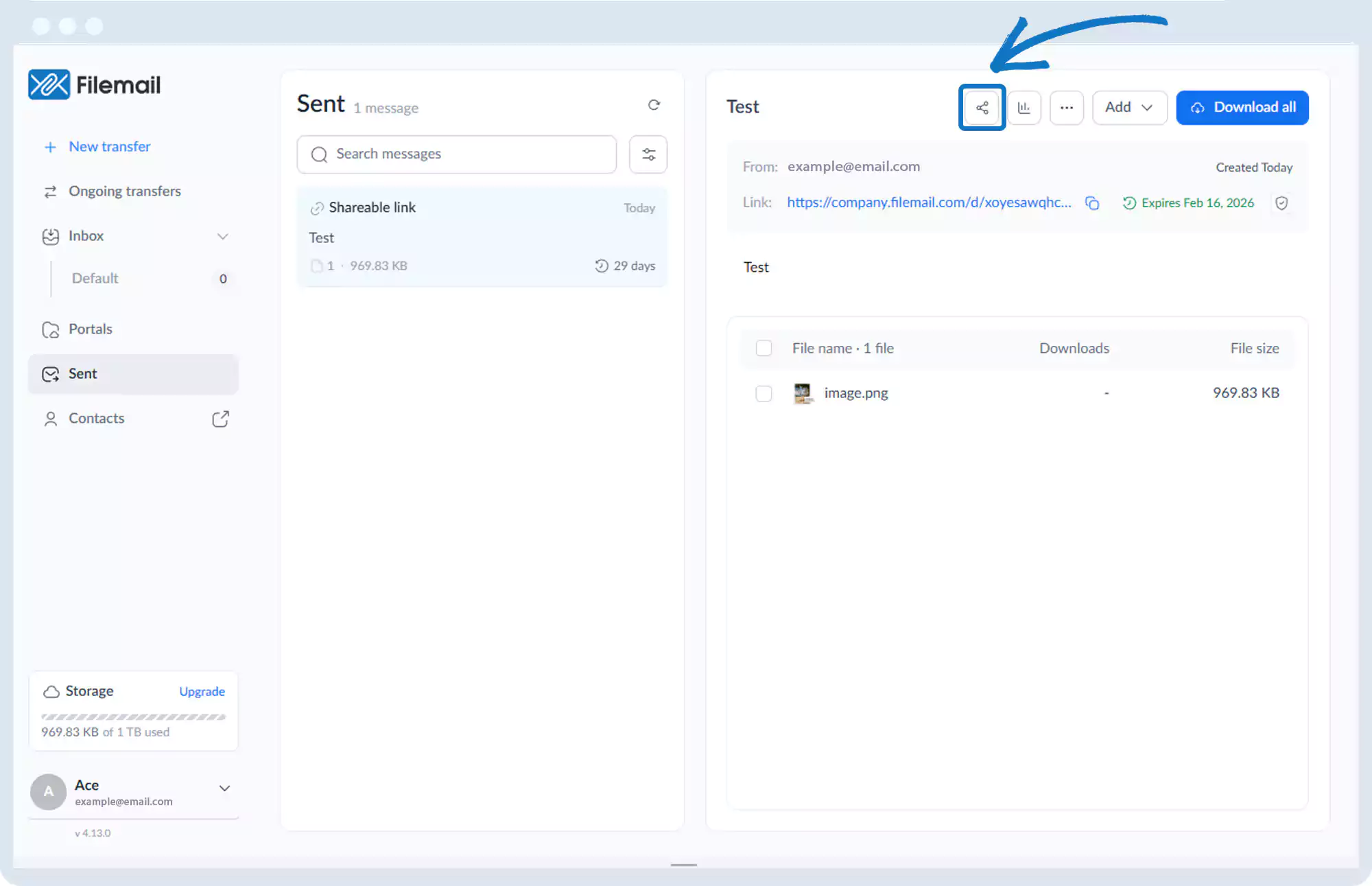
4. Select Forward to new recipient.
5. Enter an email address or select one from your address book.
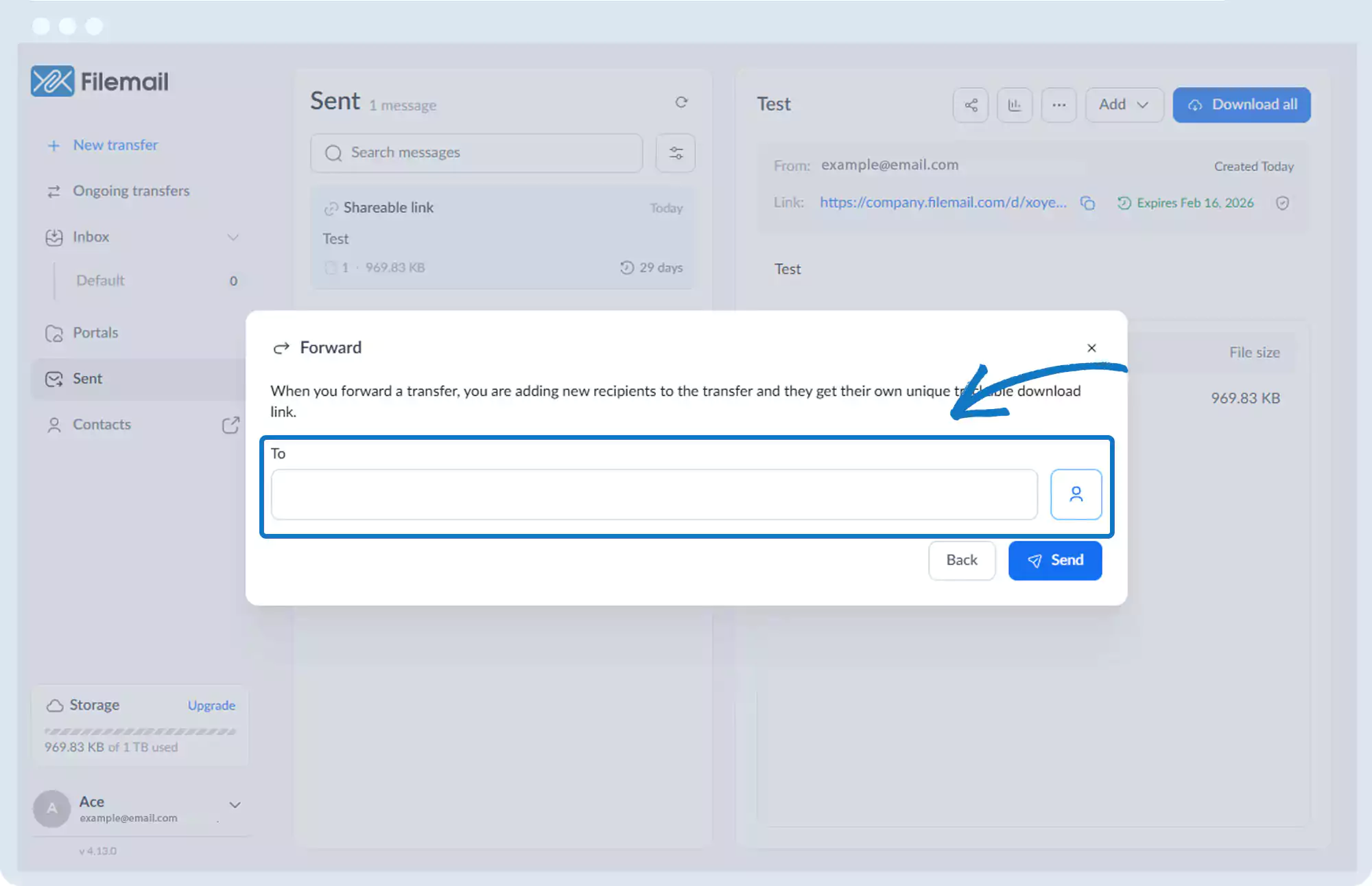
6. Click Send.
Go back to the operations manual page