Invite a User
1. Go to the bottom left of the window and click on your initials or name.

2. Select Account settings.

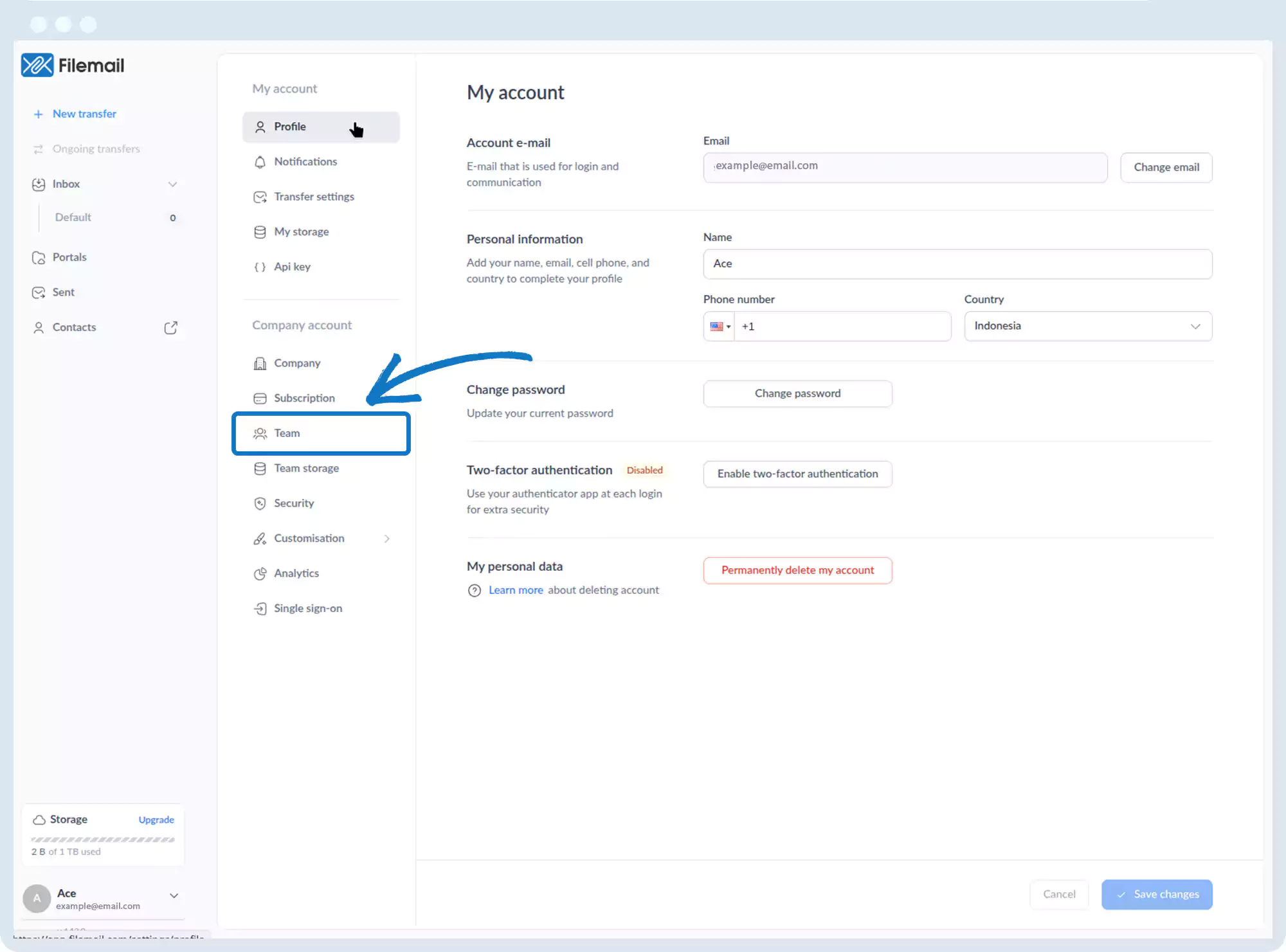
3. Click Team in the left sidebar.
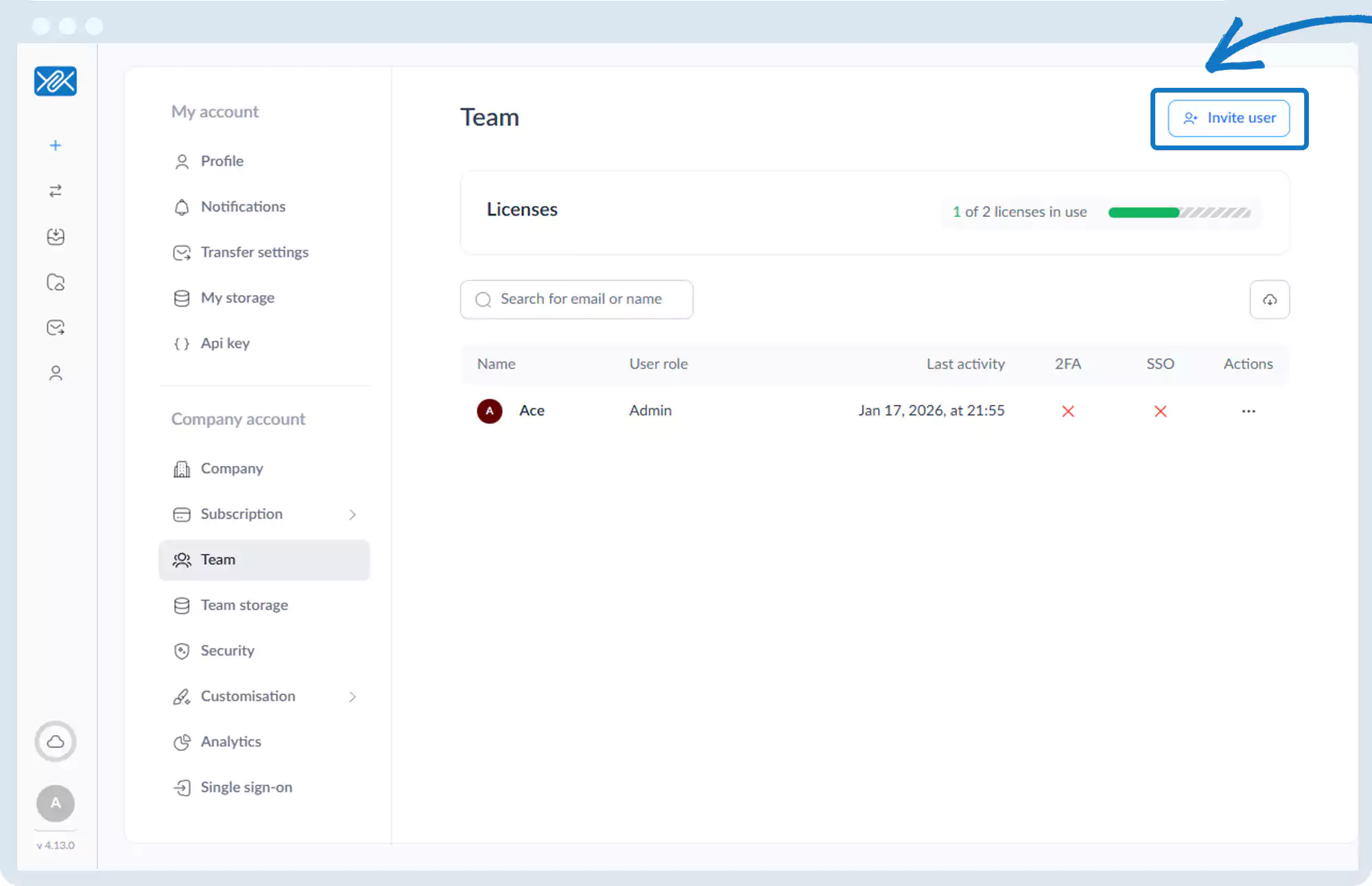
4. Click Invite user in the top-right corner.
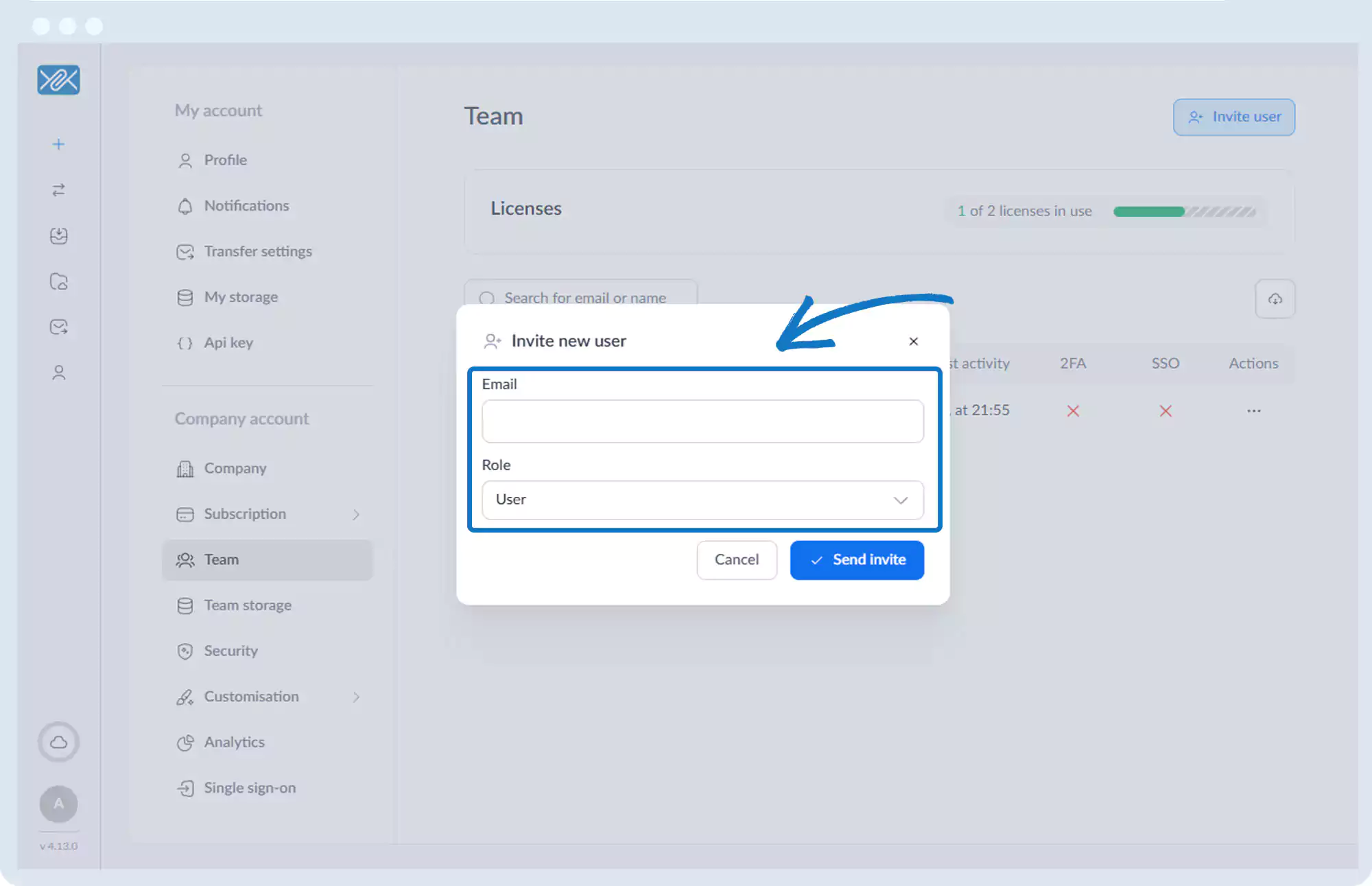
5. Enter the user’s email address and assign a role:
- User
- Administrator
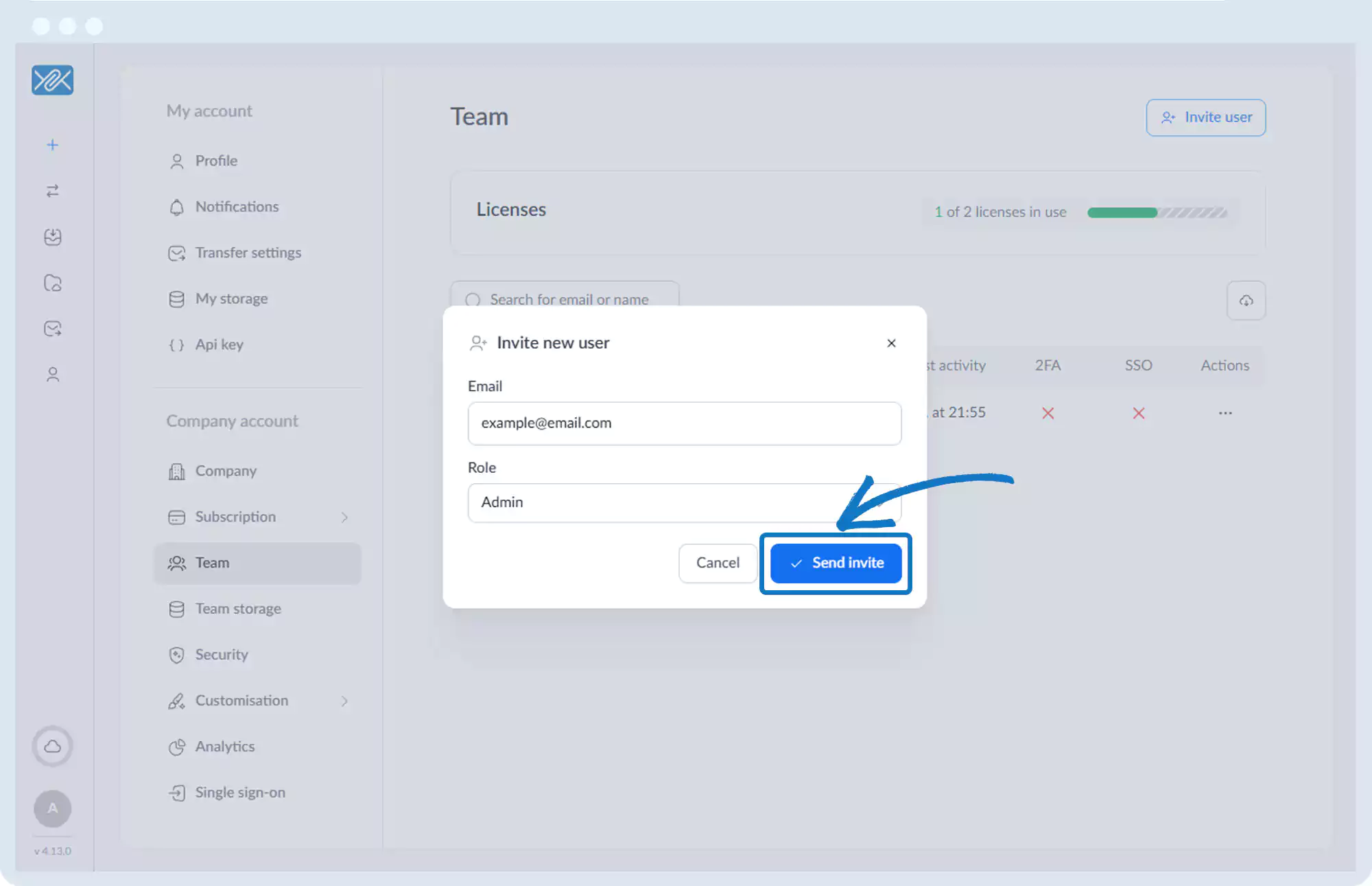
6. Click Send invite.
7. The user will receive an email with sign-up instructions.
Go back to the operations manual page