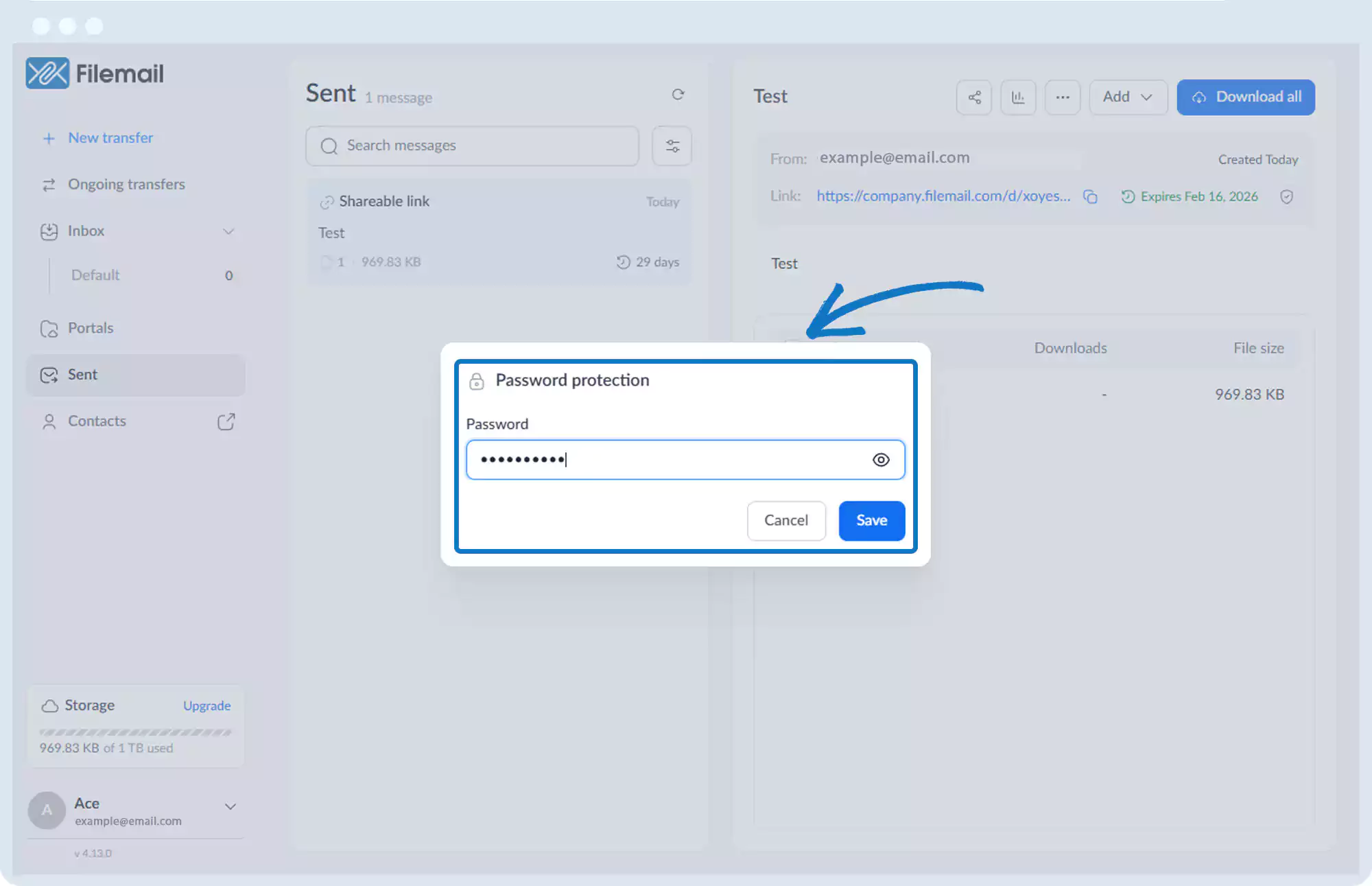
Password Protection
Password protection can be applied in two ways:
1. During the transfer
2. After the transfer
Password Protection – At Time of Transfer
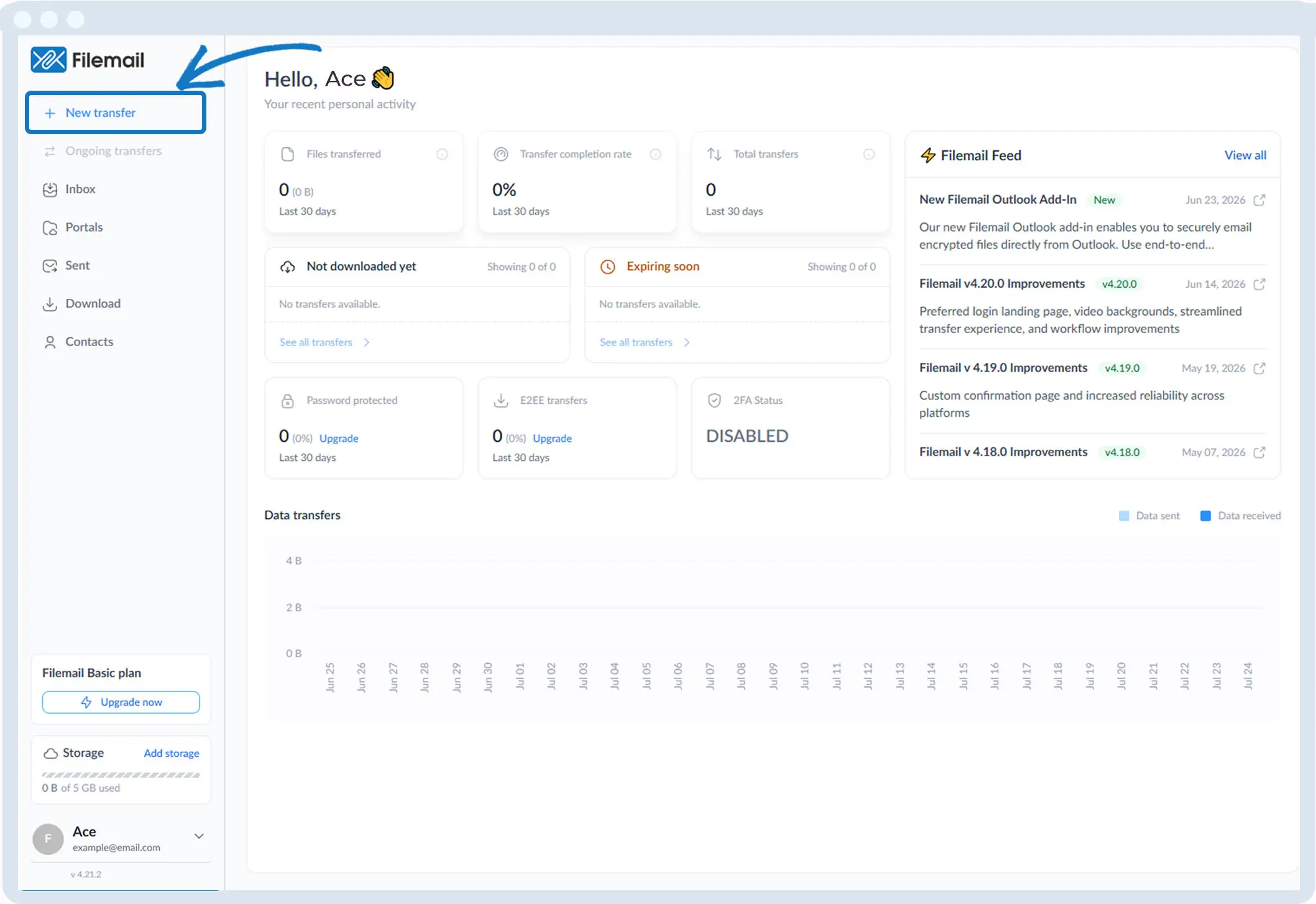
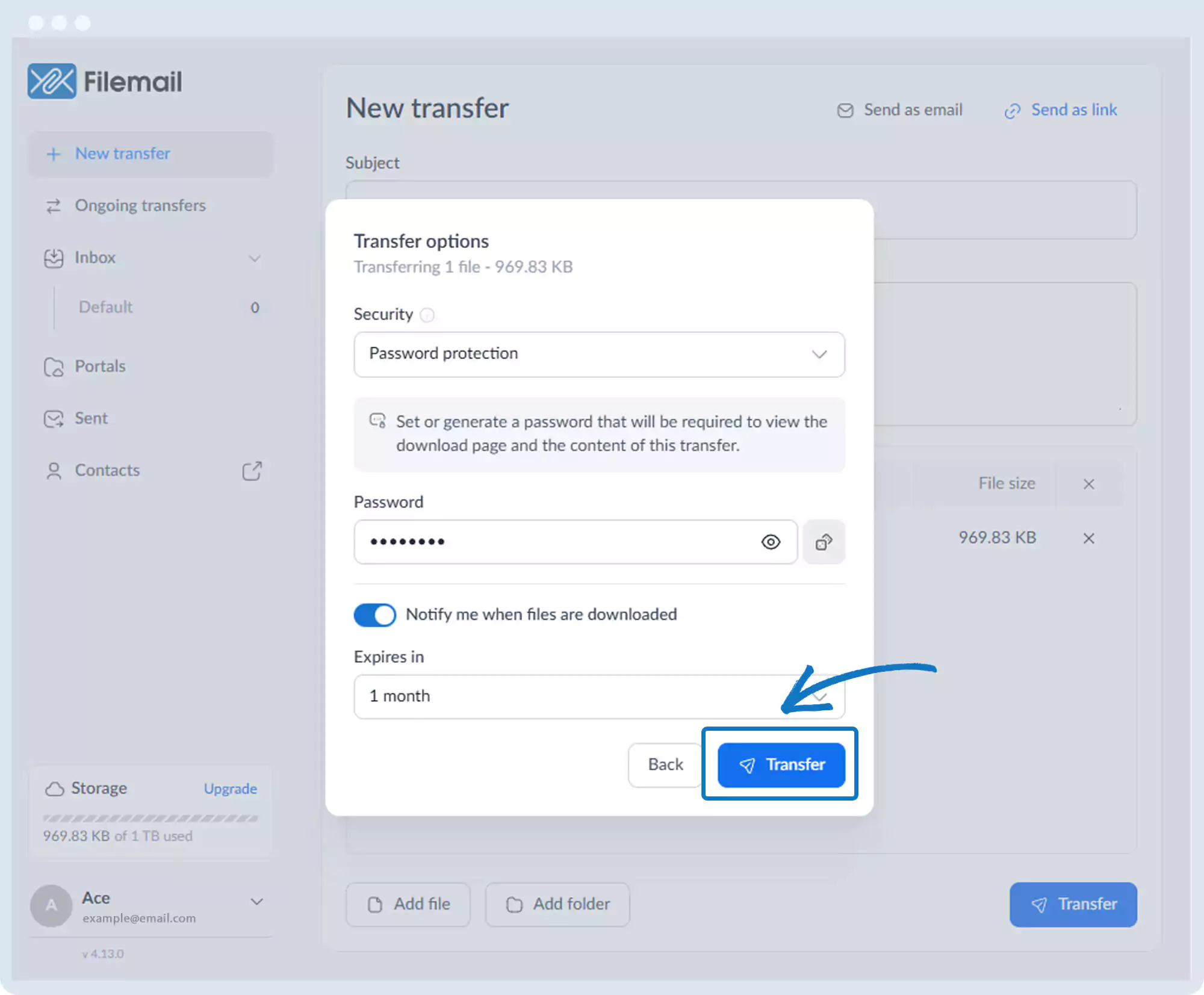
1. Click New transfer in the left sidebar.
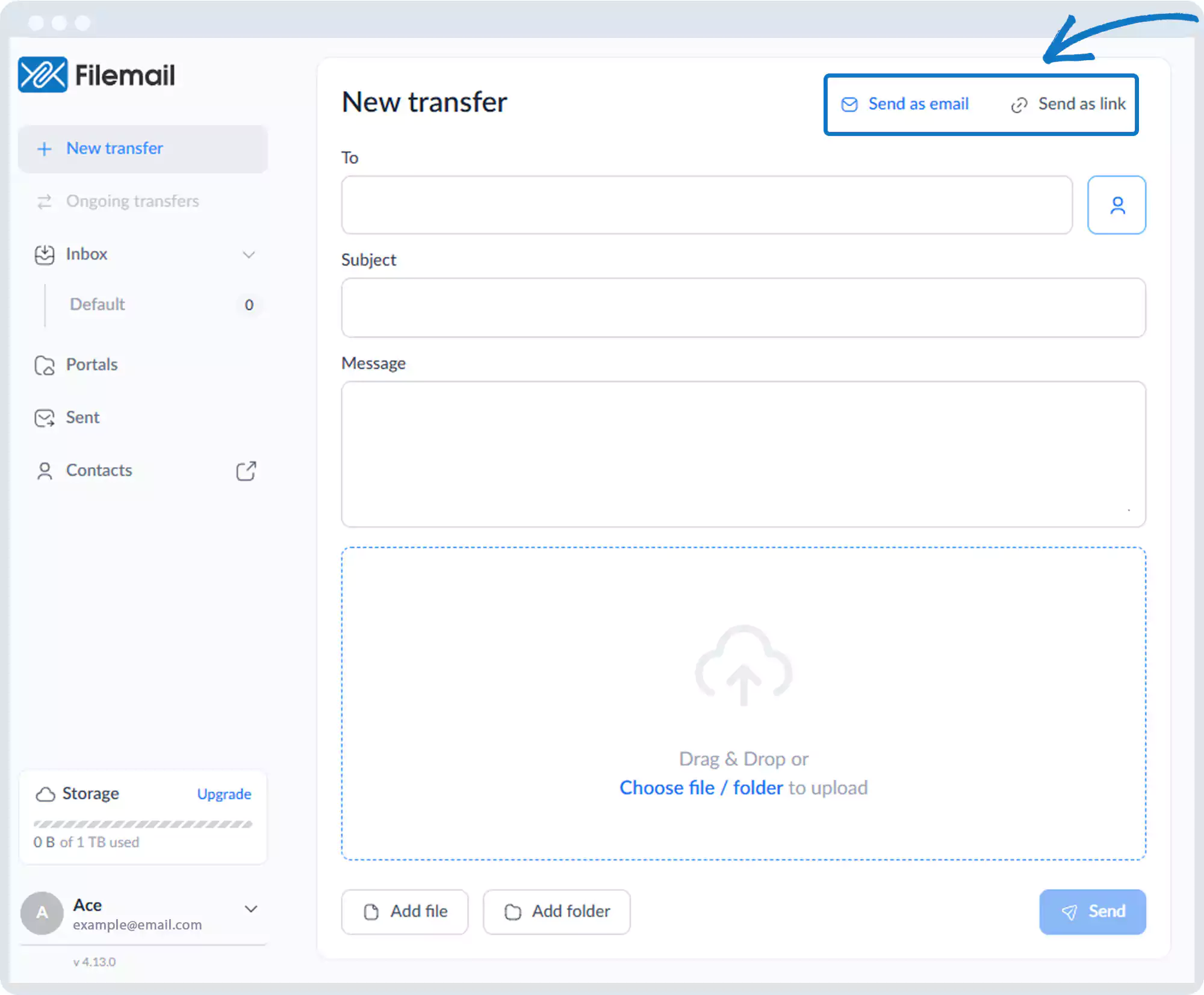
2. Choose sending files via Email or Link.
3. Add files or folders.
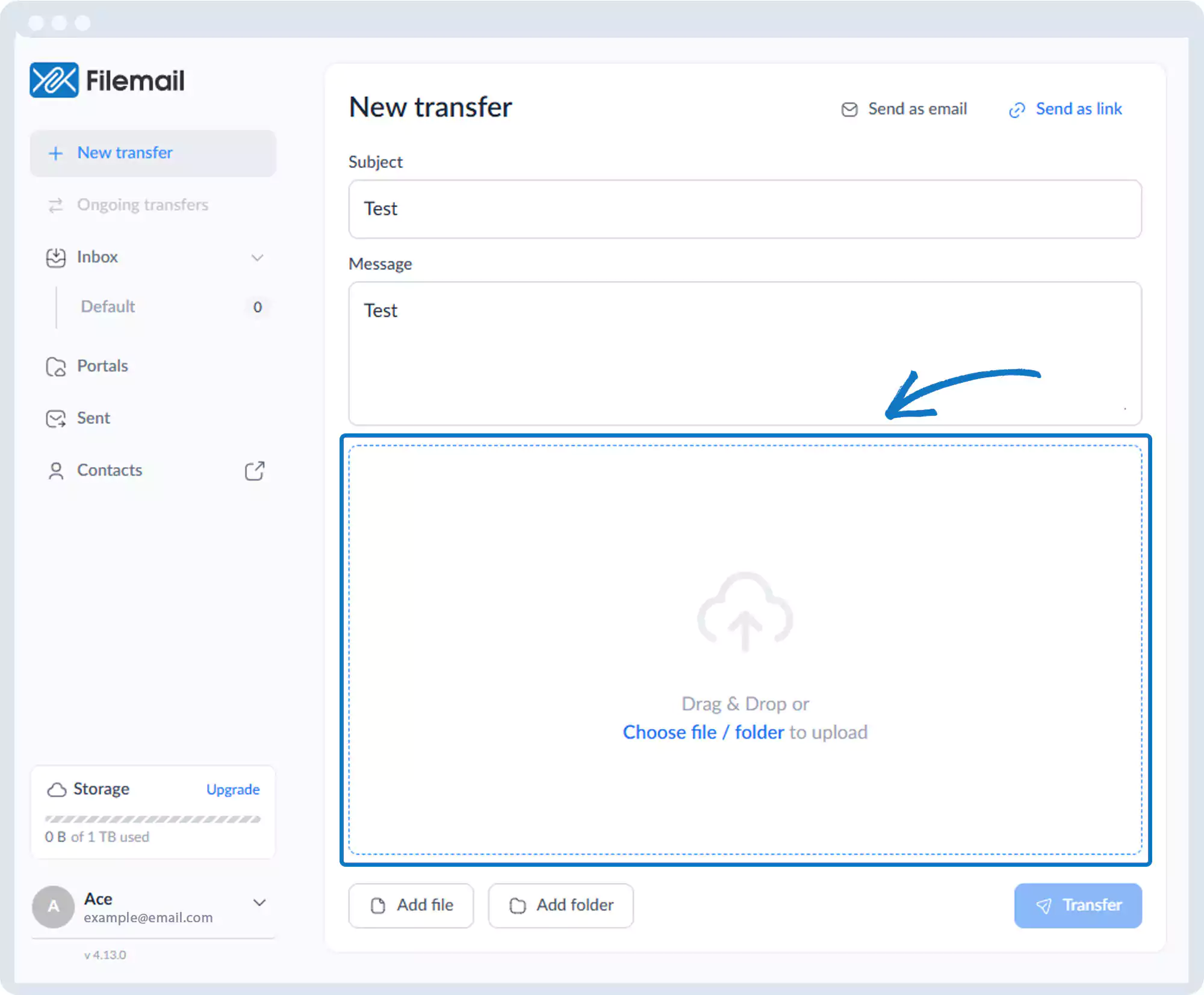
4 .Click Transfer.
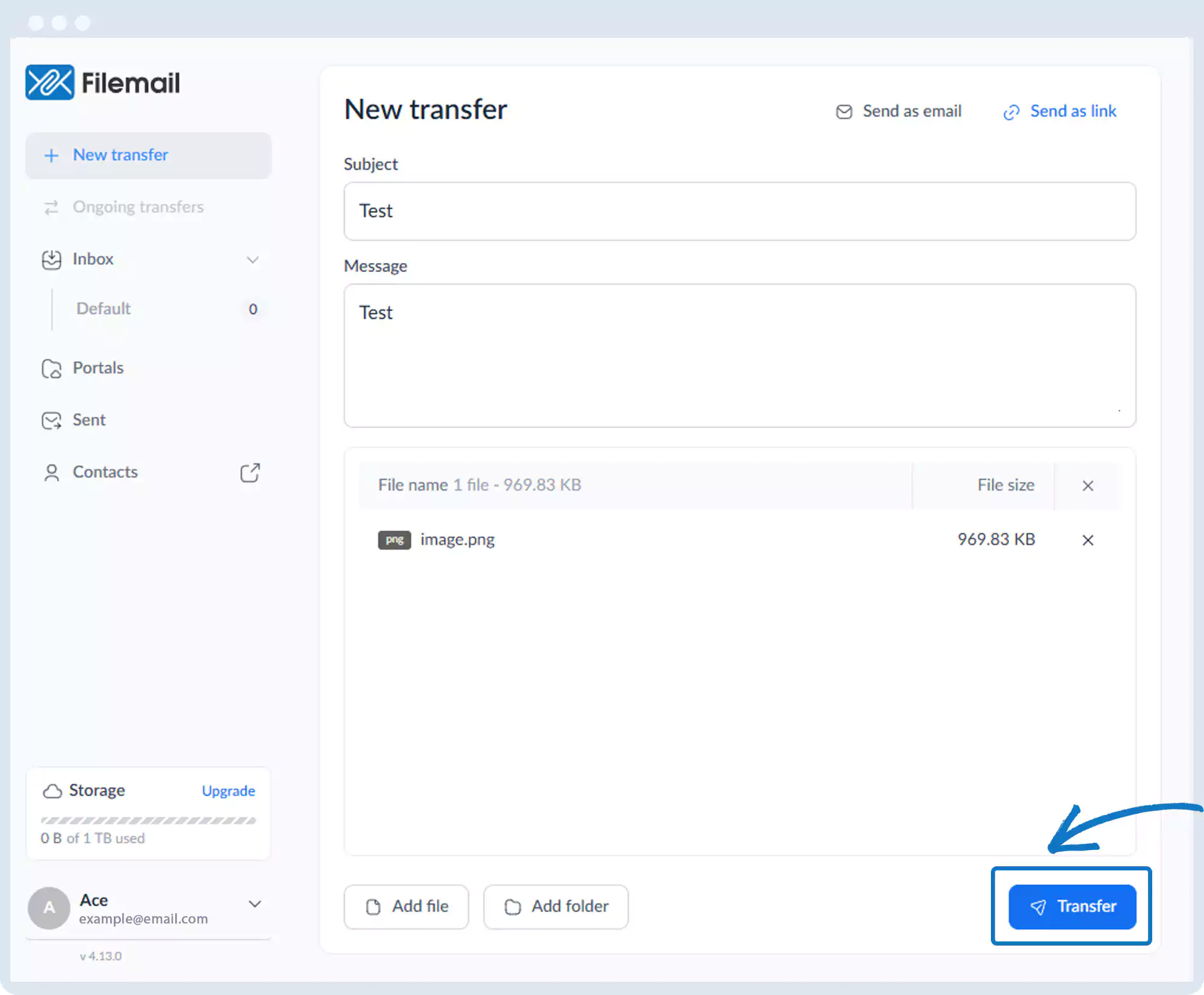
5. Open the Security dropdown.
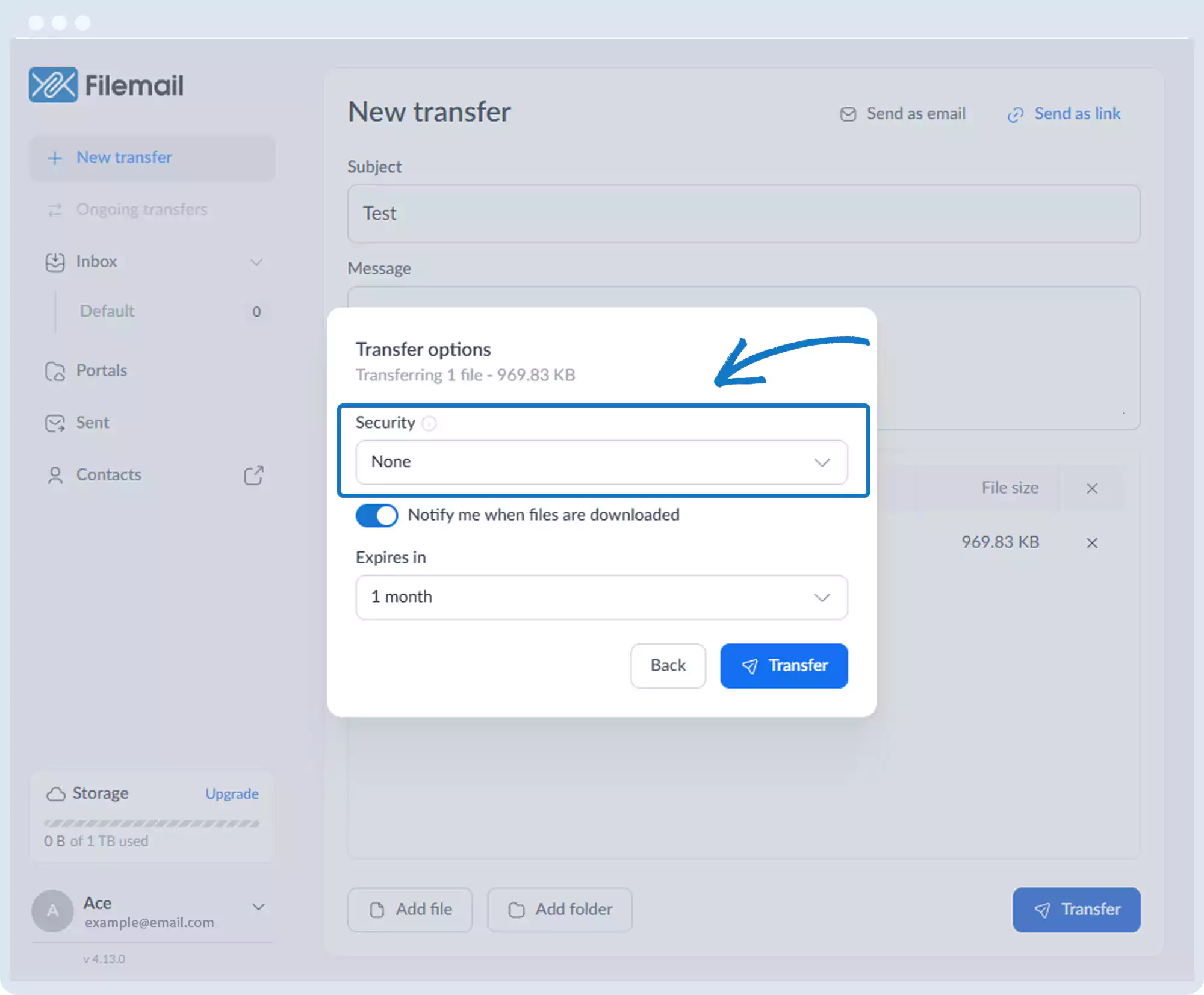
6. Select Password Protection.
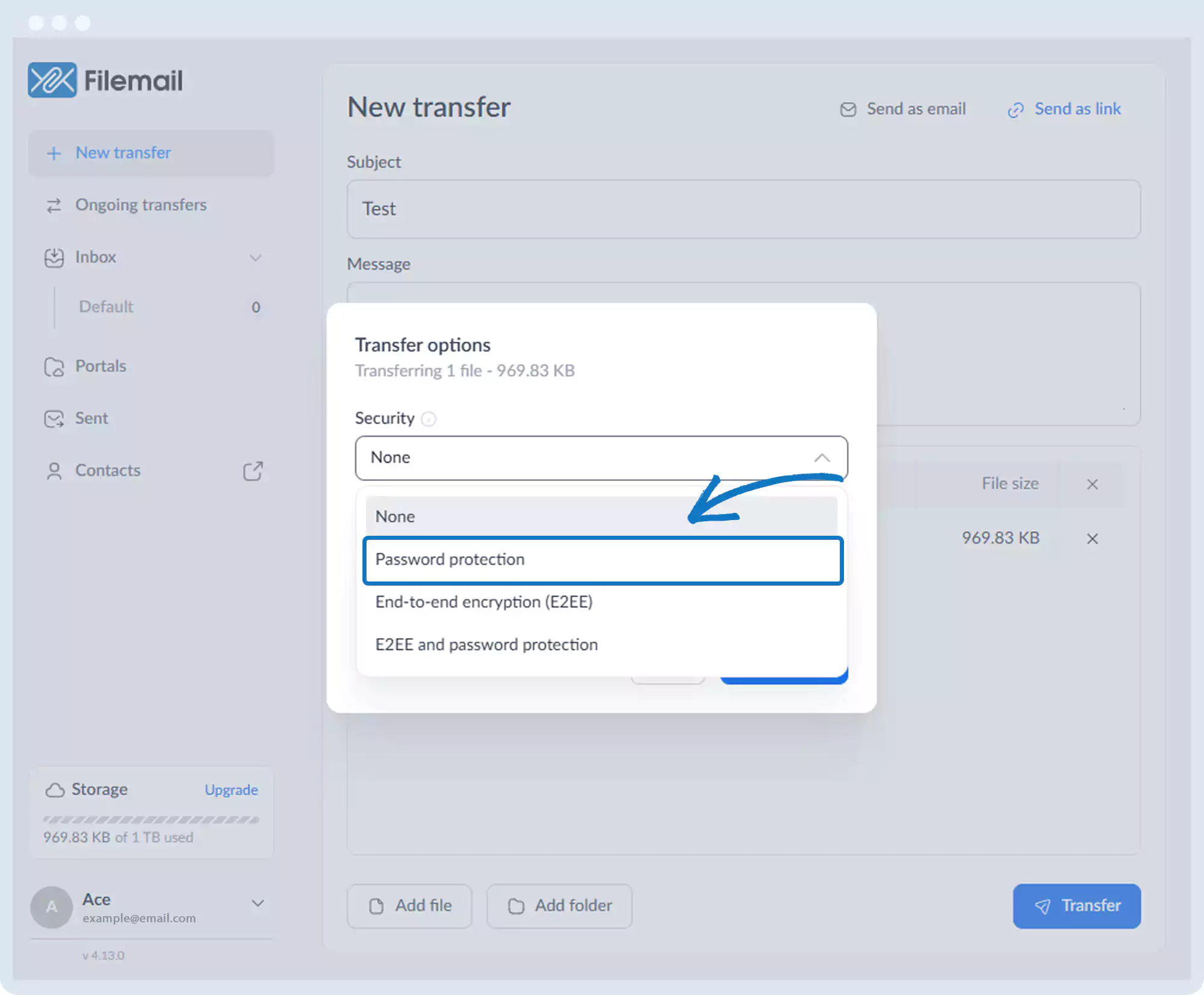
7. Enter a password or generate one automatically.
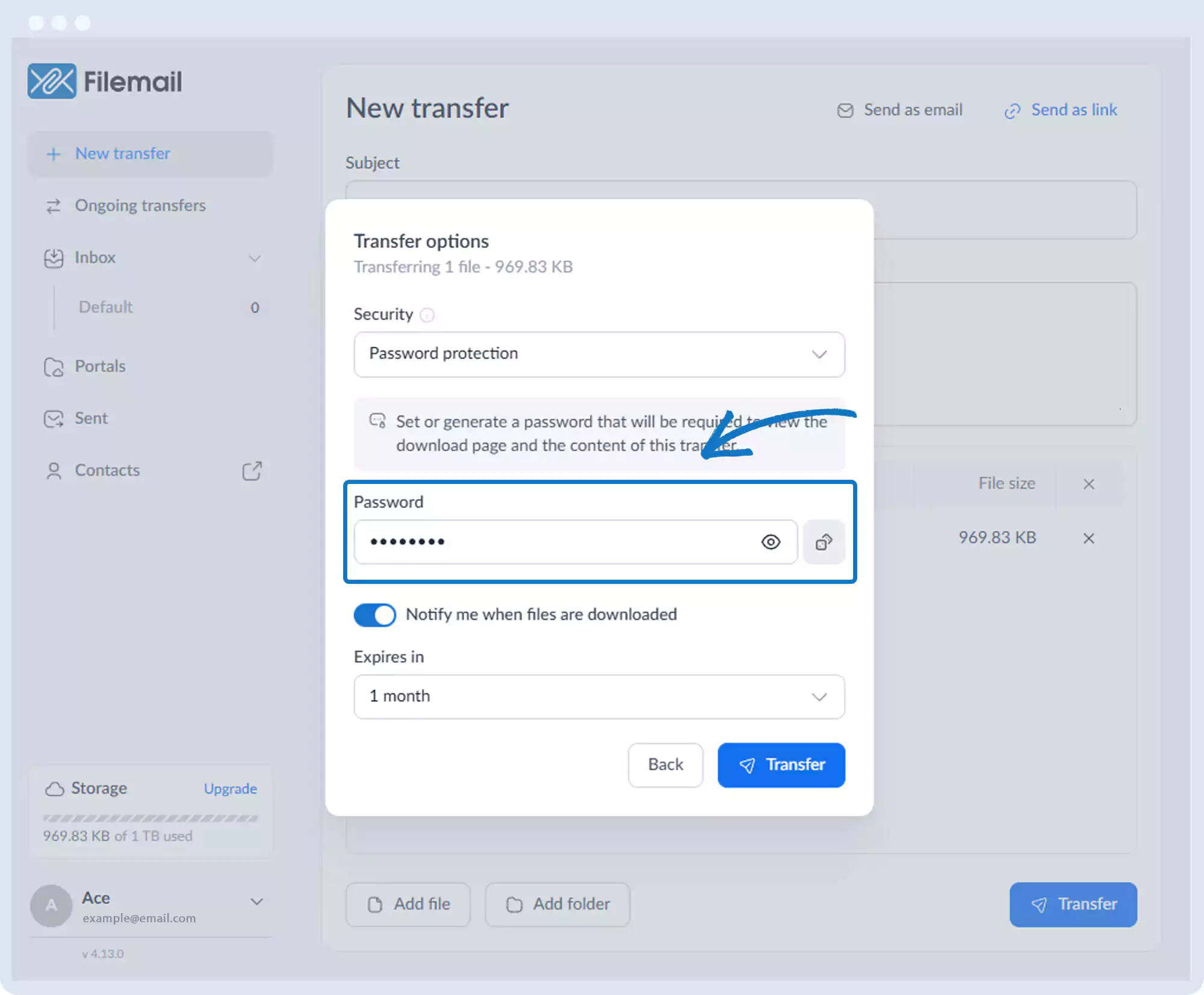
8. Click Transfer.
9. Share the password with recipients.
Password Protection – After the Transfer
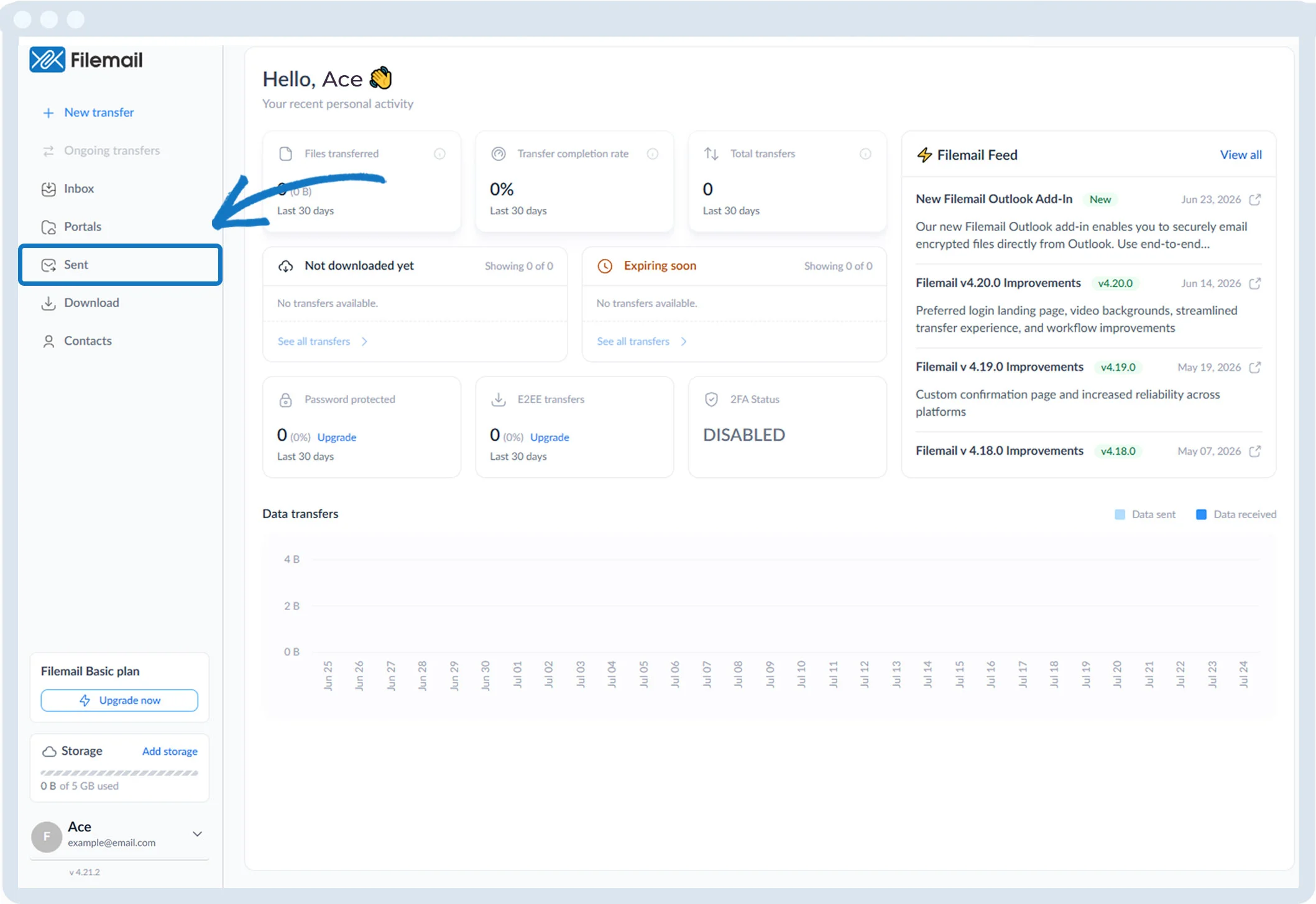
1. Click Sent in the left sidebar.
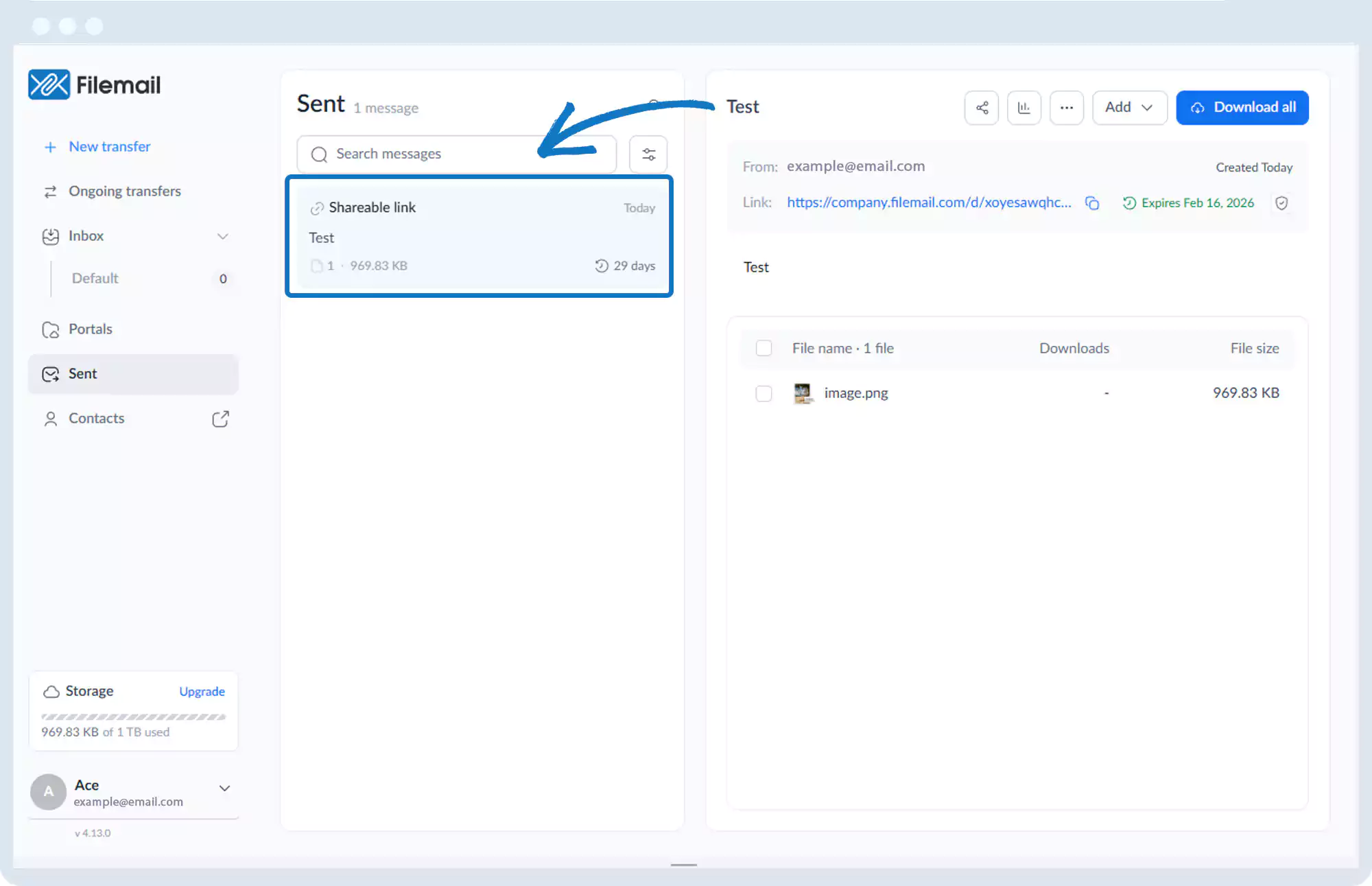
2. Select the transfer session.
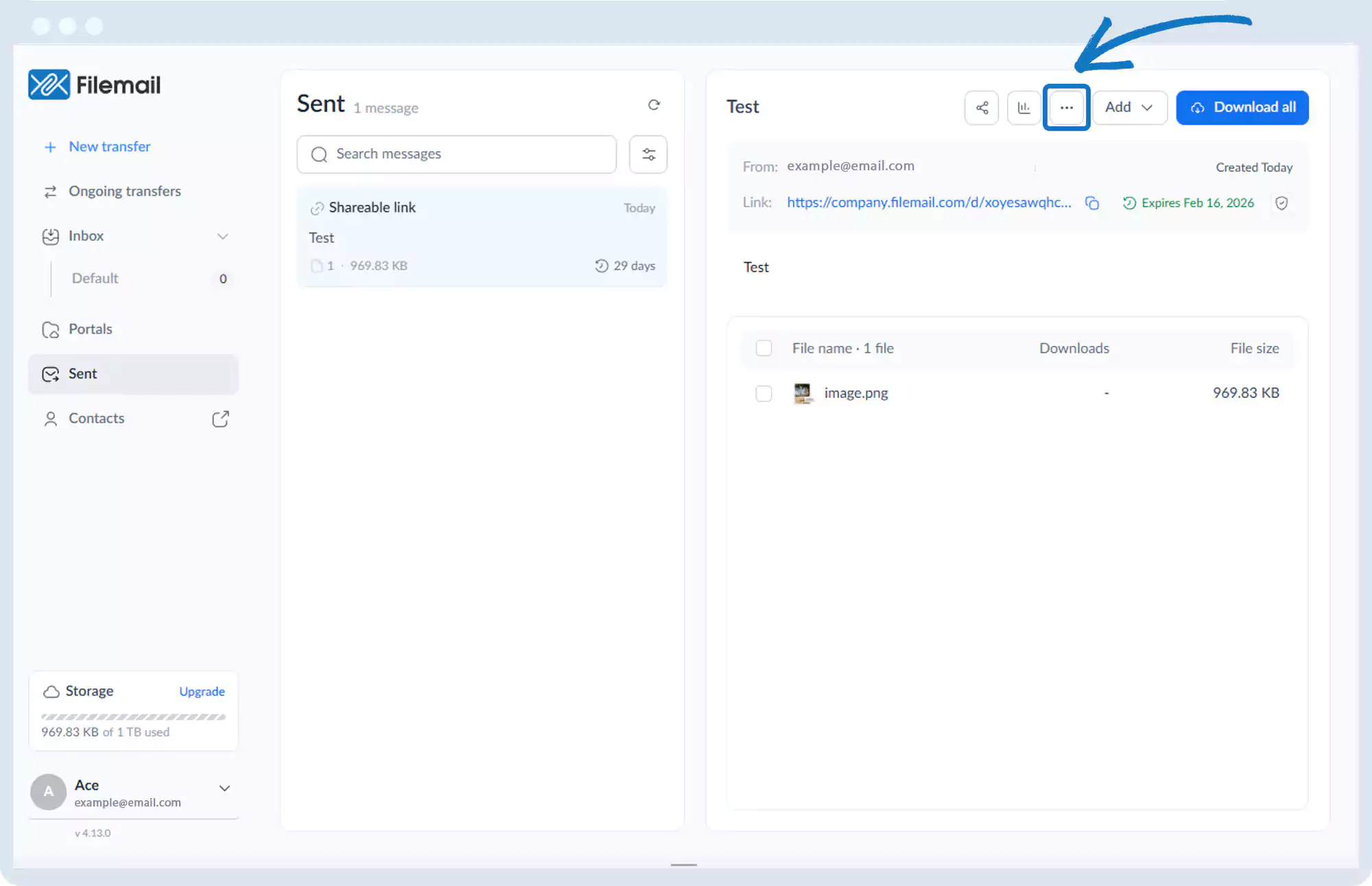
3. Click the More options button (three horizontal dots).
4. Select Transfer password.
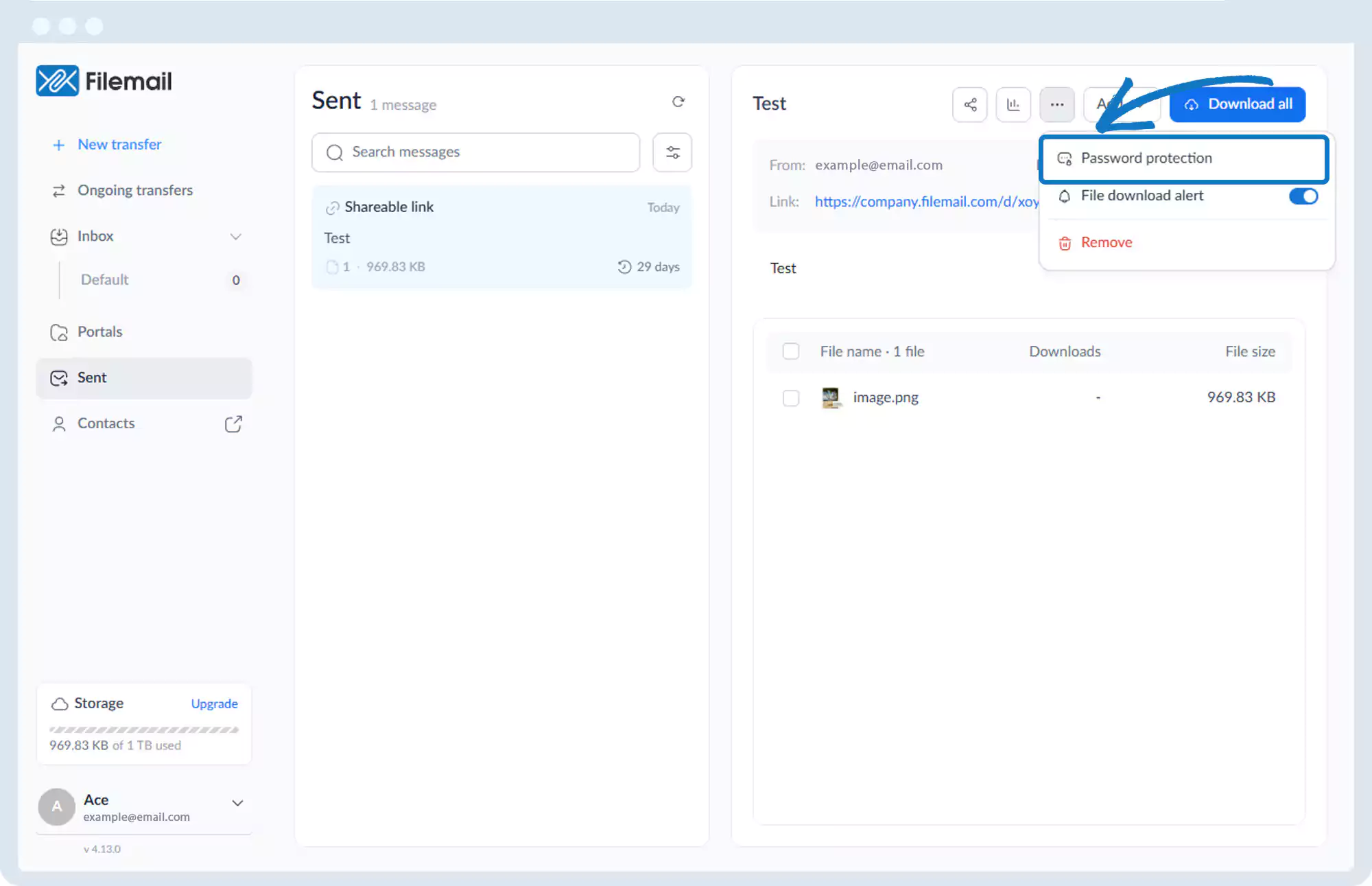
5. Enter the desired password and confirm.
Go back to the operations manual page