Portal – Administration
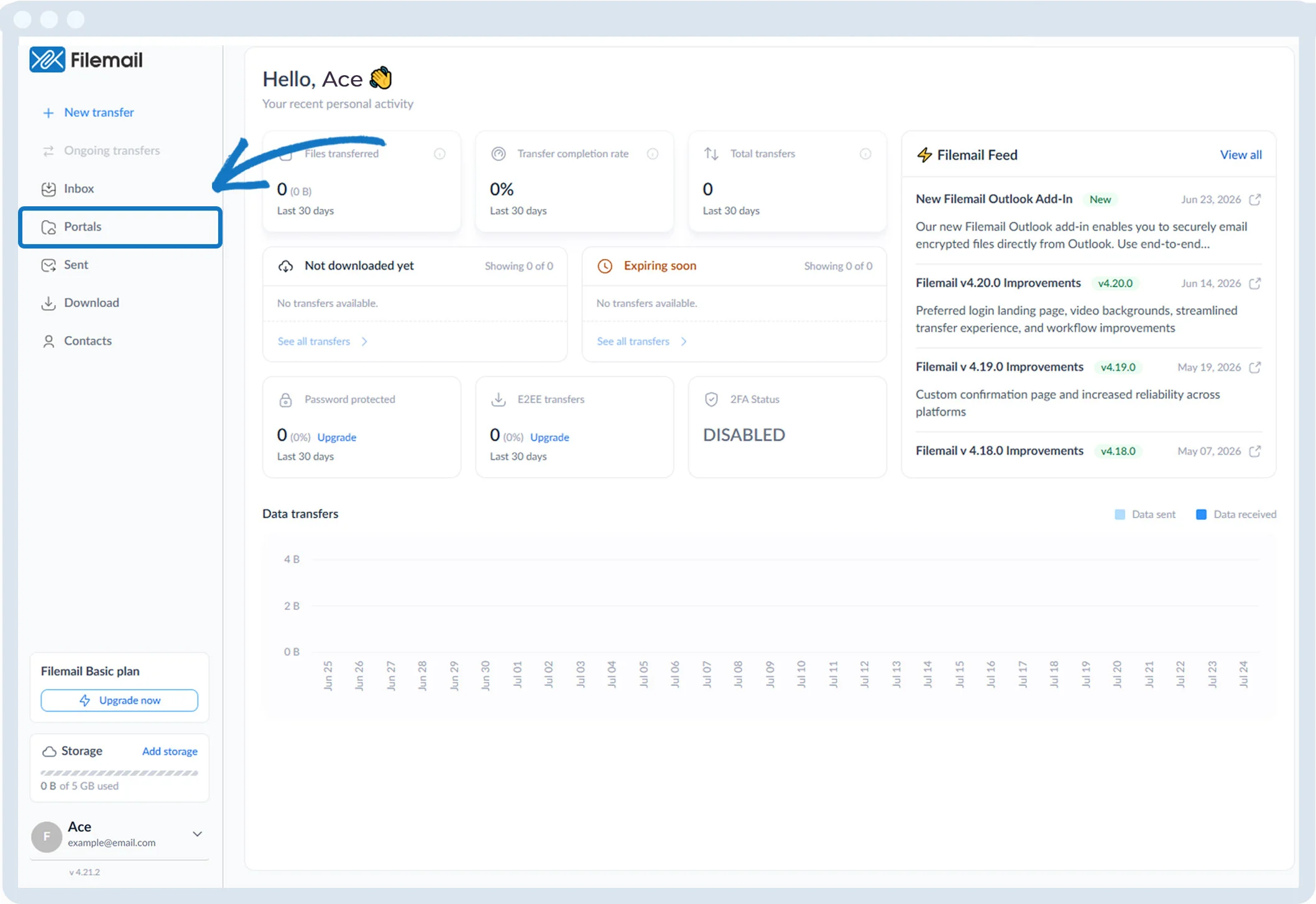
1. Click Portals in the left sidebar.
2. The Portal Administration page shows:
- Portal name
- Creation date
- Number of transfers
- Visibility in the Inbox

3. Available actions:
- Create a file request to receive files
- View file request history
- Edit portal configuration (pencil icon)
- Copy link, duplicate, or remove portal (three dots)
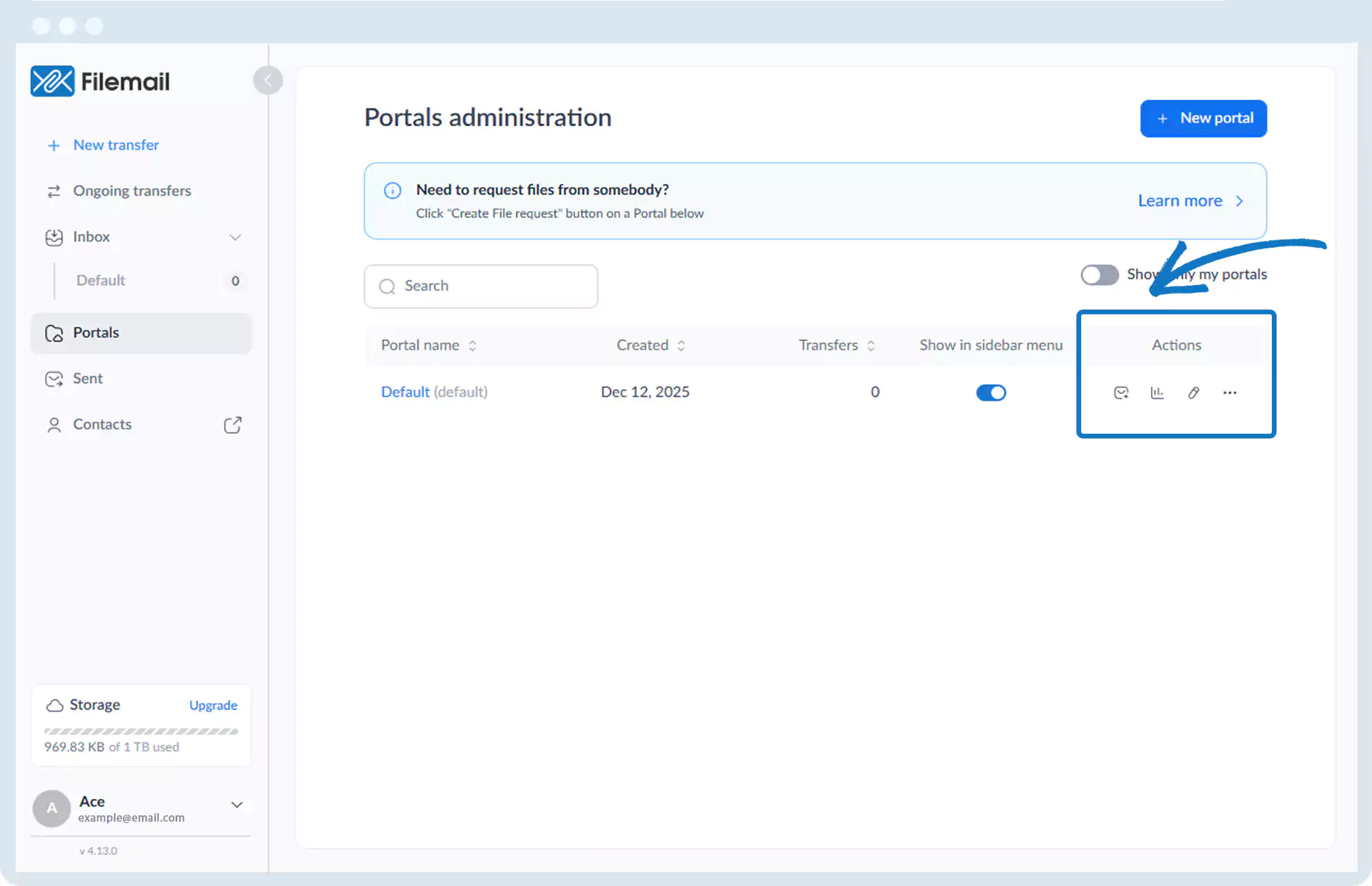
4. Additional options:
- + New portal button
- Checkbox to display only portals you created
Go back to the operations manual page
