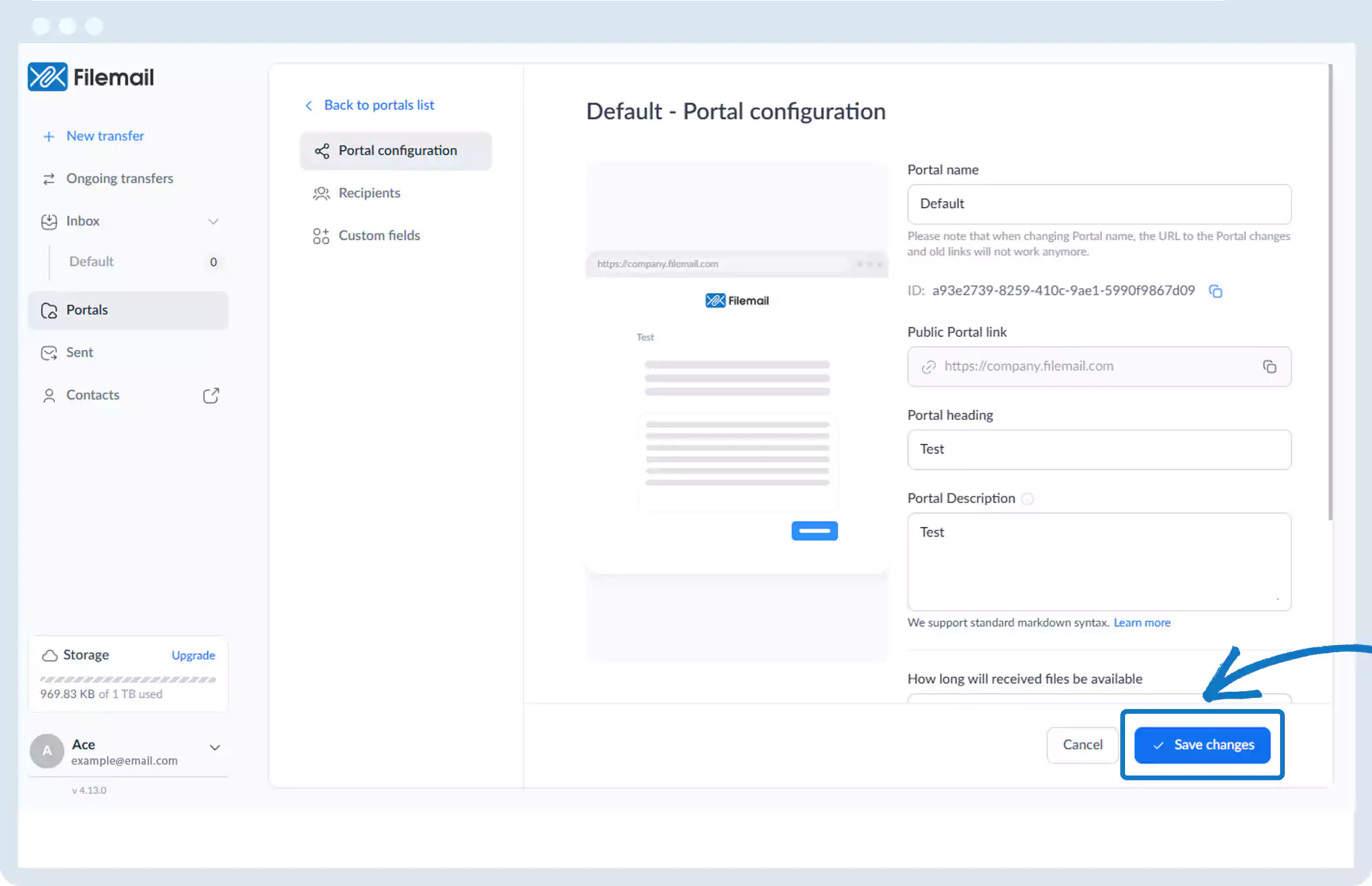
Portal – Configuration Options
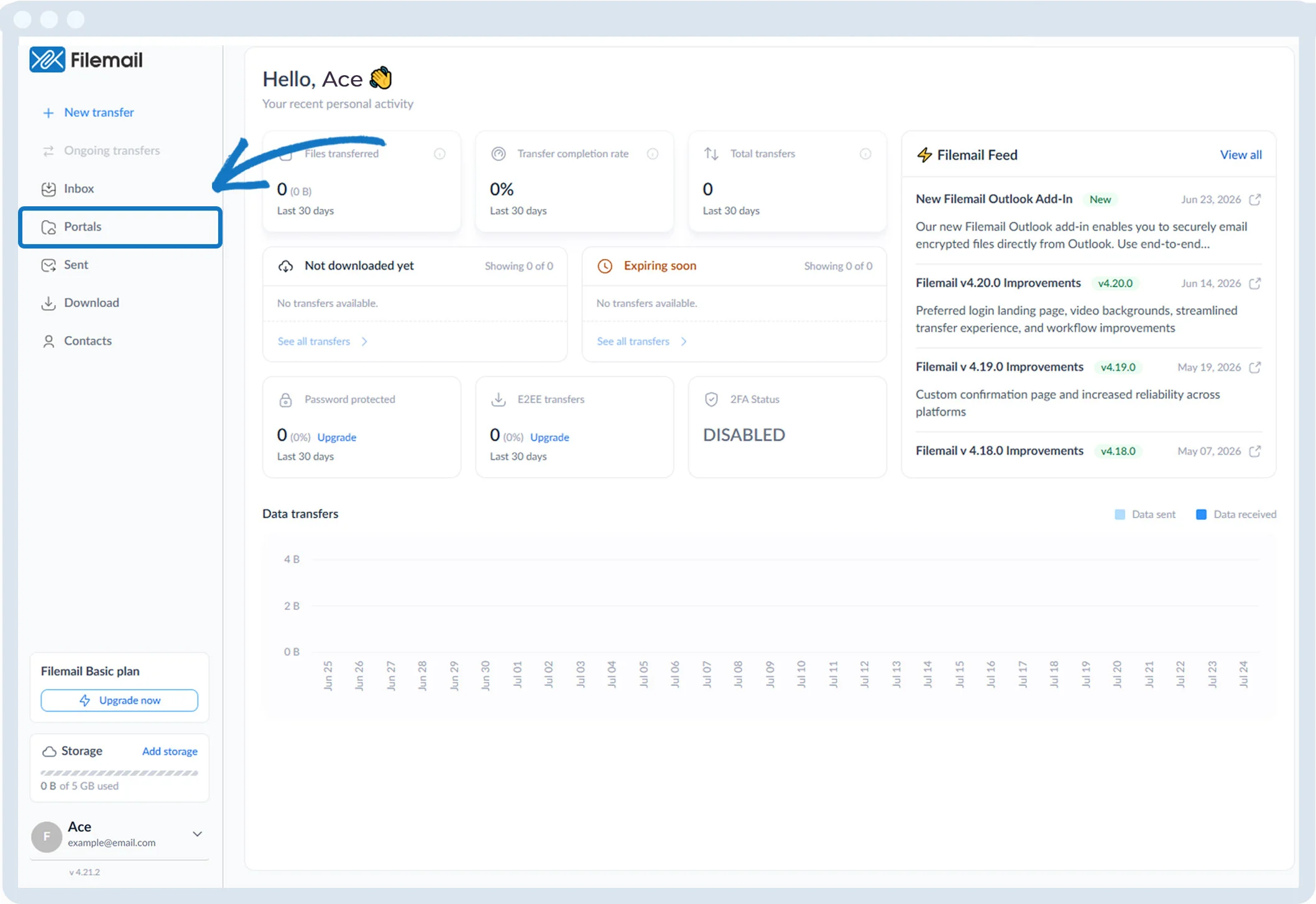
1. Click Portals in the left sidebar.
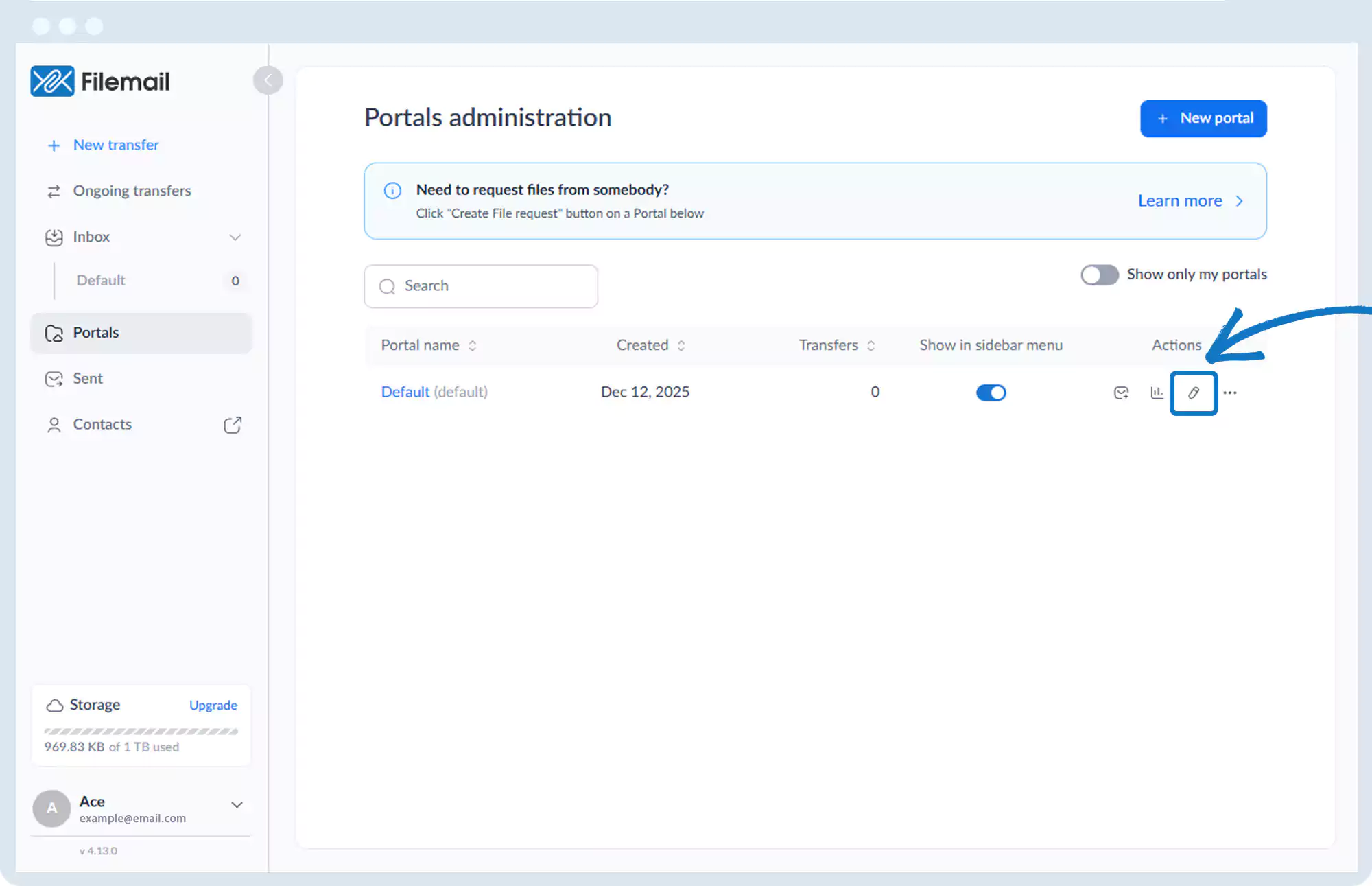
2. Click the pencil icon for the desired portal.
3. Configuration tabs include:
- Portal configuration
- Recipients
- Custom fields
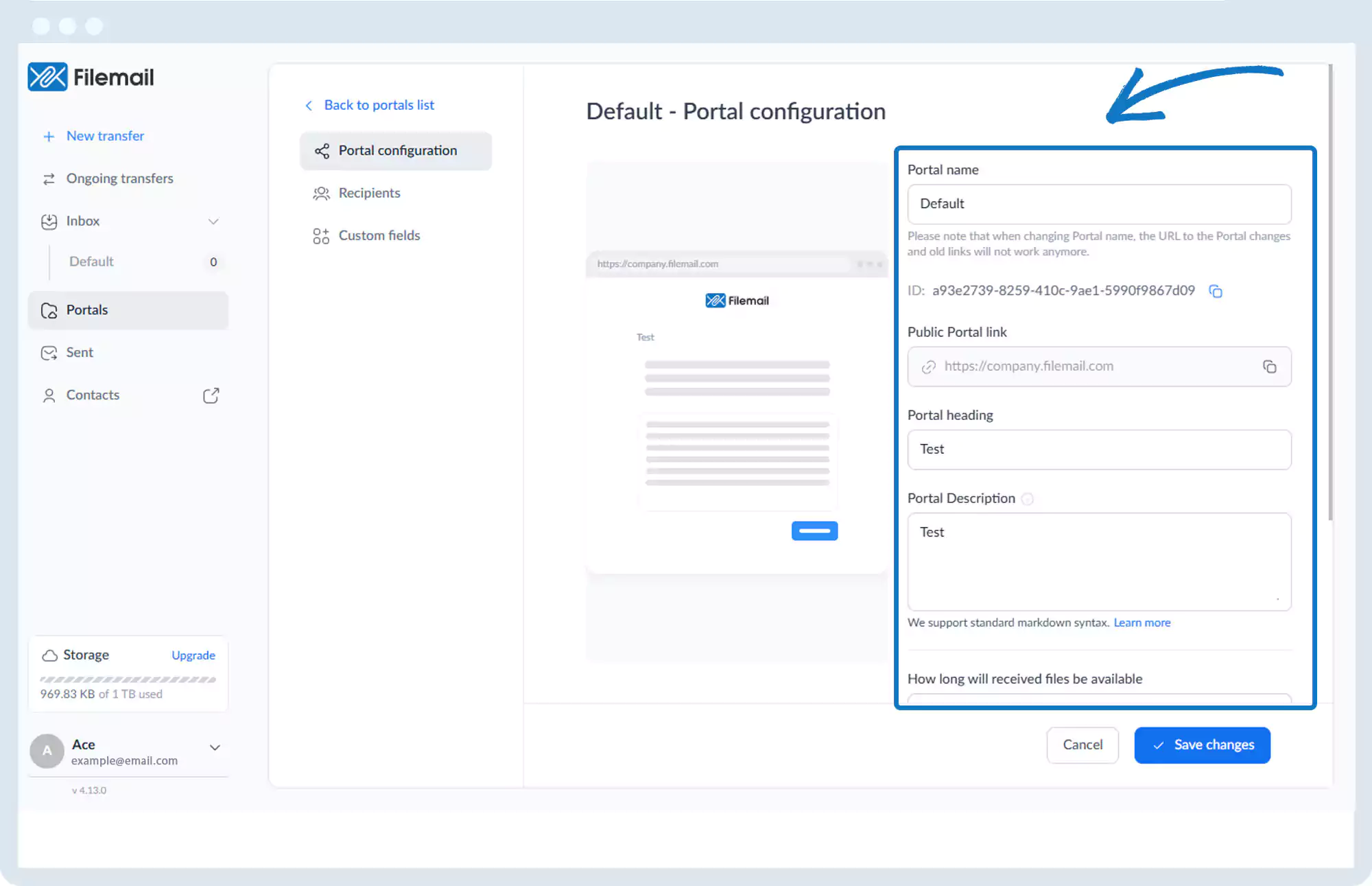
4. Under Portal configuration, you can:
- Edit portal name
- Copy portal ID
- Copy public portal link
- Edit heading and description
- Set file availability duration
- Enable sender download notifications
- Enable email receipt confirmation
- Enable password protection (optional)
5. Click Save changes if updates were made.
Go back to the operations manual page