Portal – Potential Recipients
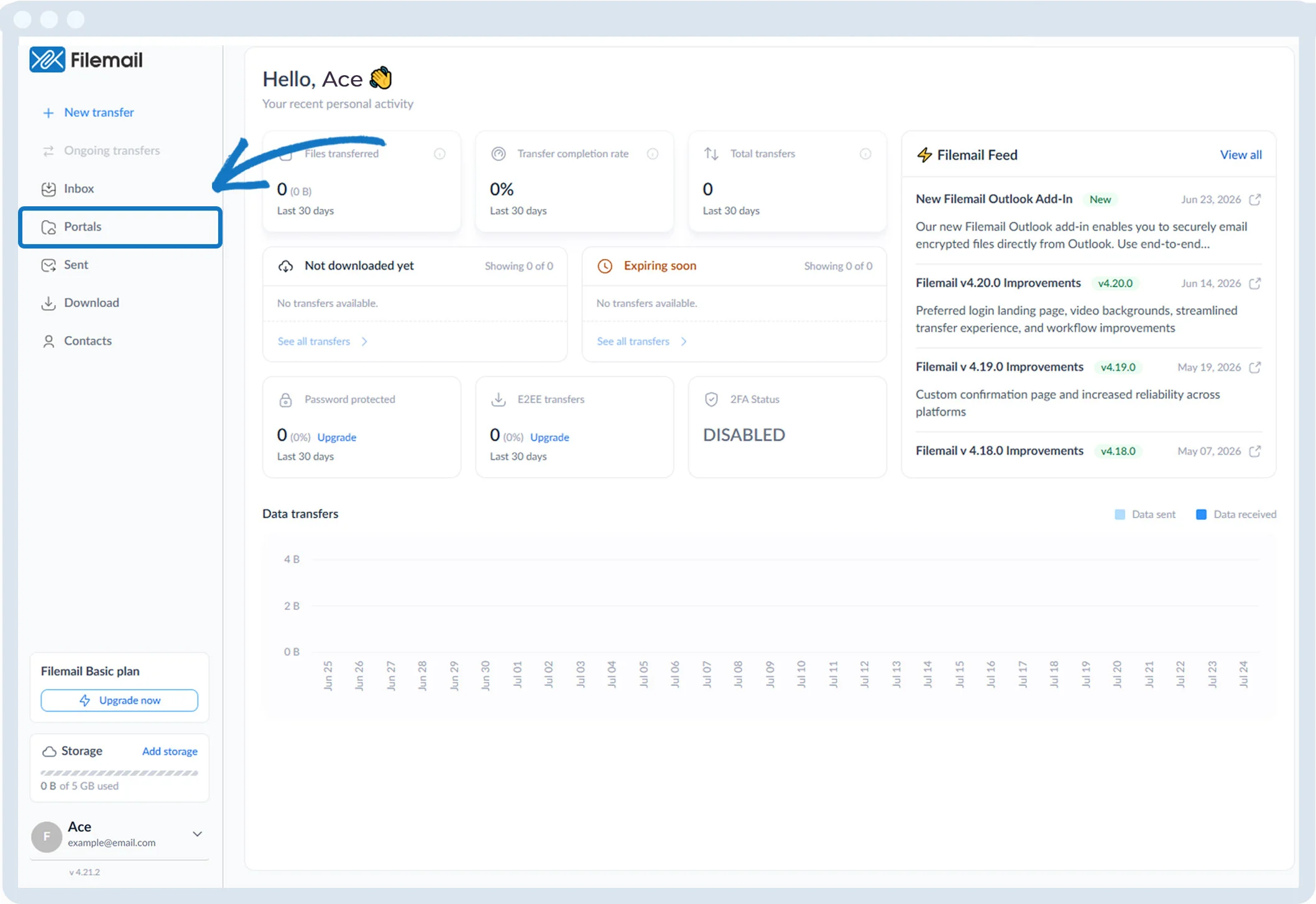
1. Click Portals in the left sidebar.
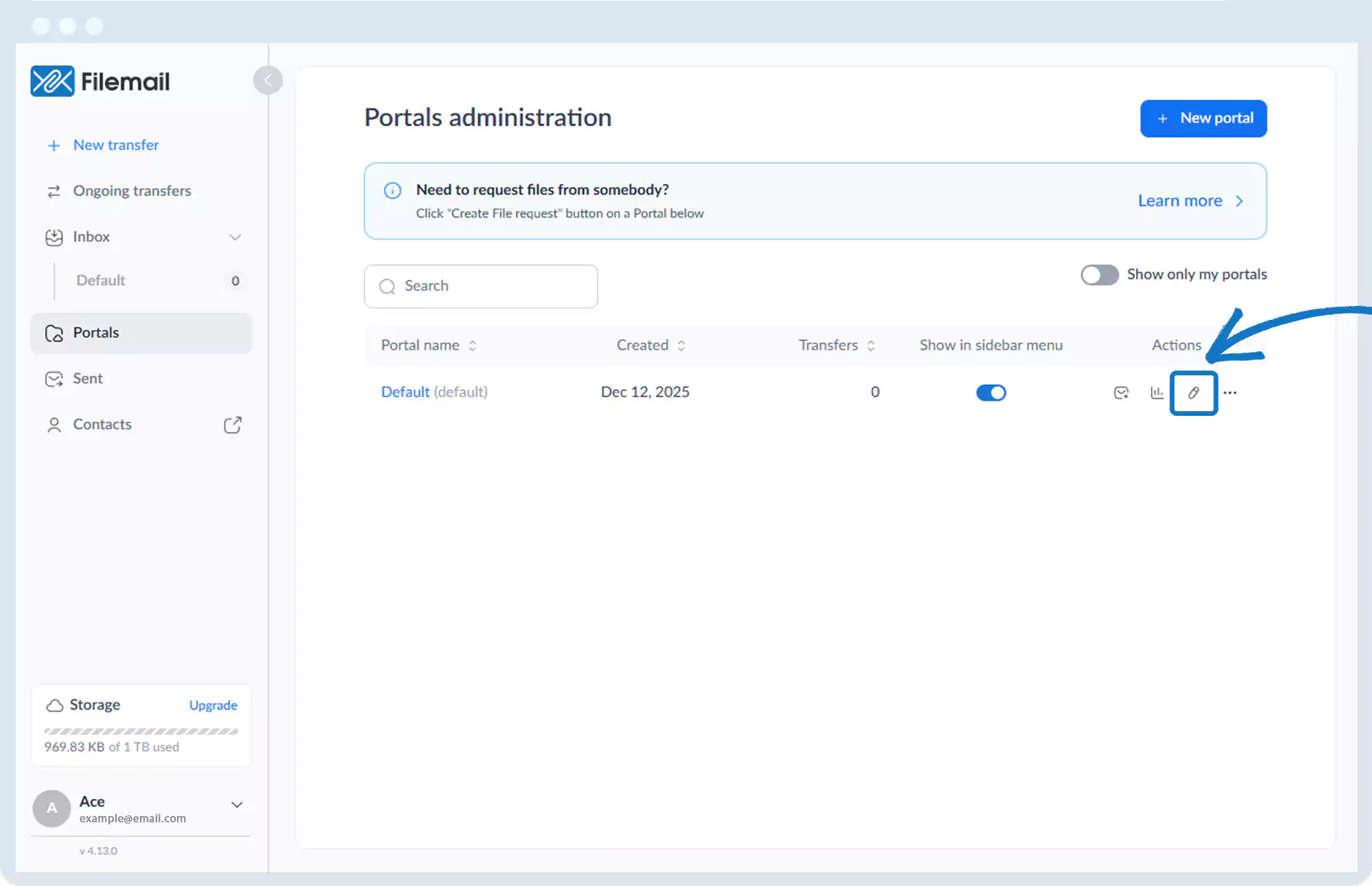
2. Click the pencil icon for the desired portal.
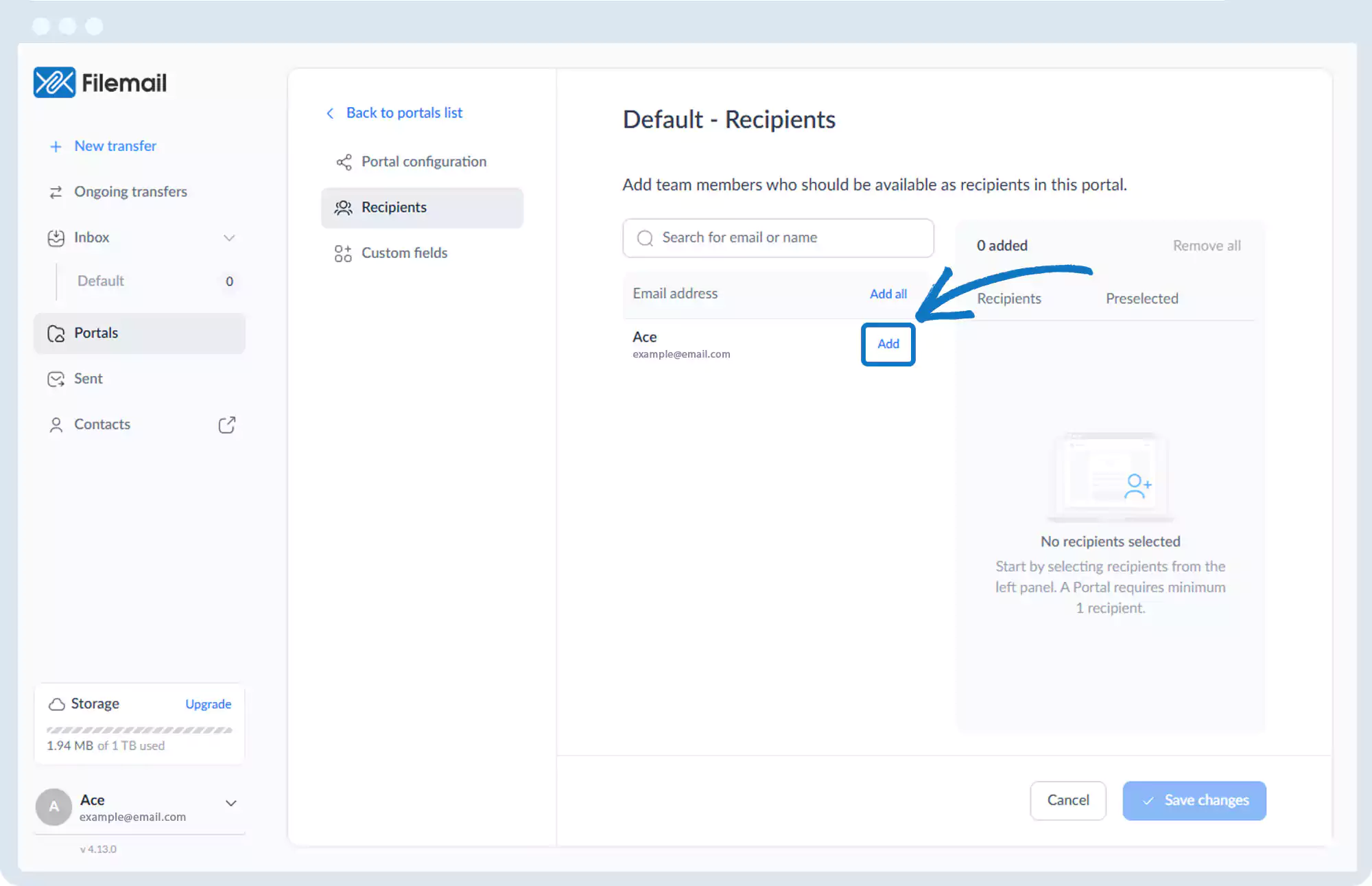
3. Select Recipients.

4. Click Add to include users as potential recipients.
5. Optionally set a default recipient.
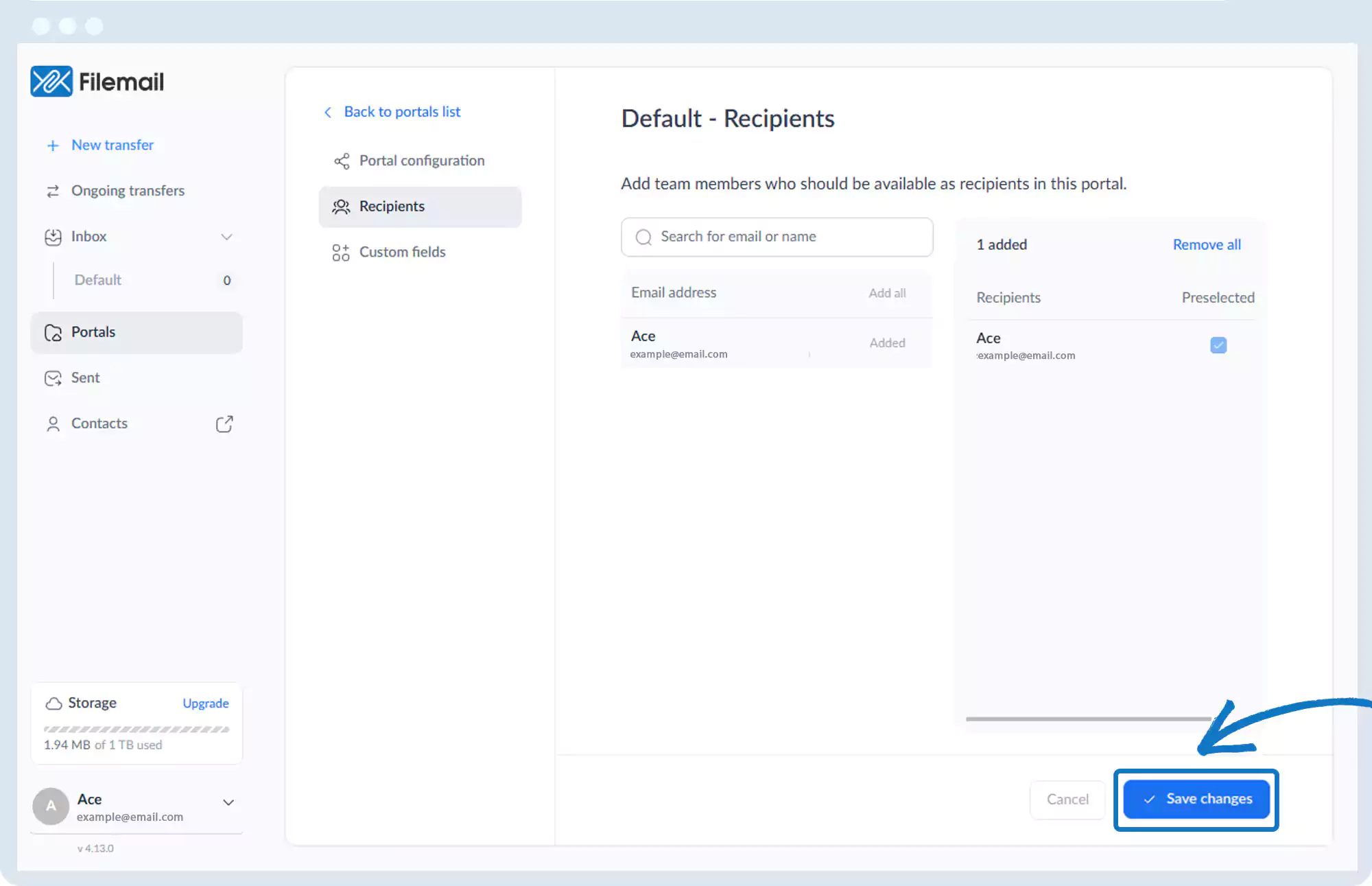
6. Click Save changes.
Go back to the operations manual page