Storage – Purchase Additional Storage
Method 1:
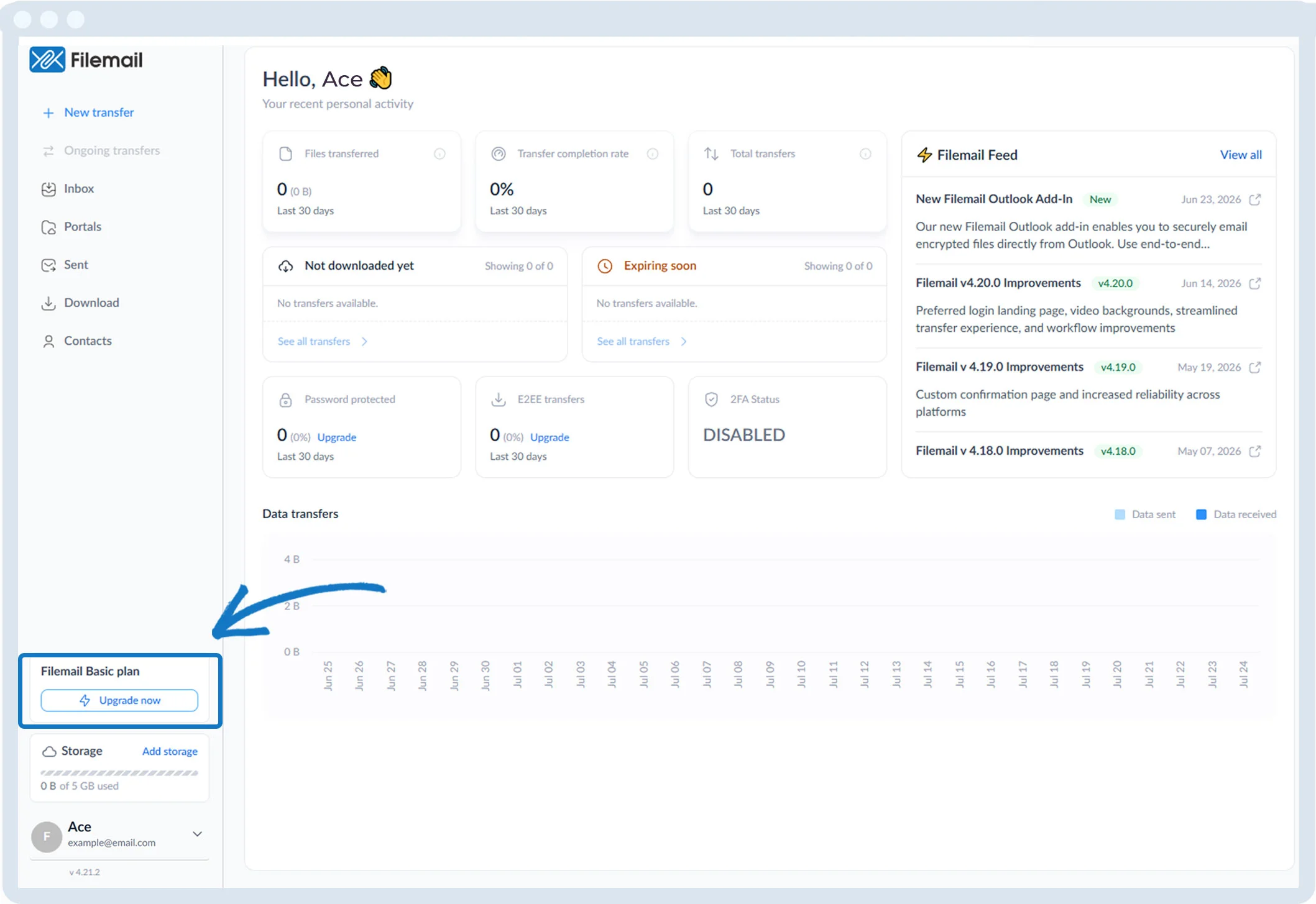
1. In the left sidebar above your account name, click Upgrade now.
Method 2:
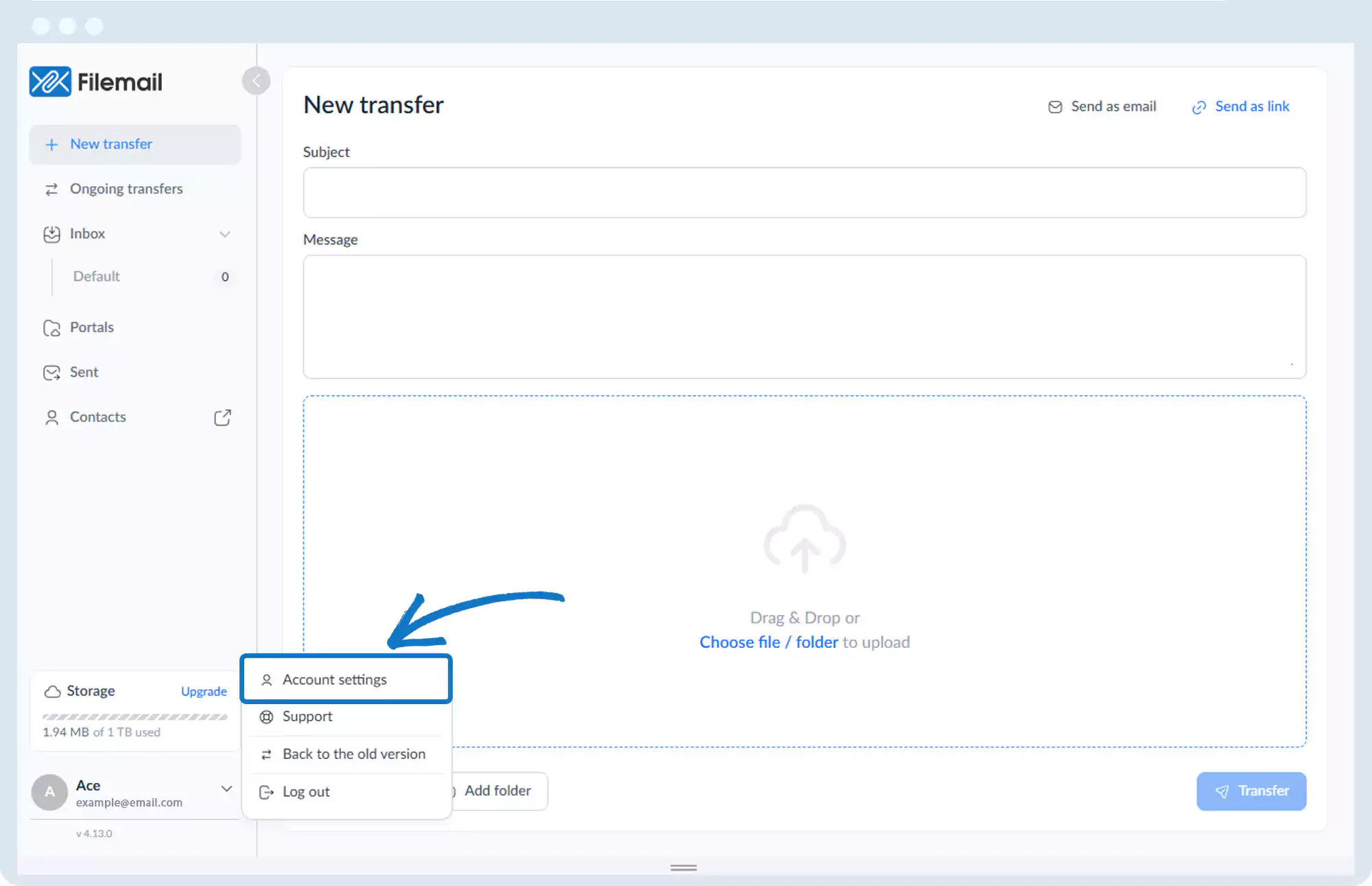
1. Go to the bottom left of the window and click on your initials or name.

2. Select Account settings.
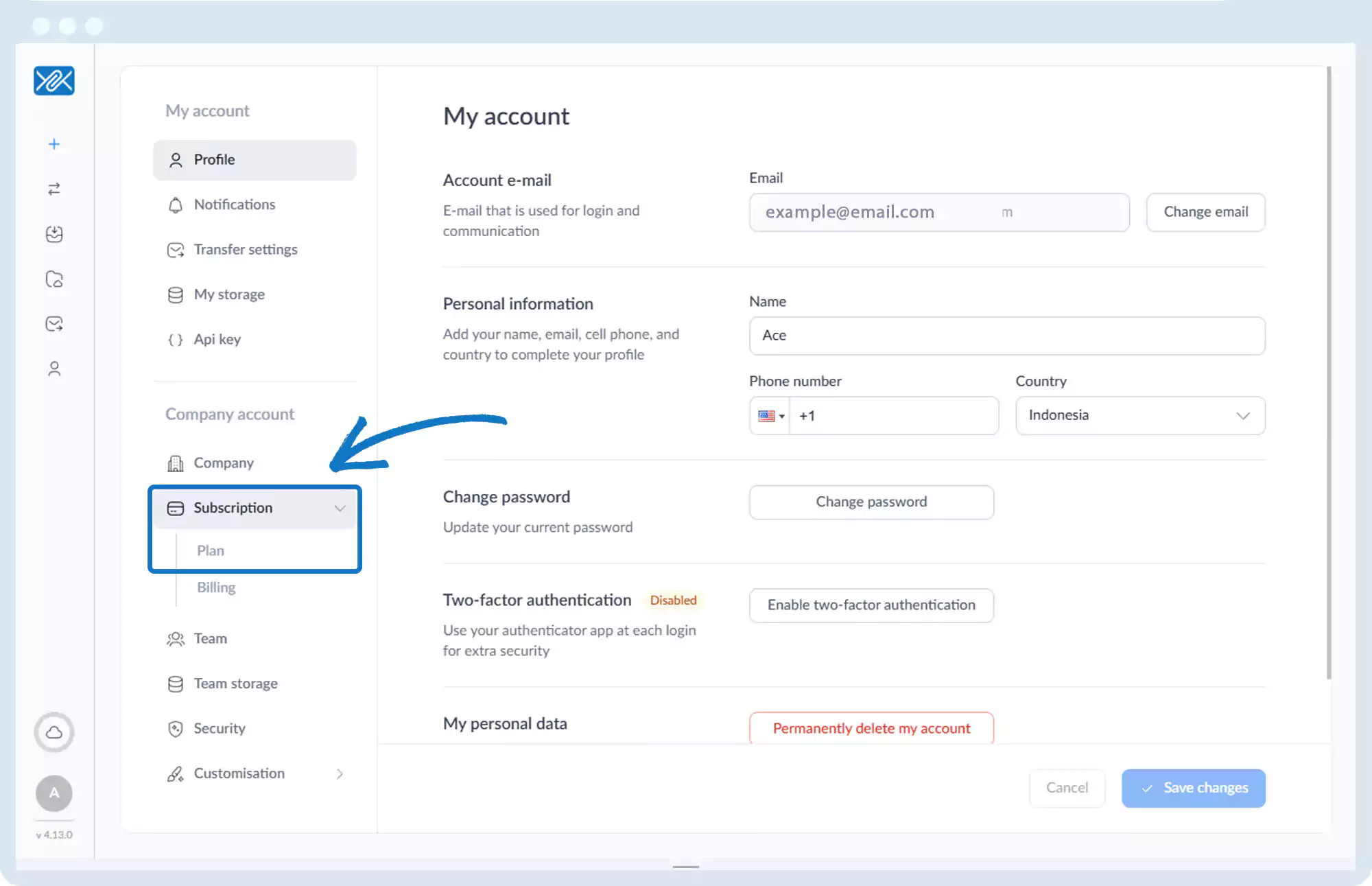
3. Click Subscription, then Plan.
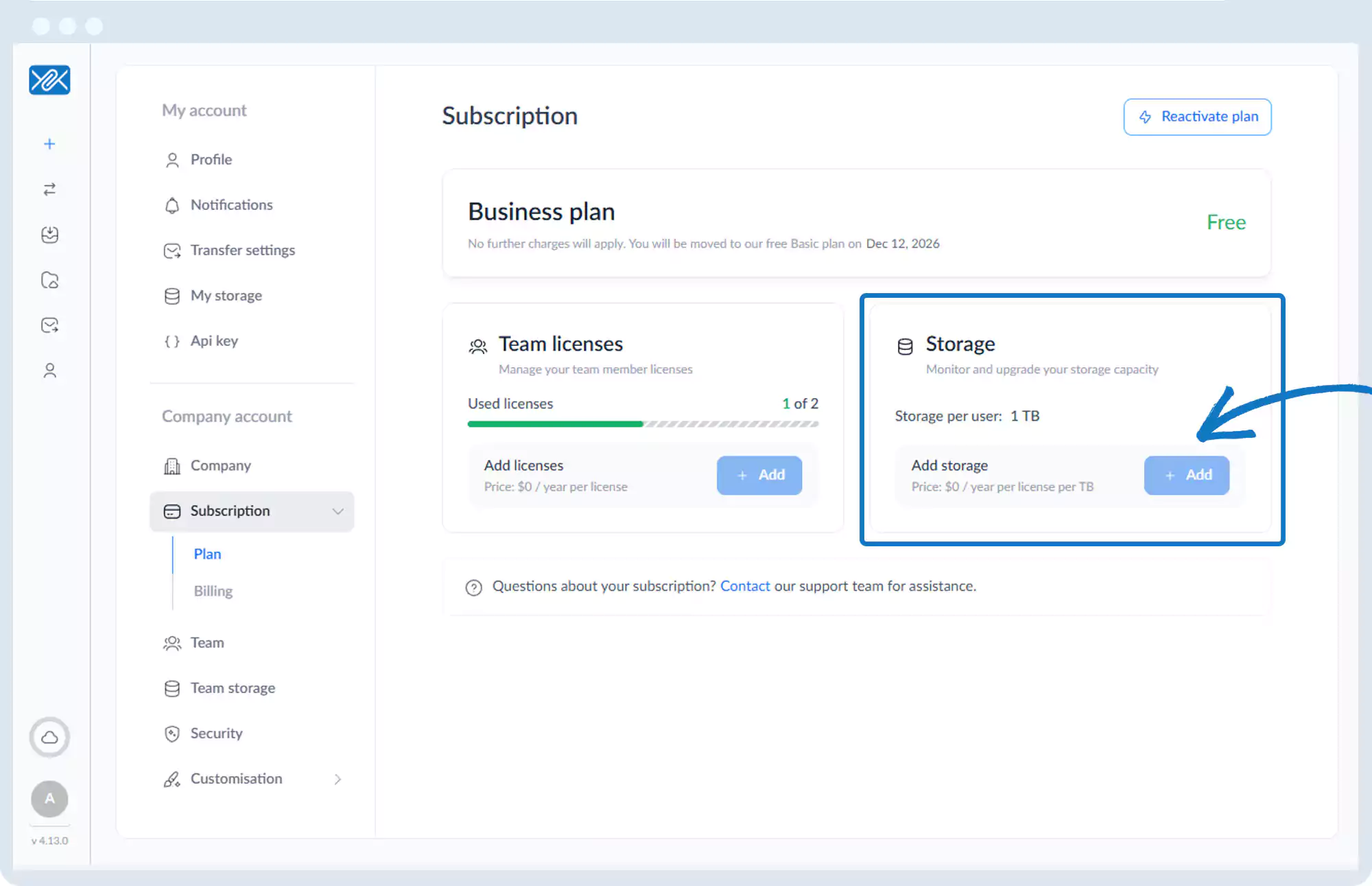
4. Click + Add storage.
Go back to the operations manual page