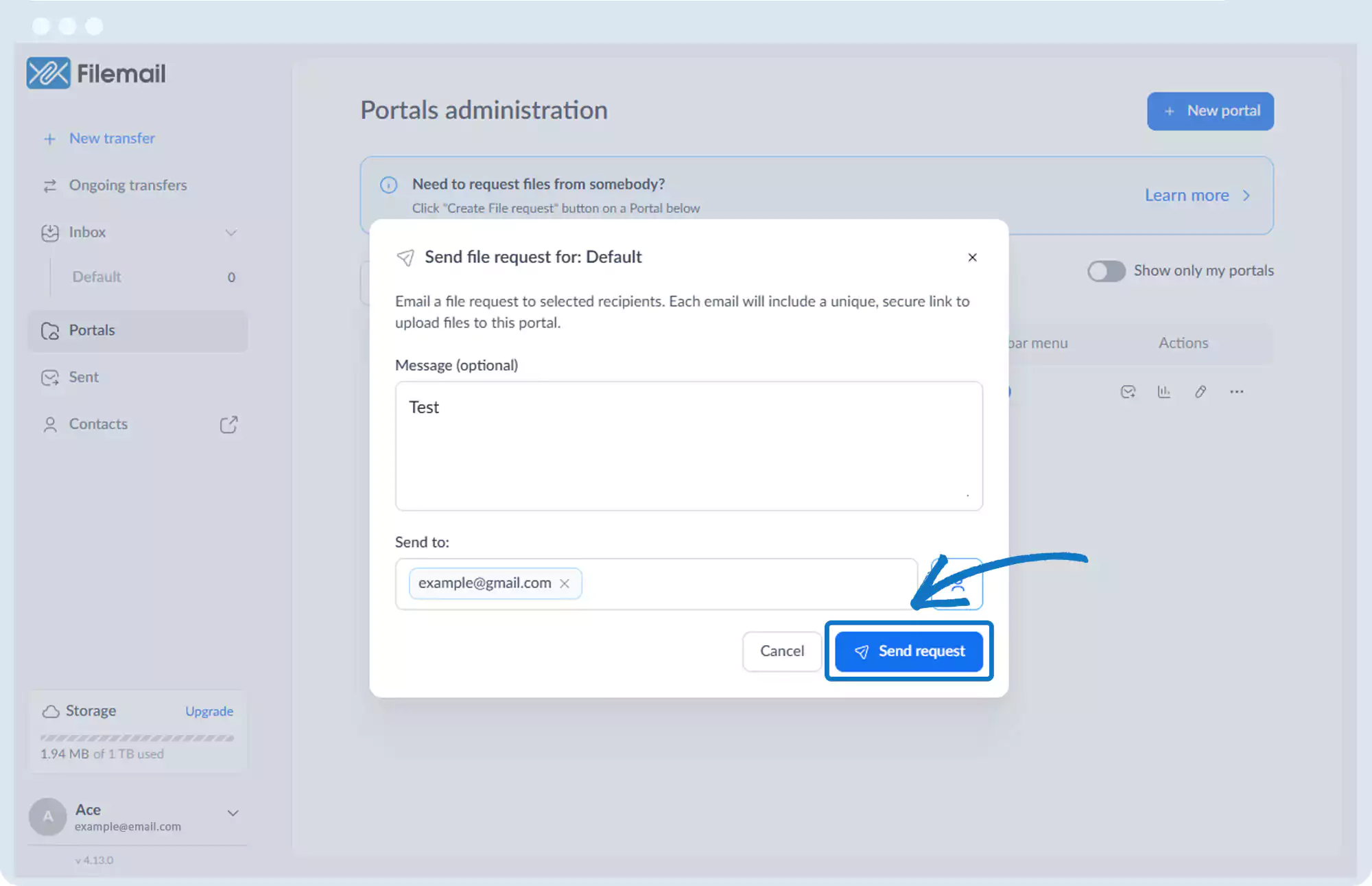
Receive Files – File Request
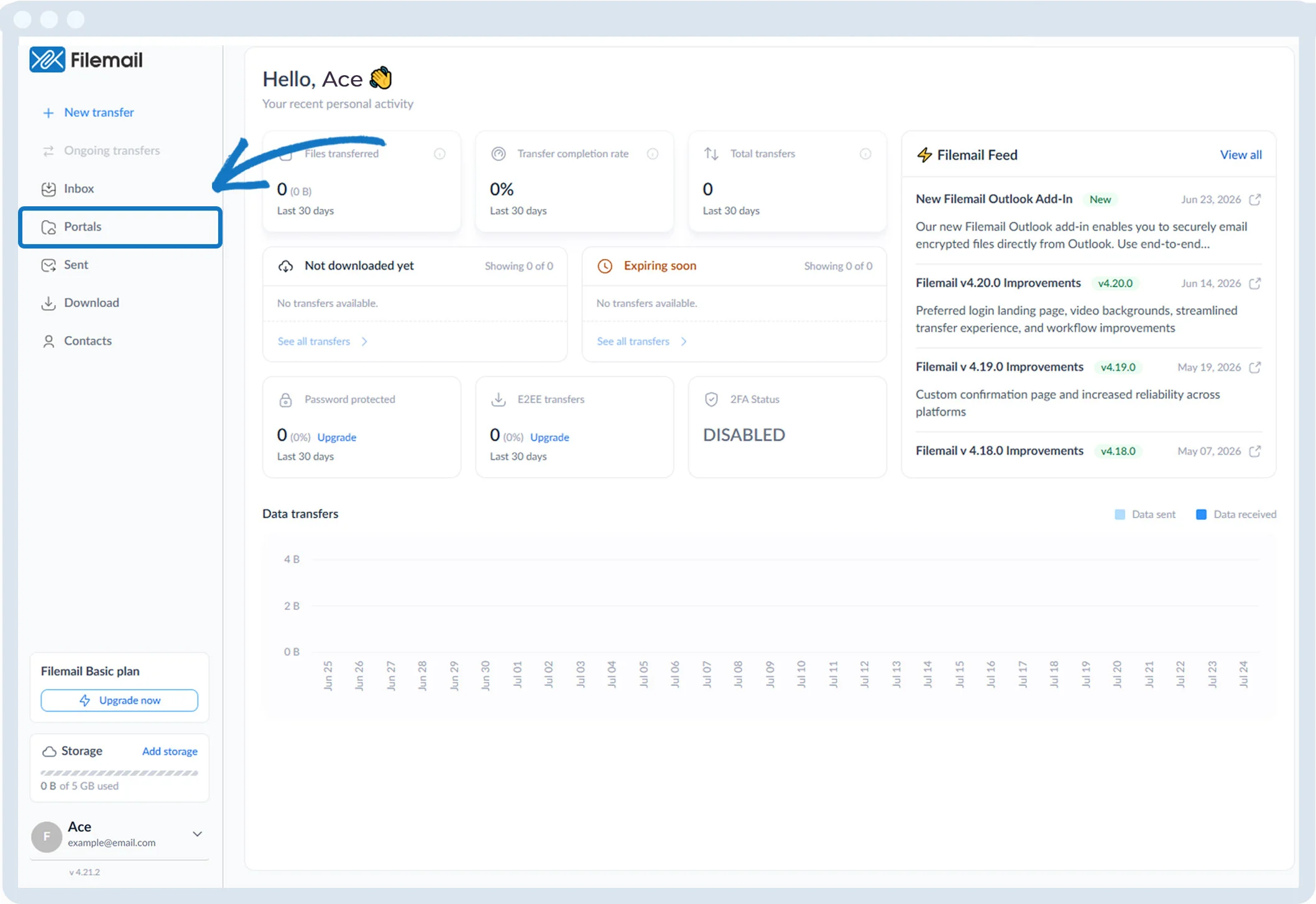
1. Click Portals in the left sidebar.
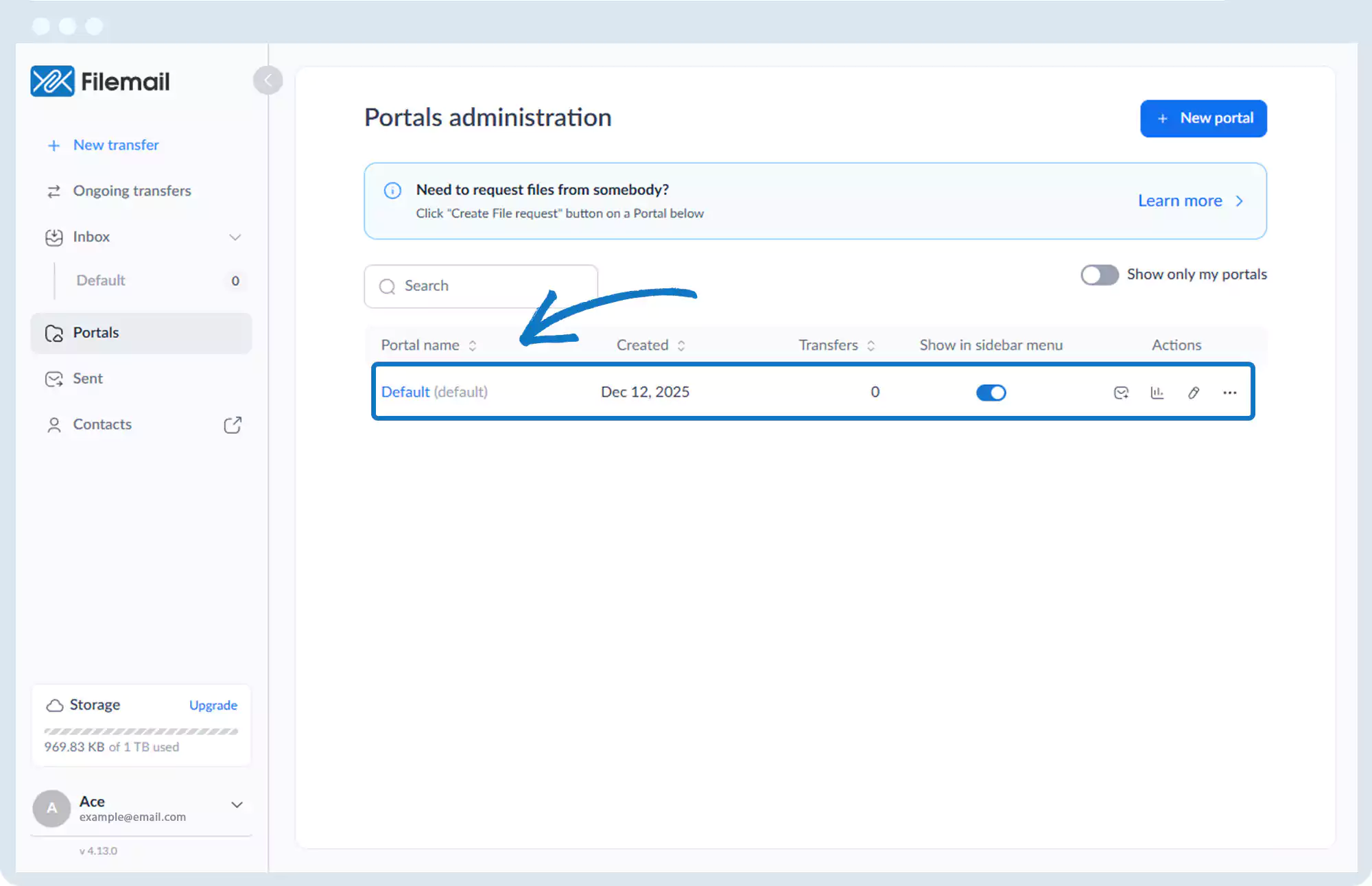
2. Locate the desired portal.
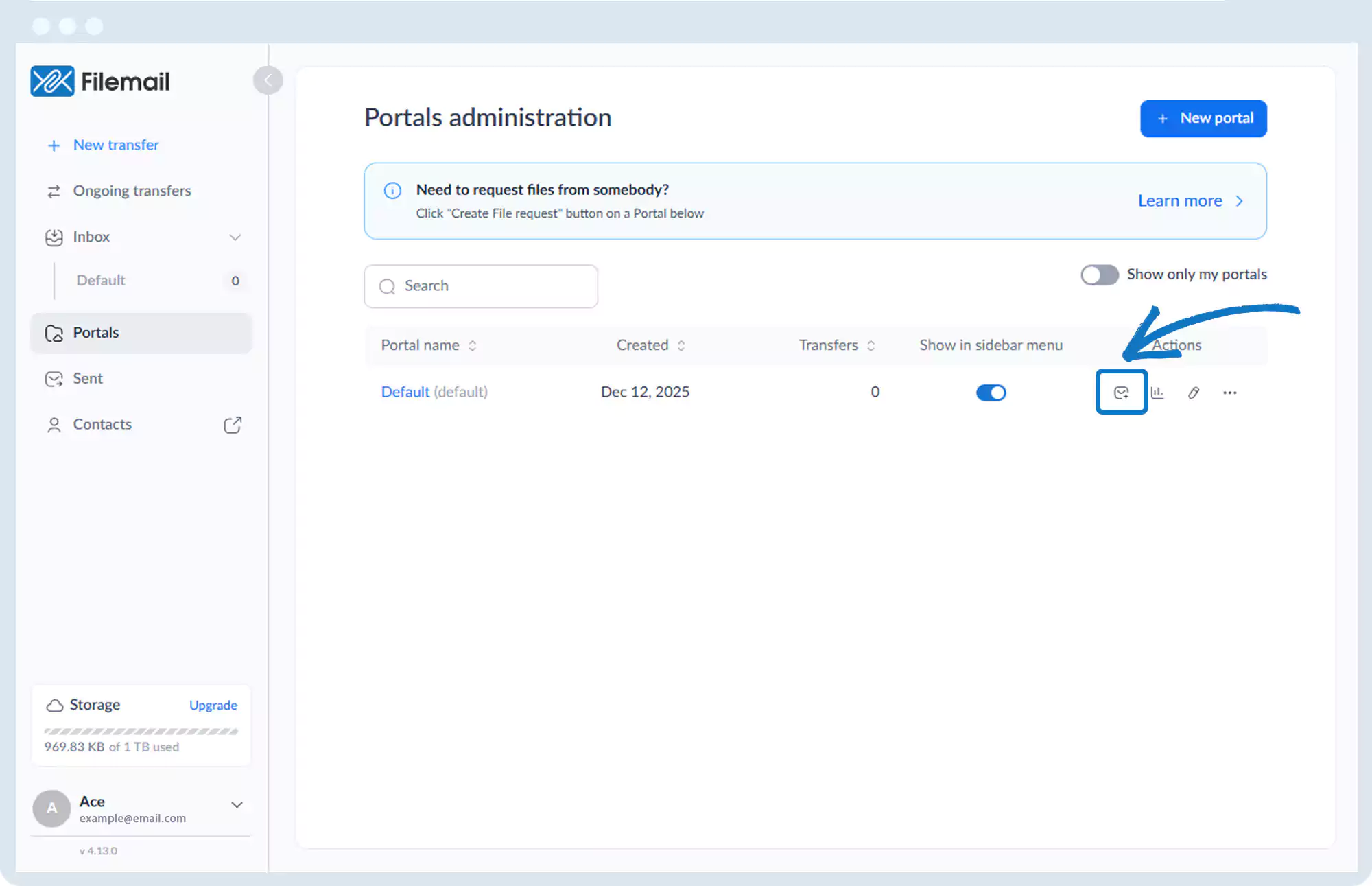
3. Click the File Request icon (envelope with plus sign).
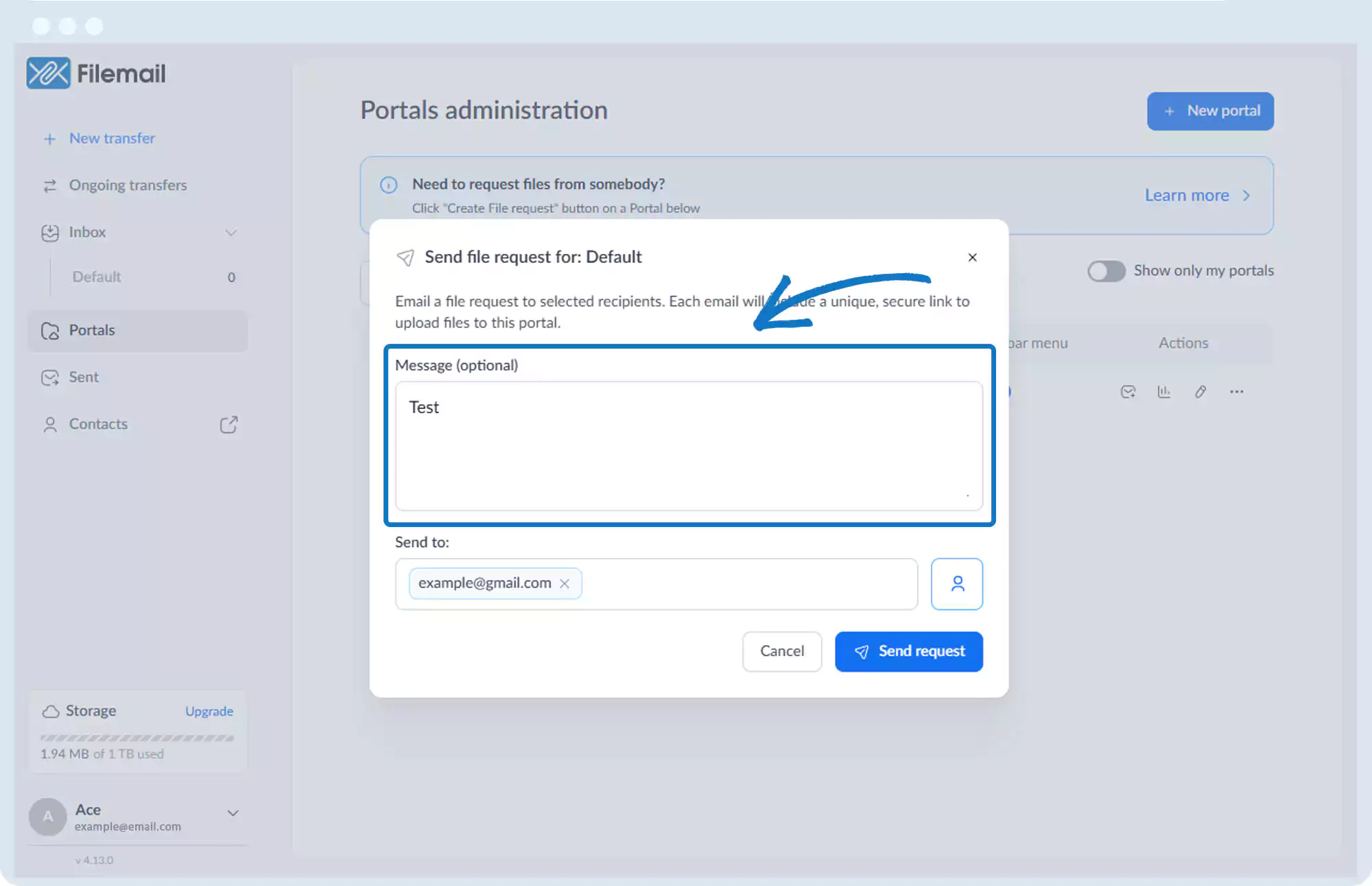
4. Add an optional message.
5. Enter the recipient’s email address or select from contacts.
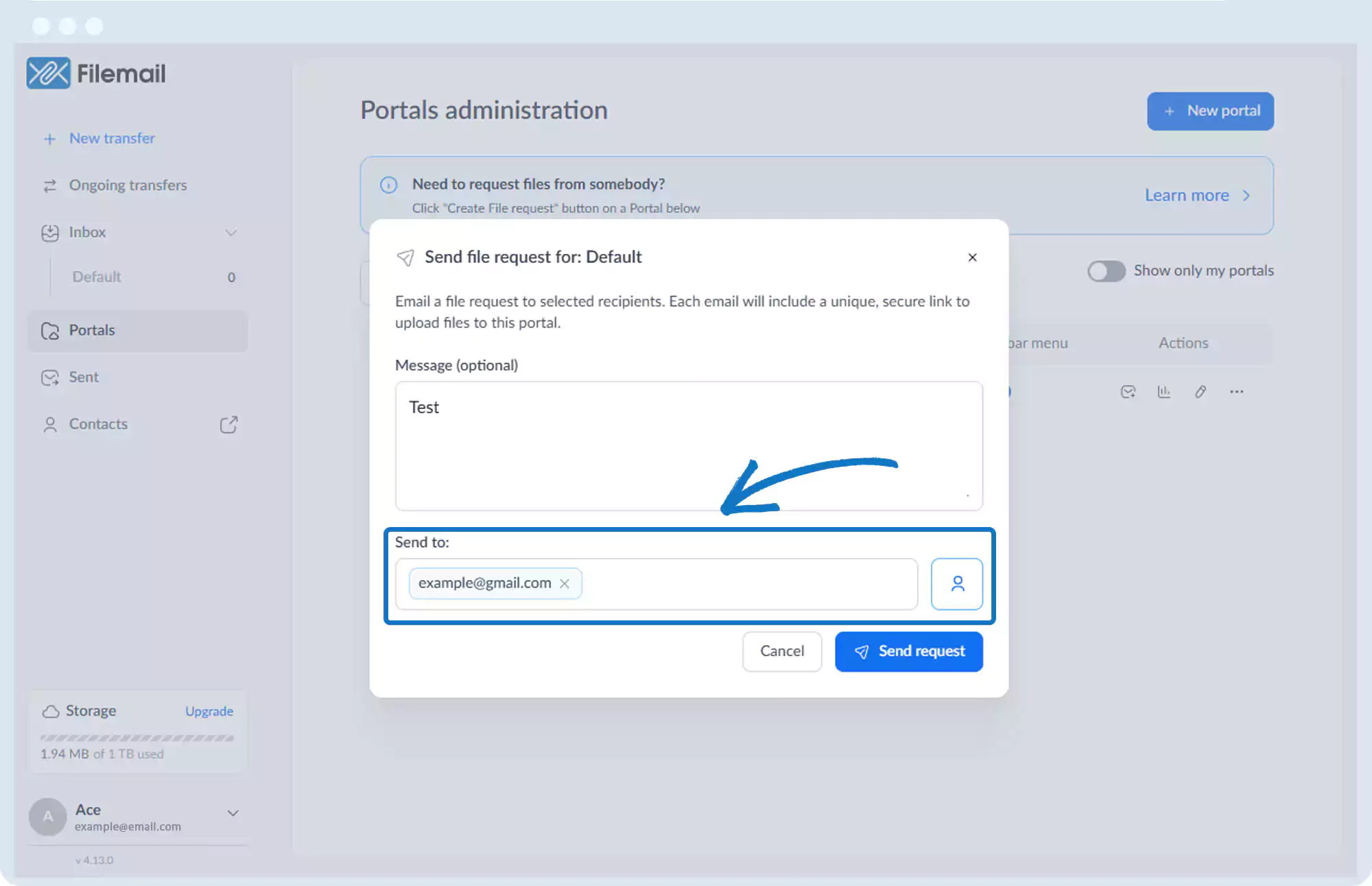
6. Click Send request.
Go back to the operations manual page