Receive Files – Via a Portal or Custom Subdomain
1. Click Portals in the left sidebar.
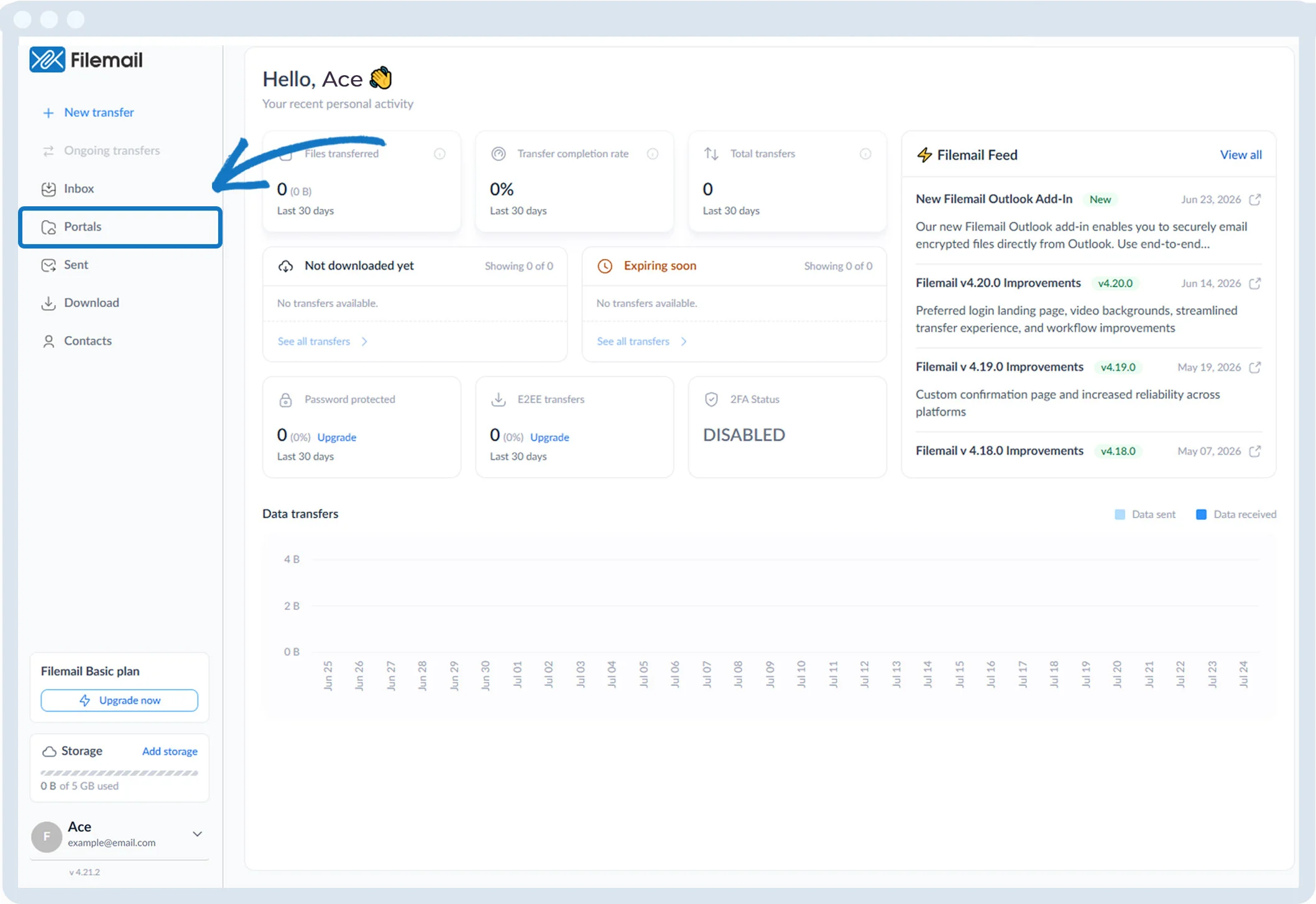
2. Locate the desired portal (your custom subdomain is listed as Default).

3. Click the More options button (three dots).


1. Click Portals in the left sidebar.
2. Locate the desired portal (your custom subdomain is listed as Default).
3. Click the More options button (three dots).