Remove a Transfer or File from a Transfer
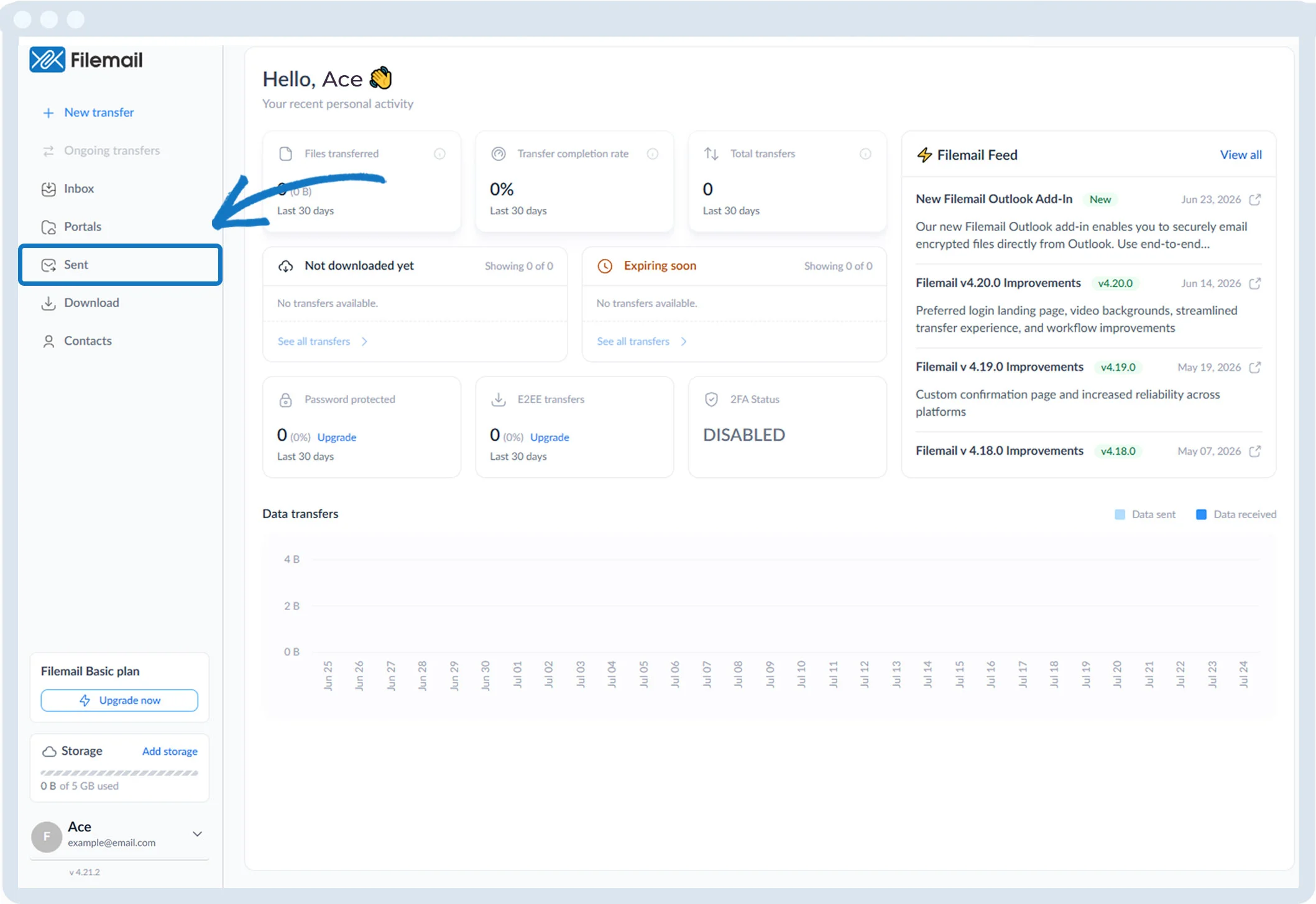
1. Click Sent in the left sidebar.
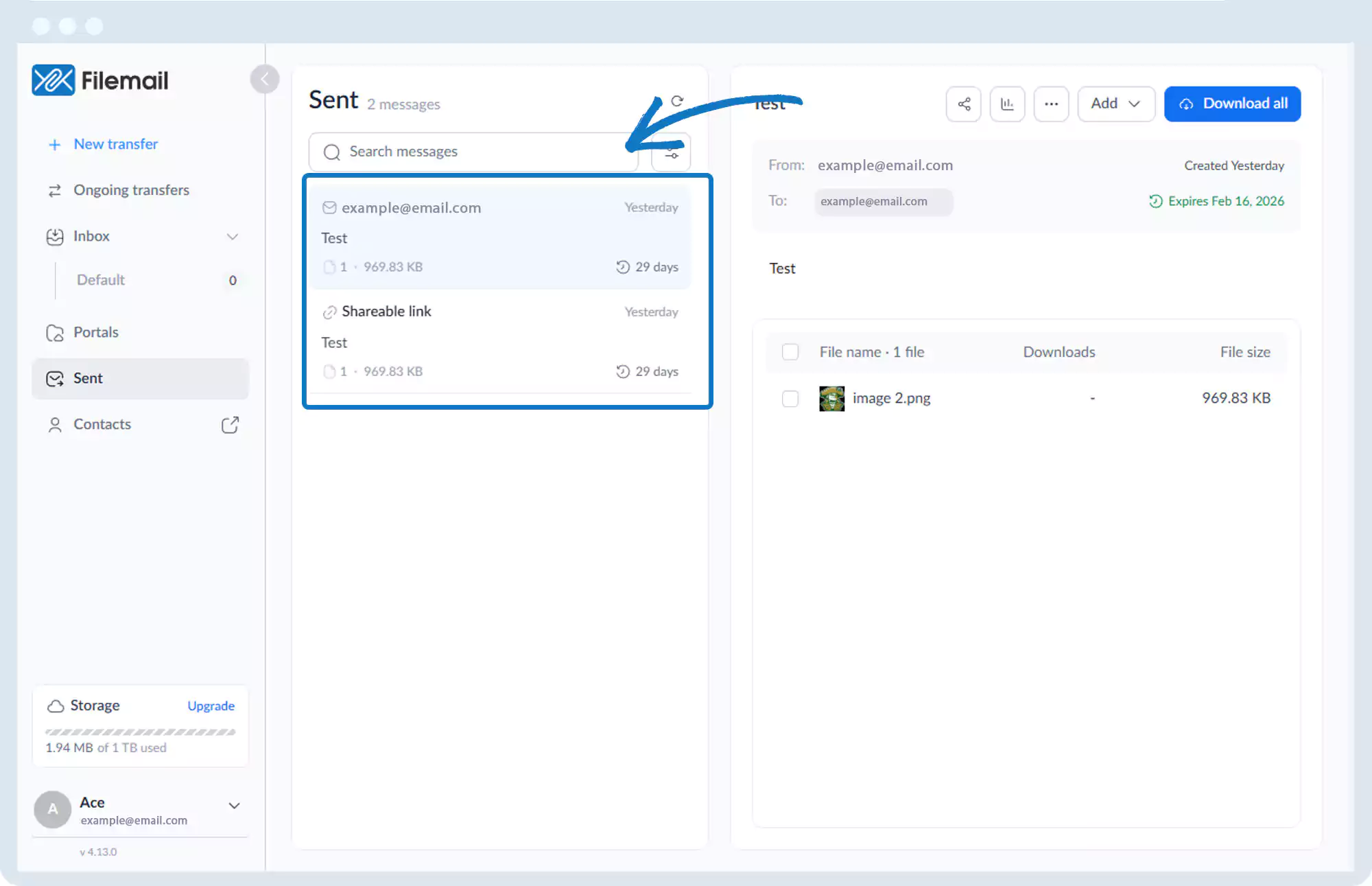
2. Select the desired transfer session.
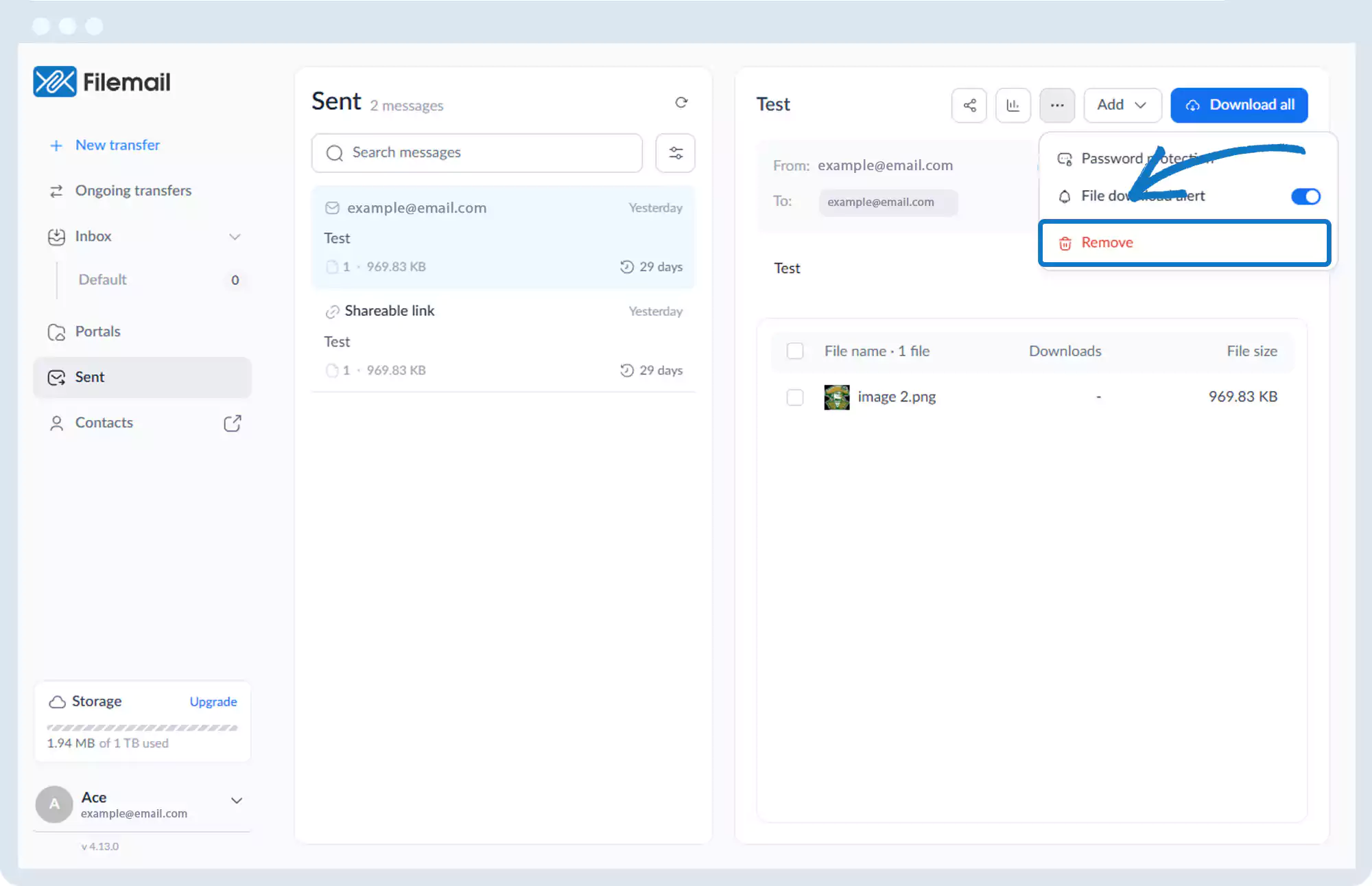
To remove an entire transfer:
1. Click the More options button (three dots).
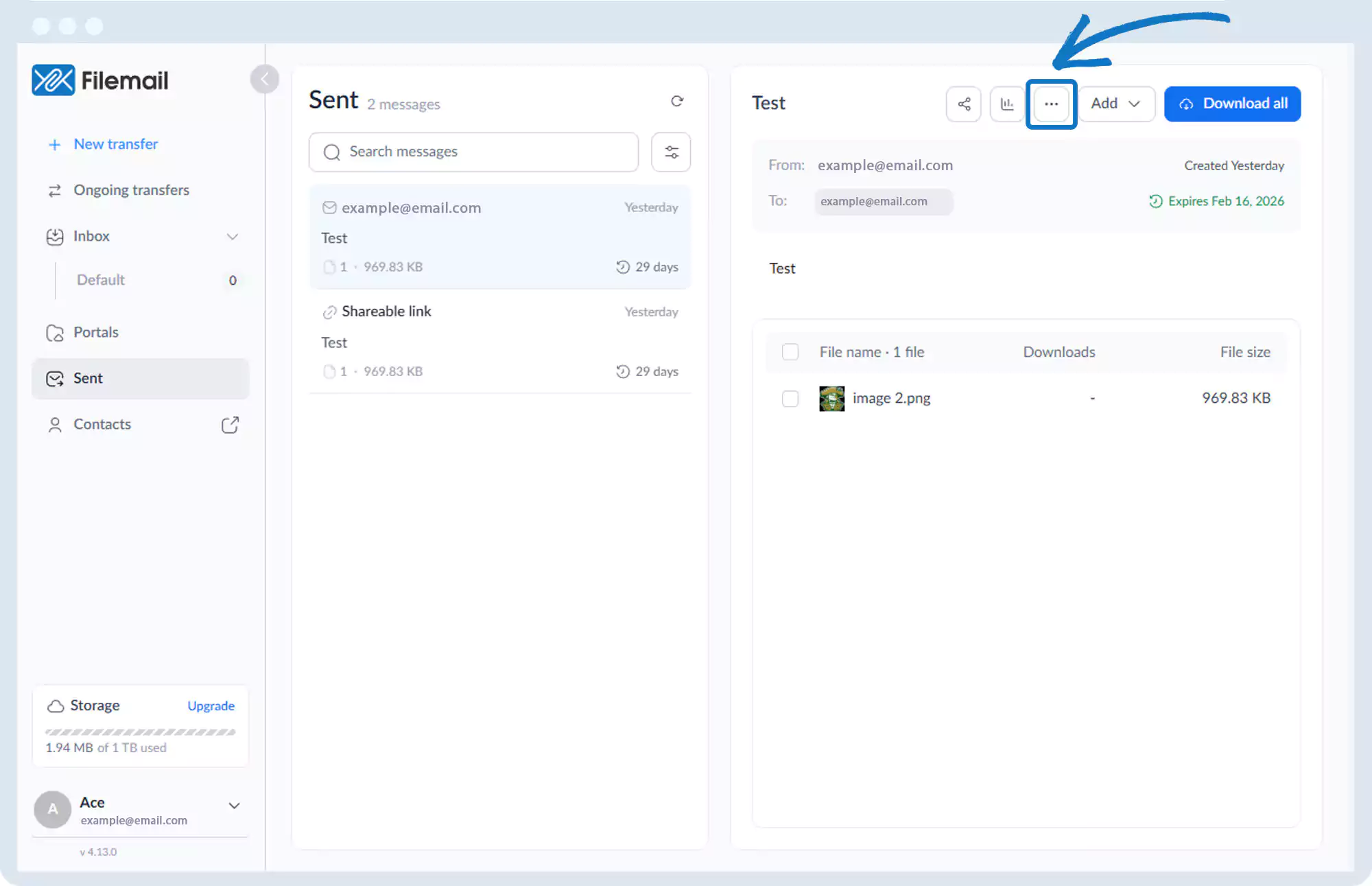
2. Select Remove.
To remove a specific file:
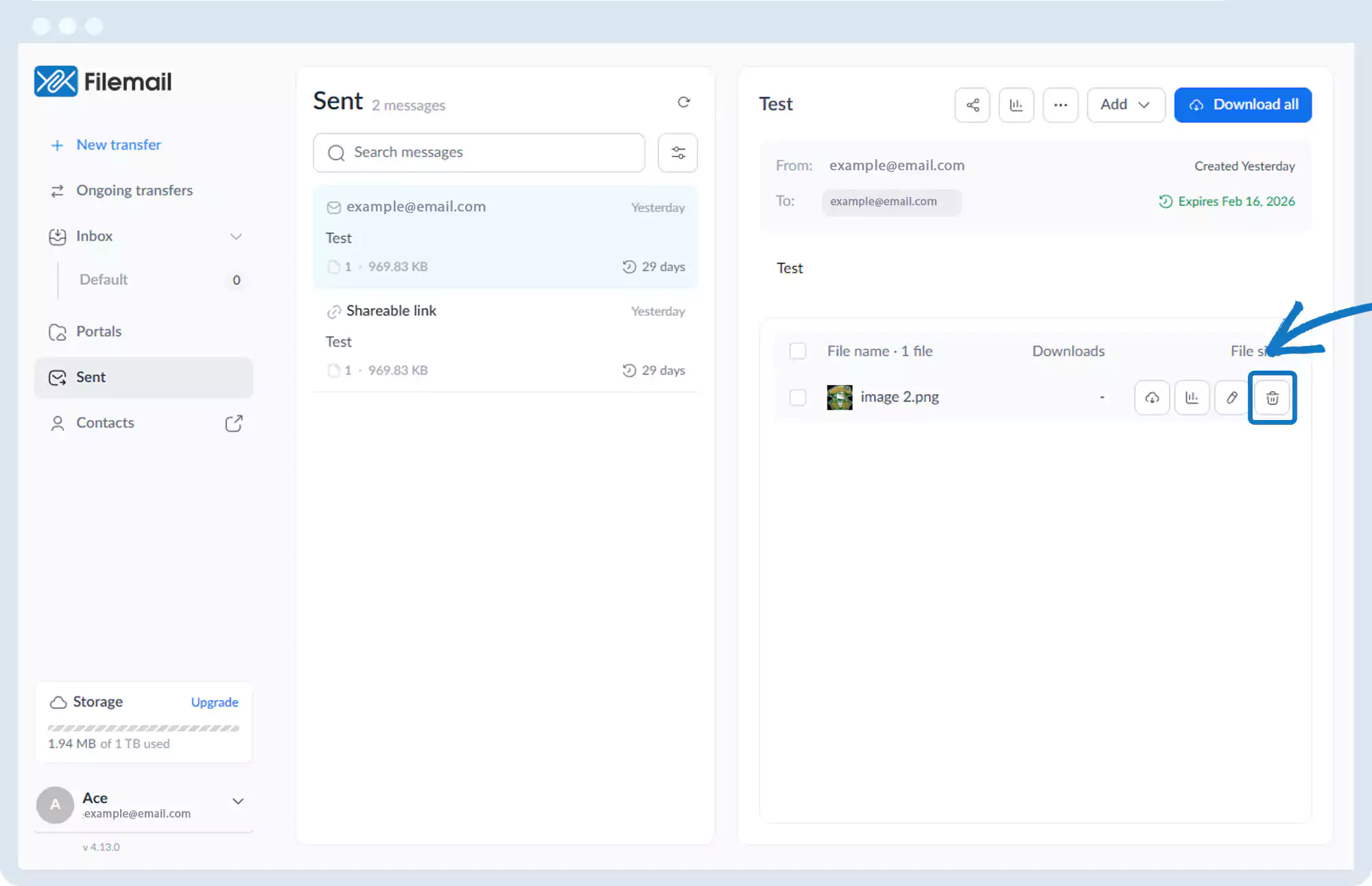
1. Hover over the file in the file list.
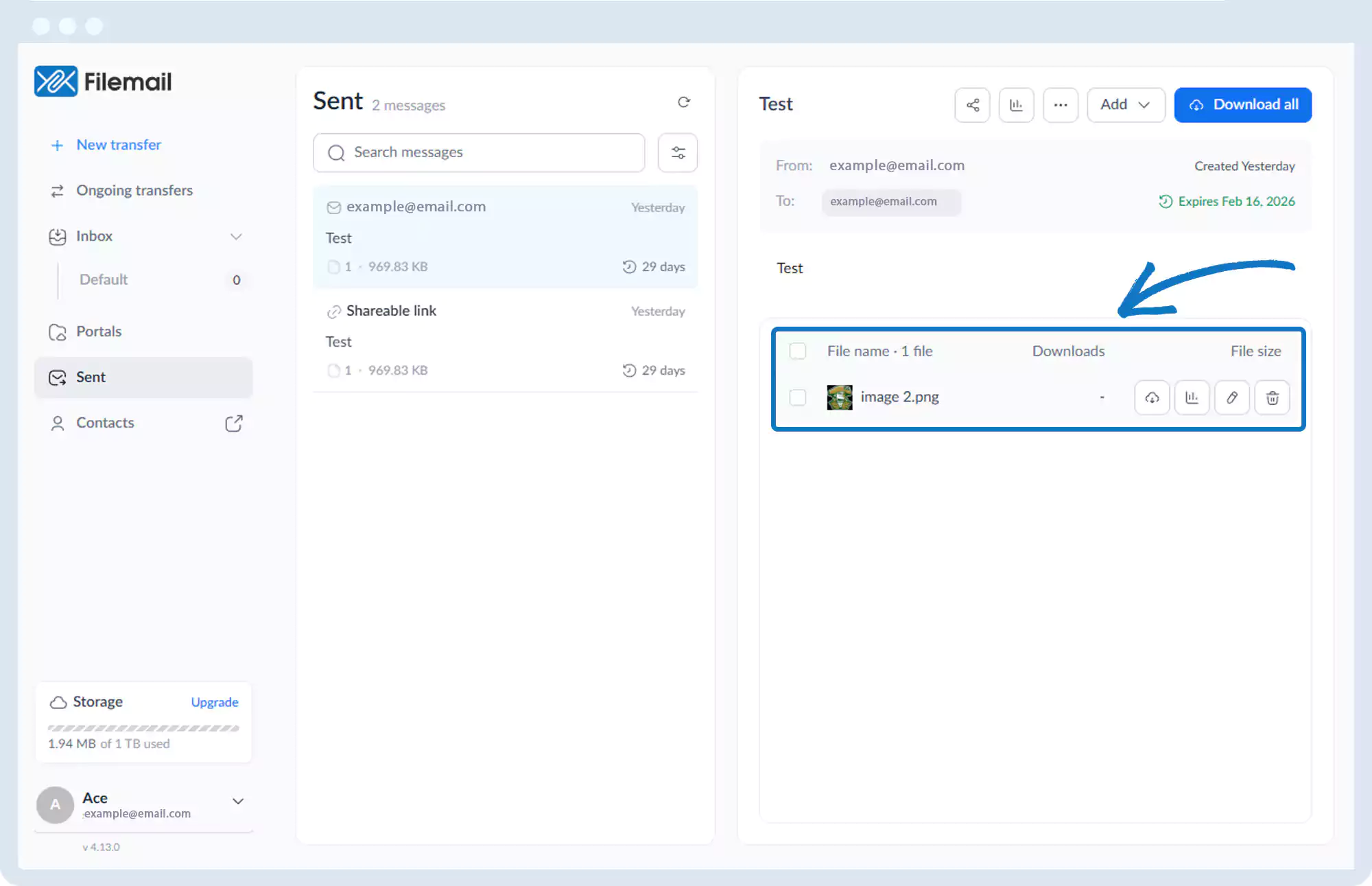
2. Click the trash icon to remove the file.
Go back to the operations manual page