Storage – Account and Team Members Usage
1. Go to the bottom left of the window and click on your initials or name.

2. Select Account settings.

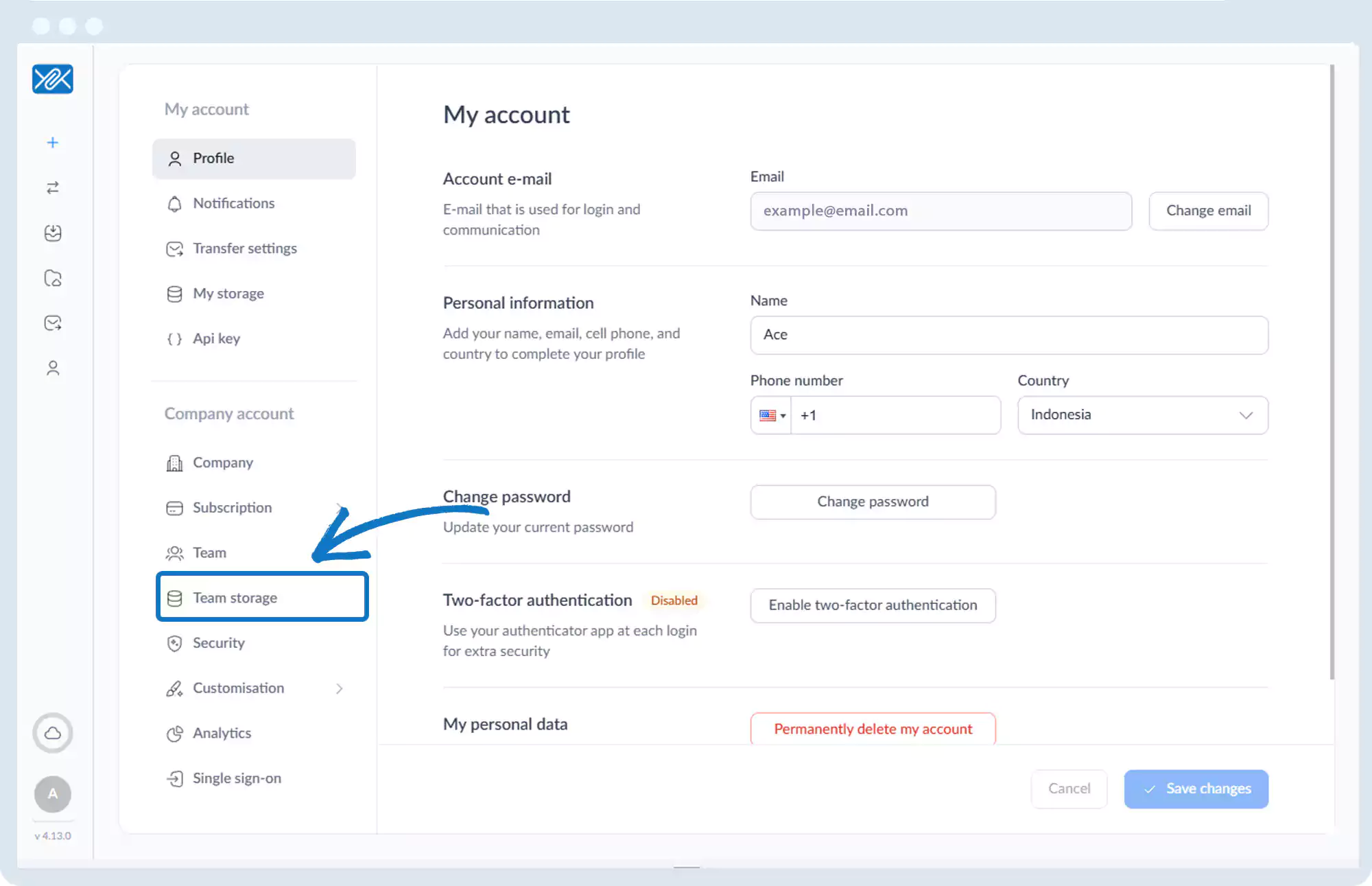
3. Click Team Storage.
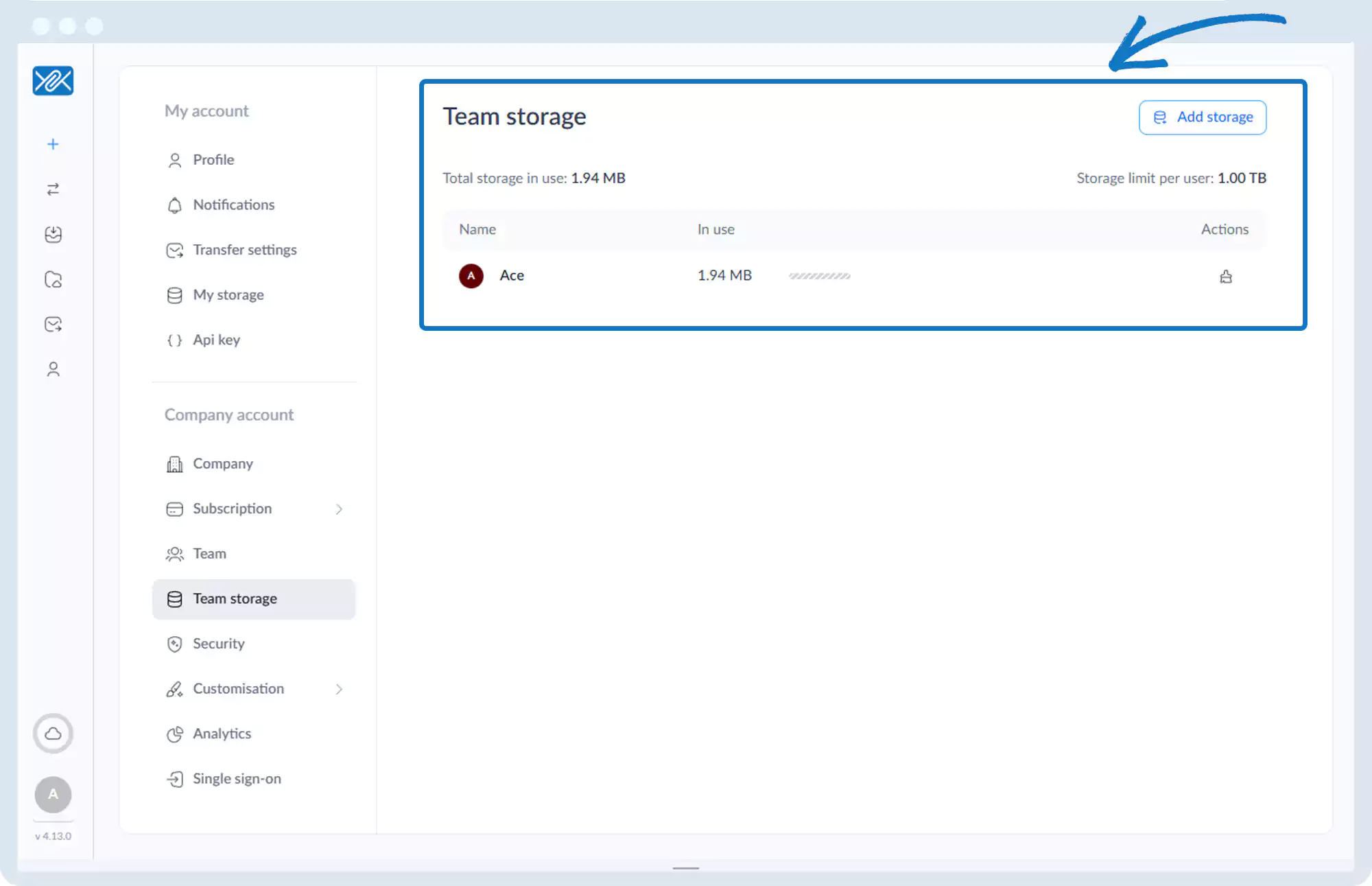
4. The page displays:
- Total storage in use
- Individual team member usage
- Usage relative to allocated limits
Go back to the operations manual page