Two-Factor Authentication – Administrator Policy
1. Go to the bottom left of the window and click on your initials or name.

2. Select Account settings.

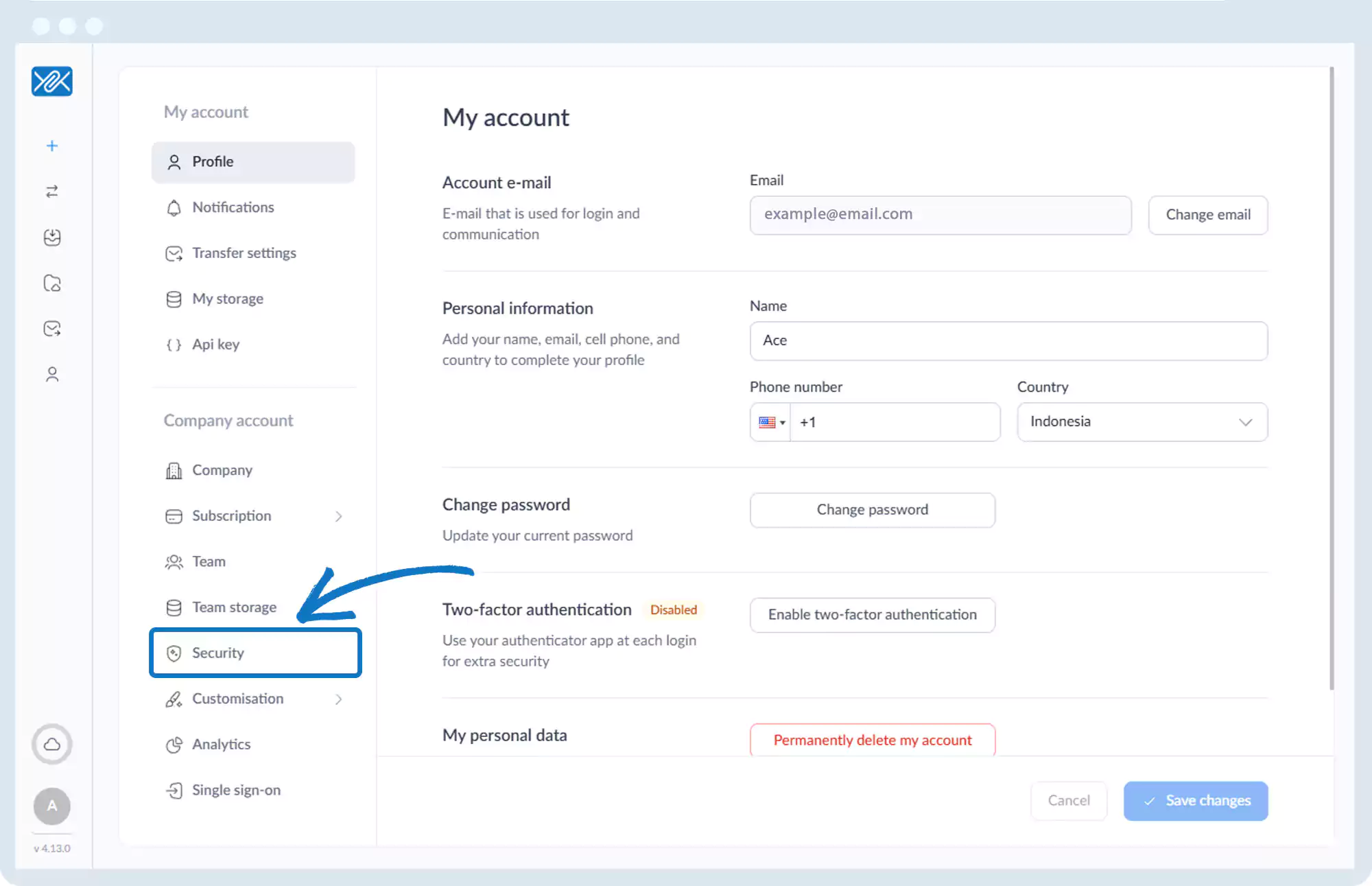
3. Click Security.
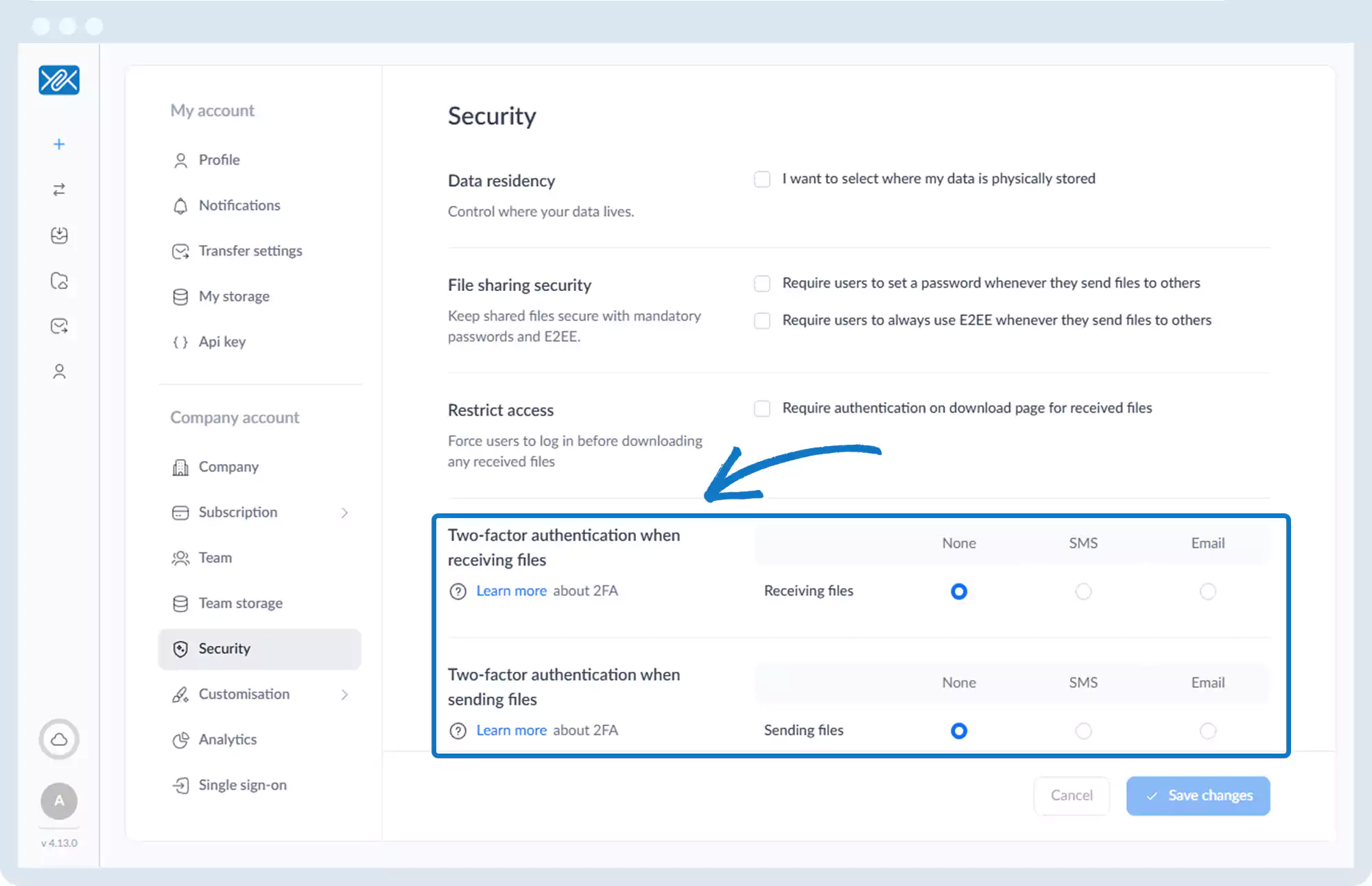
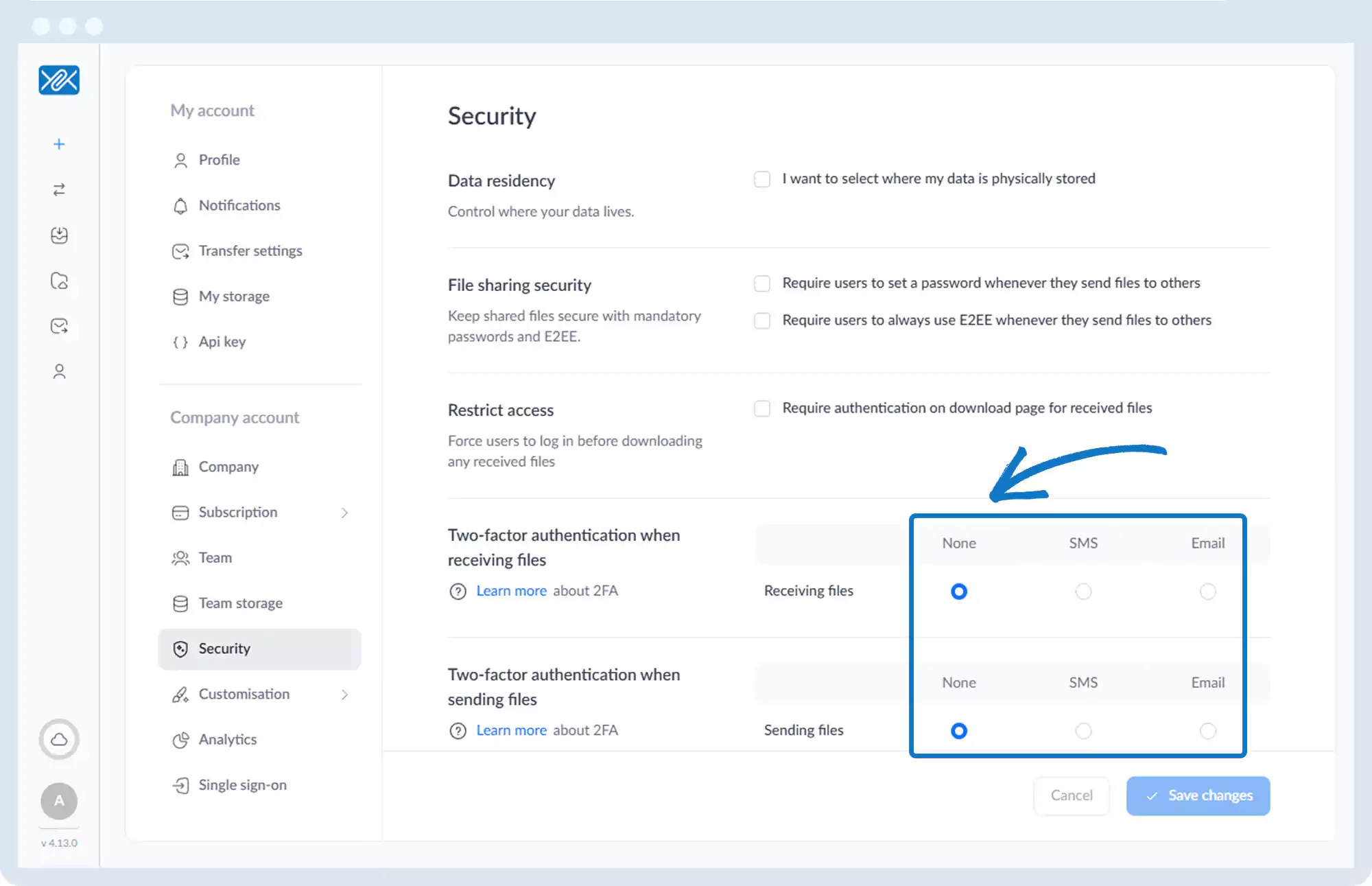
4. Under Two-Factor Authentication settings, configure:
- Two-factor authentication when receiving files
- Two-factor authentication when sending files