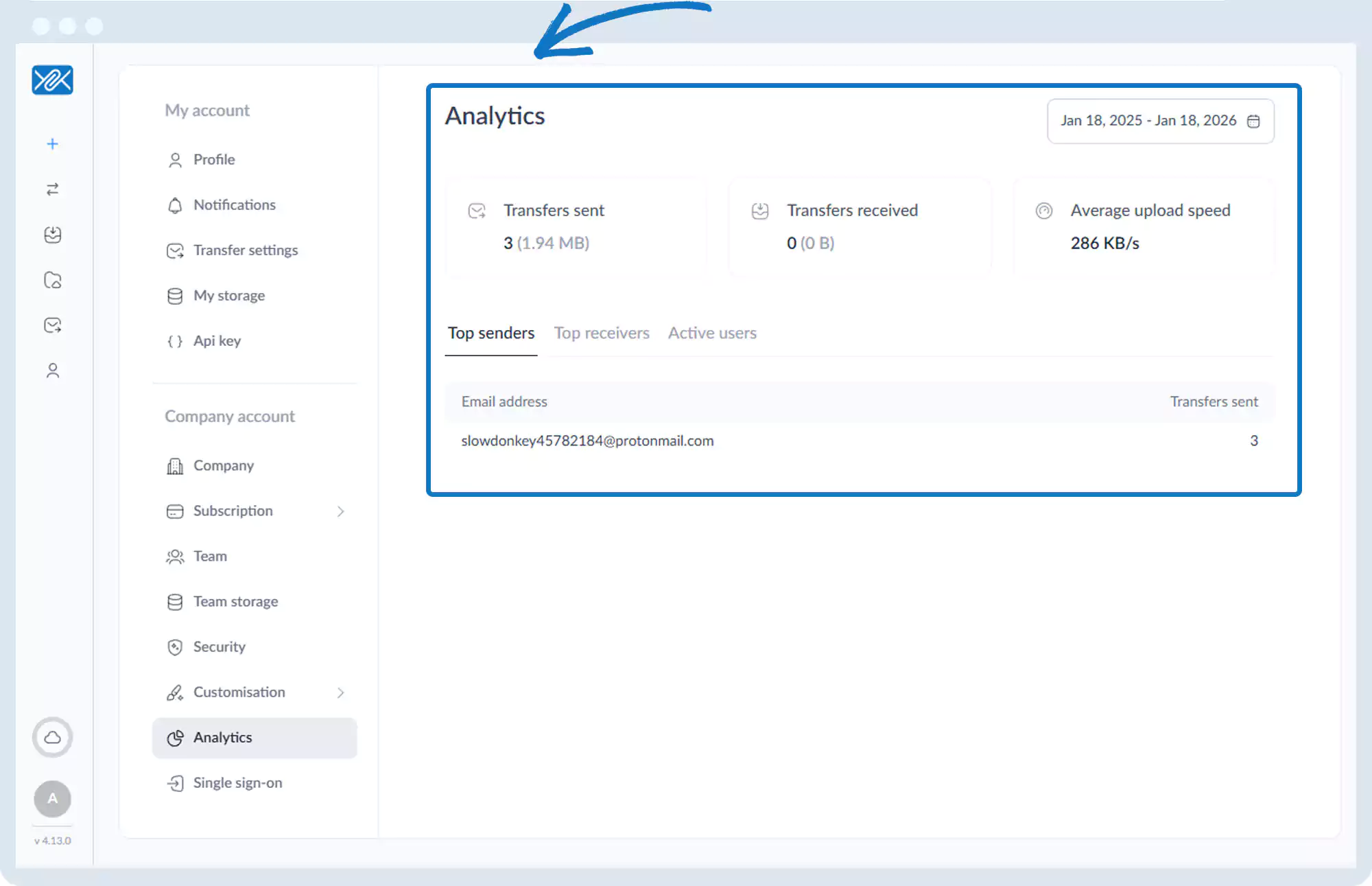
Usage Analytics (Activity Analytics)
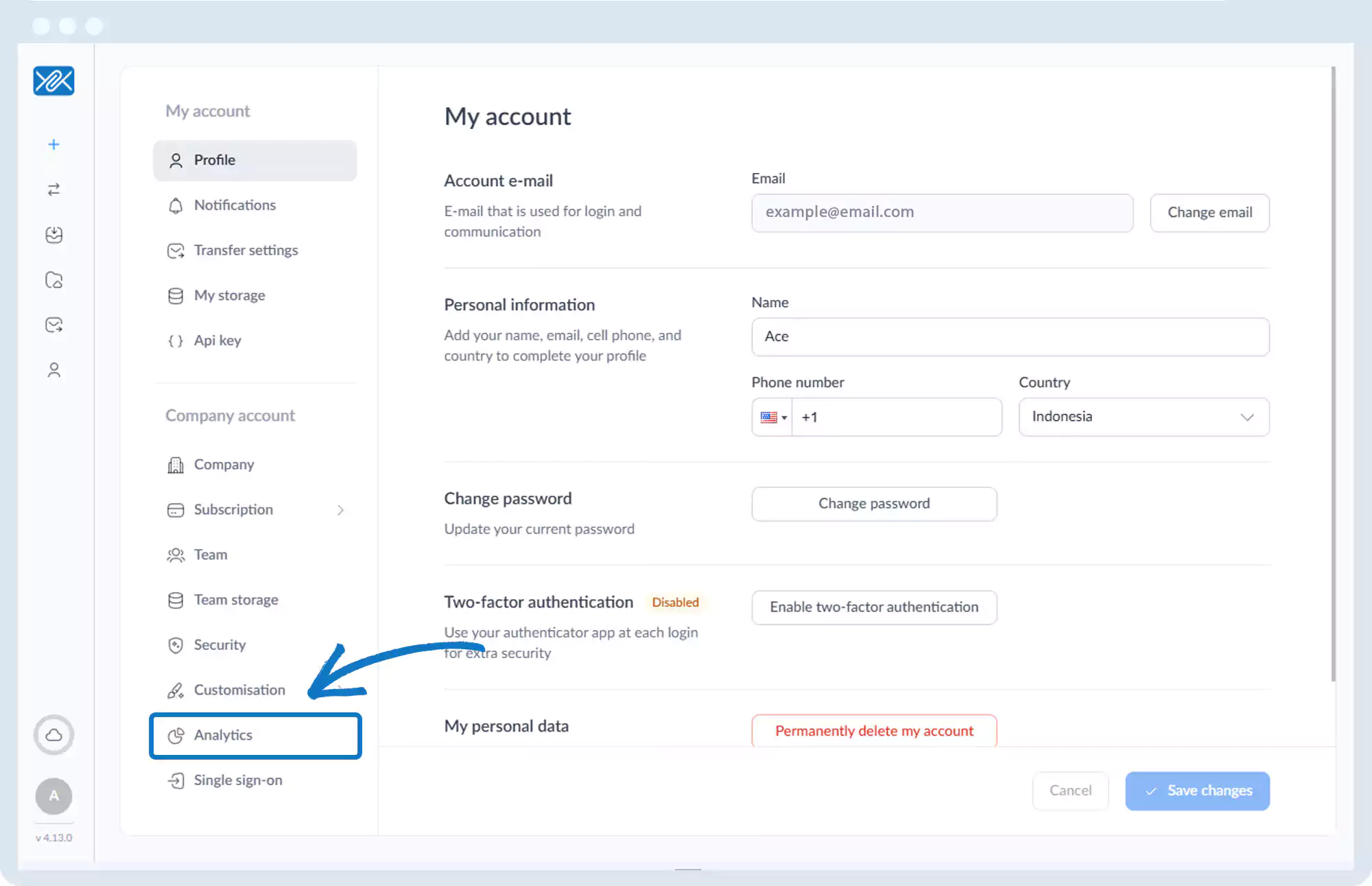
1. Go to the bottom left of the window and click on your initials or name.

2. Select Account settings.

3. Click Analytics.
4. View:
- Total number of files sent
- Total file size sent
- Total transfers received
- Total file size received
- Average upload speed
- Top senders
- Top receivers
- Active users
Go back to the operations manual page