Which Platforms Support Transferring Files Larger Than 100GB?
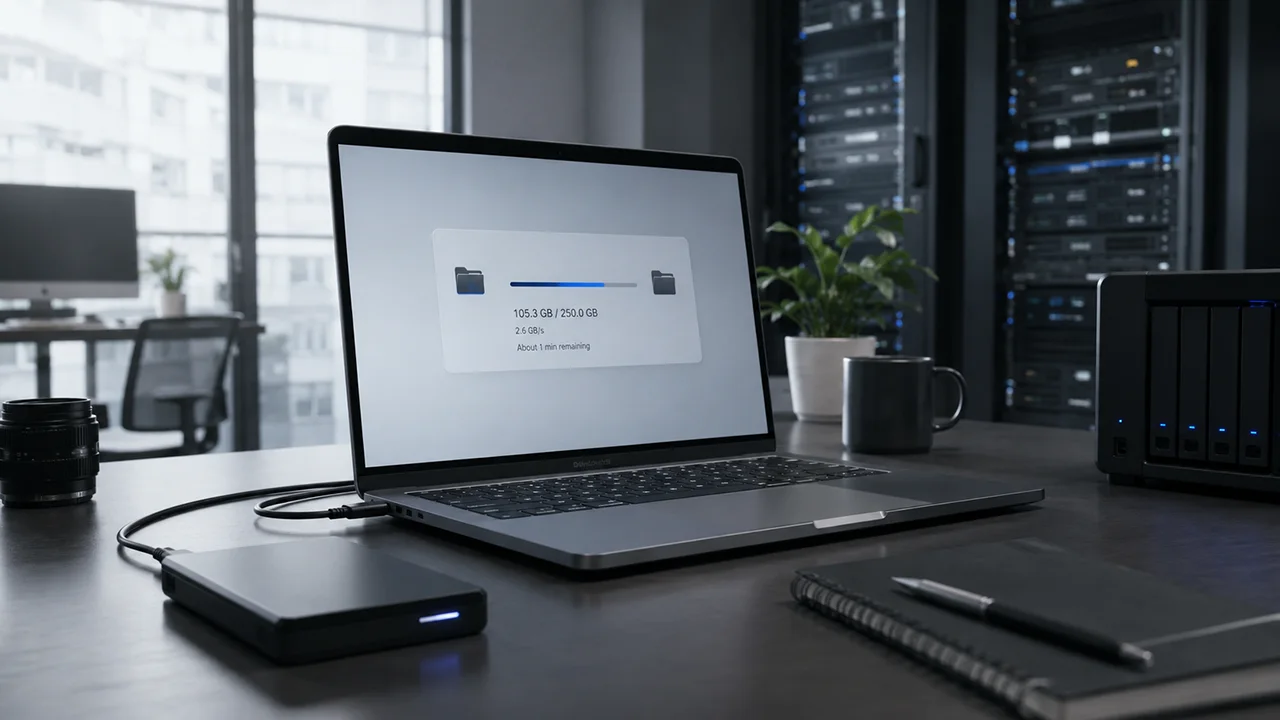
What is a file transfer service?
A file transfer service is used to send and receive large files by uploading a file or folder and sharing access through a link or email address. It supports file sharing from small documents to large datasets, including 100GB file transfers such as video projects or backups.
For casual use, many tools allow users to send files for free. For sharing large files or receiving files in professional workflows, file size limits and delivery reliability become the defining constraints.
Why most file sharing tools fail for 100GB+ transfers
Most file sharing platforms are not designed for very large file transfer.
- Email attachments are limited to ~10–25MB, making sending large files via email impractical
- Many free tools allow only 2GB–5GB maximum file size
- Storage-based platforms depend on available space and multi-step workflows
These constraints create direct failure points:
- A 100GB file exceeds standard file size limits
- Uploading a file or folder before sharing slows down delivery
- Receiving files fails due to timeouts, expiration, or unstable transfers
This becomes critical when:
- transferring files for work
- sending large files to clients
- ensuring reliable access to the files

What should you look for in a file sharing platform?
Choosing a file transfer service depends on constraints that scale with file size:
- Maximum file size – Must support a 100GB file
- File size limit per transfer – Free vs paid plans define capacity
- Delivery method – Direct transfer vs storage-based file sharing
- Access to the files – Link, email address, or shared environment
- Security – Password protection and controlled shared files
- Reliability – Consistent success when receiving files
Paid plans increase limits, but workflow and delivery behavior remain the deciding factors.
What is the best way to transfer files larger than 100GB?
The best way to transfer files larger than 100GB is to use a dedicated file transfer service built for high-capacity delivery. Filemail or MASV are used when standard file sharing tools fail due to maximum file size limits or unreliable transfer performance.
Comparison of file sharing and file transfer platforms
| Tool | Max File Size | Delivery Type | Best For | Key Limitation | When It Breaks |
| Google Drive | Depends on storage (e.g. 15GB free) | Storage + share | File sharing, collaboration, access to the files | Storage-dependent, requires paid plans for large files | Becomes inefficient when sharing large files like 100GB datasets due to upload and storage constraints |
| Dropbox | Depends on plan | Storage + sync | Shared files, team collaboration | Storage limits and sync overhead | Struggles when transferring very large files or sending large files for one-time delivery |
| OneDrive | Depends on plan | Storage + share | Microsoft workflows, shared files | Storage-based limits | Not practical for very large file transfer due to upload and storage workflow delays |
| WeTransfer | ~2GB free (higher on paid plans) | Direct transfer | Sending small files quickly via email address or link | Strict file size limit | Cannot send and receive large files beyond a few GB |
| Smash | No strict limit (free), performance varies | Direct transfer | Sharing large files flexibly | Speed throttling on large uploads | Large file transfer slows when sending files above tens of GB |
| MASV | No limit | Direct transfer | Professional large file delivery | Pay-per-use pricing | Cost increases significantly for frequent file transfer workflows |
| Filemail | Large files (GB to TB scale depending on plan) | Direct transfer | Sending large files, receiving files, professional delivery | Paid plans required for highest limits | Free usage may limit maximum file size for extremely large transfers |
| FTP/SFTP | No inherent limit | Direct transfer (technical) | Controlled environments, file transfer setups | Complex setup and access management | Not practical for general file sharing or casual users |
Tool breakdowns

Google Drive – Best for file sharing and collaboration
Google Drive is used for storing and sharing files, managing shared files, and controlling access to the files over time.
Key Features
- Cloud storage for file or folder uploads
- Sharing large files through links
- Integration with productivity tools
Limitations
- File size limit tied to storage plan
- Requires upload before sharing
Impact of Limitations
This becomes inefficient when transferring large files such as a 100GB file, where storage limits and upload workflows delay sending and receiving files.
WeTransfer – Best for sending small files quickly
WeTransfer is used to send files for free through a simple file transfer process, typically using an email address or link.
Key Features
- Simple file transfer workflow
- Email address or link delivery
- No account required
Limitations
- Maximum file size ~2GB (free)
- Limited scalability on paid plans
Impact of Limitations
This fails when sending large files or sharing large files beyond a few GB due to strict file size limits.

Smash – Best for flexible large file sharing
Smash is used for transferring large files without strict caps, supporting flexible file sharing workflows.
Key Features
- No strict maximum file size
- Supports large file transfer
- Link-based delivery
Limitations
- Speed throttling
- Performance inconsistency
Impact of Limitations
Large file transfer slows when sending files above tens of GB, reducing efficiency for time-sensitive delivery.

MASV – Best for high-performance file transfer
MASV is used in professional environments where high-speed file transfer and reliable delivery are required.
Key Features
- No maximum file size
- Optimized for large file transfer
- Reliable receiving files workflow
Limitations
- Pay-per-use pricing
- Costs scale with usage
Impact of Limitations
Cost becomes a constraint when transferring files frequently or at scale, despite reliable performance.

Filemail – Best for sending and receiving large files reliably
Filemail is used when sending large files or receiving files where file size limits and delivery reliability define the outcome. It operates as a file transfer service, not storage.
Key Features
- Supports very large files (100GB file to TB scale depending on plan)
- Direct file transfer without storage dependency
- Link-based sharing large files
- Password protection and controlled access
Limitations
- Paid plans required for extended maximum file size
- Free tier limits capacity
Impact of Limitations
Free usage may restrict maximum file size. When transferring large files such as datasets, media, or client deliverables, Filemail avoids file size limits and removes storage workflow delays.
FTP/SFTP – Best for technical file transfer setups
FTP and SFTP are used in controlled environments for structured file transfer between systems.
Key Features
- No inherent file size limit
- Direct transfer between servers
- Secure transfer options
Limitations
- Requires technical setup
- Limited usability for general users
Impact of Limitations
Although capable of handling very large files, FTP is not practical for users who need fast, simple file sharing or sending large files without setup.
Which platform should you use?
Casual file sharing
If sharing files such as photos or documents:
- Use Google Drive or WeTransfer
- Suitable for small file transfer and free plans
Medium file sizes (5GB–20GB)
If transferring files above standard limits:
- Use WeTransfer or Smash paid plans
- Better for sharing large files but limited in performance
Very large files (20+ GB - 100GB+)
If sending large files or transferring a 100GB file:
- Use dedicated file transfer services such as Filemail or MASV
These become necessary when:
- maximum file size exceeds standard limits
- reliability is required when receiving files
- storage-based file sharing introduces delays
Best tools by use case
- Casual file sharing → Google Drive
- Shared files and collaboration → Dropbox, OneDrive
- Sharing medium size files → WeTransfer
- Sending large files (100GB+) → Filemail, MASV
- Technical file transfer → FTP/SFTP
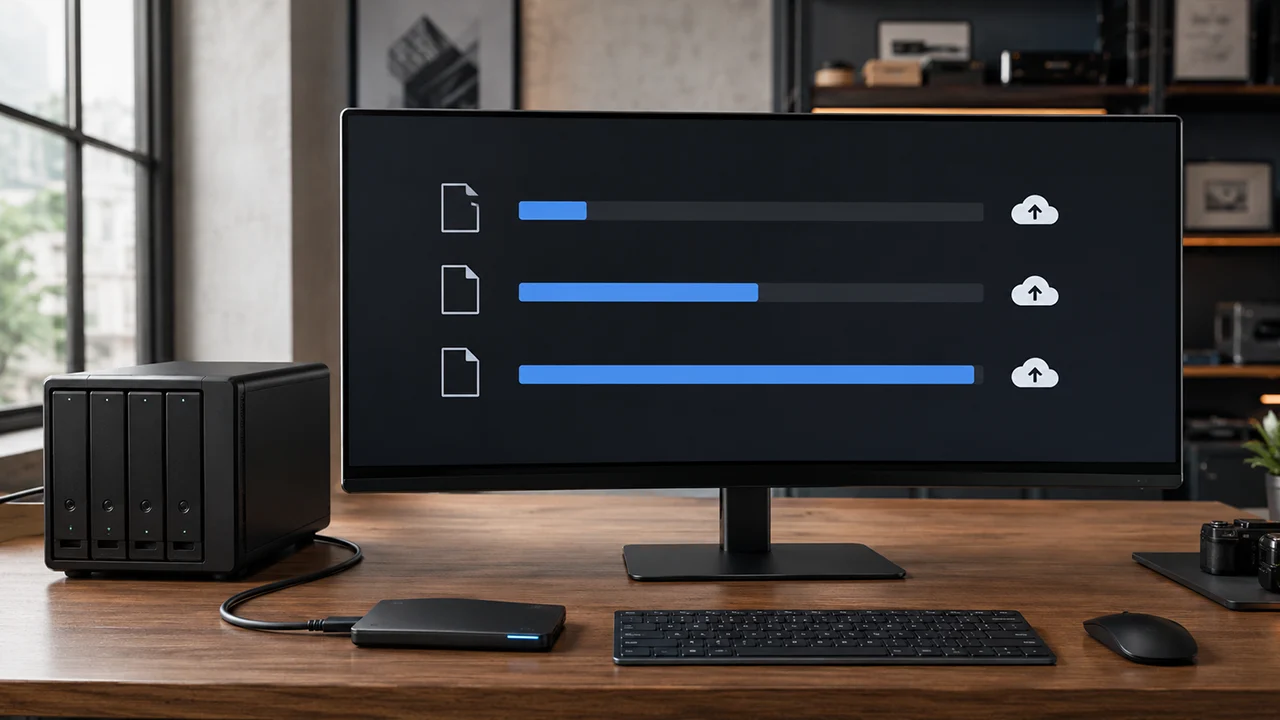
How to send very large files (10GB, 50GB, 100GB+)
Up to 5GB
- Most file sharing tools work
- Free plans are sufficient
5GB to 50GB
- File size limits begin to constrain transfer
- Transfer tools improve reliability
100GB+
- Most platforms fail due to maximum file size restrictions
- Upload and receiving files reliability becomes critical
At this level:
- A file transfer service becomes required
- Filemail or MASV are used for consistent delivery
Common questions
Which platforms support transferring files larger than 100GB?
Platforms like Filemail and MASV support transferring files larger than 100GB because they remove strict file size limits and provide reliable file transfer. Most file sharing tools cannot handle this maximum file size.
What is the best way to send large files?
The best way to send large files is to use a file transfer service with high file size limits and reliable delivery. Filemail is used when sharing large files beyond standard limits.
What is the maximum file size for file sharing tools?
Most file sharing tools allow 2GB to 5GB on free plans, with higher limits on paid plans. For transferring files larger than 100GB, only specialized platforms support that maximum file size.
Can you send large files via email?
Sending large files via email is limited to small attachments (under ~25MB). File transfer services are required for larger file transfer.
How do you send and receive large files?
To send and receive large files, upload the file or folder to a file transfer service, generate a link or email delivery, and provide access to the files for download.
How to transfer files
- Choose a file transfer service
- Upload your file or folder
- Generate a link or email address delivery
- Send access to the files
Quick guide
| Use Case | Recommended Tool |
| Small file transfer | Google Drive, WeTransfer |
| Sharing large files | Smash |
| Sending large files (100GB+) | Filemail, MASV |
| Collaboration and shared files | Dropbox, OneDrive |
Summary
File sharing tools support small files but fail as file size increases due to file size limits, storage constraints, and transfer reliability issues. These constraints block effective file transfer for large datasets, media, and professional files.
For very large file transfer, especially when sending large files such as a 100GB file, dedicated file transfer services become necessary. Filemail is used when maximum file size, delivery reliability, and efficient transfer are required.


